
ChatGPT Pro Browser — Development skill for Claude Code
Use your logged-in ChatGPT (incl.
How to install ChatGPT Pro Browser
This entry records only its repository, not the path inside it, so there is no
exact command to give. Open yxhpy/chatgpt-pro-browser and copy the folder into
~/.claude/skills/, or the file into ~/.claude/agents/.
What ChatGPT Pro Browser does
Use your logged-in ChatGPT (incl. Pro) from the terminal by driving the real Chrome browser. ZCode/Codex skill + Python harness.
Alternatives in Development
- Mem0 Chrome Extension — OpenMemory Chrome Extension: Long-term memory for ChatGPT, Claude, Perplexity, Grok etc 671 ★
- Zoetrope — Watch a Claude Code session as a live flow graph, in your terminal or your browser 584 ★
- Open Claude In Chrome — Claude in Chrome, reverse-engineered and open-source 199 ★
README
chatgpt-pro-browser
Use your **already-logged-in ChatGPT (incl. Pro)** from the terminal by driving the real Chrome browser — call it, upload files, and generate executable plans.
[](TEST_REPORT.md) [](#prerequisites) [](requirements.txt)
This is a ZCode/Codex **plugin** (two skills) plus a reusable Python **harness** that lets you call ChatGPT (especially **GPT-5 Pro / GPT-5.5 Pro**) from scripts, automation, or other agents — by operating the actual chatgpt.com web UI with your own logged-in session.
It is **not** a reverse-engineered API. Raw HTTP/cookie access to ChatGPT is blocked by Cloudflare (`cf-mitigated: challenge`, confirmed 403). This project decrypts Chrome's login cookies and injects them into a Playwright-controlled **real** Chrome, then drives the UI like a human would.
Two skills
| Skill | What it does |
|---|---|
| chatgpt-pro-browser | Call ChatGPT Pro from code: send prompts, upload files, multi-turn. The reusable lib/harness.py. |
| chatgpt-pro-planner | Generate executable engineering plans (dev / test / refactor / bugfix) via Pro's reasoning, in the superpowers markdown format that Codex, Claude Code, and executing-plans / subagent-driven-development consume directly. |
What works (verified, 20/20 tests passing)
| Capability | Status |
|---|---|
| Login reuse (Pro/Plus/Free) | ✅ |
| Single prompt → text reply | ✅ |
| File uploads: PNG, JPG, PDF, CSV, TXT, JSON, PY, MD, DOCX, XLSX | ✅ |
| Multi-file uploads (3-5 files, mixed types) | ✅ |
| Cross-file reasoning | ✅ |
| Big inputs (132 KB file, 14 KB pasted prompt) | ✅ |
| Long outputs (2000+ words) | ✅ |
| Deep reasoning (GPT-5 Pro) | ✅ |
| Multi-turn conversation state | ✅ |
| Resume after disconnect (server keeps generating) | ✅ |
| Multi-line/large prompts |
Related Skills
Kimippt Skill
Claude Code skill: generate PPT decks by driving kimi.com/slides in your logged-in Chrome via agent-browser (C

Chrome MCP
Let Claude use the Chrome you're already logged into — real sessions, real cookies, no second browser. MCP ser


Claude Skill Palmifer
Drive your real, logged-in Chrome from an agent CLI over raw CDP — zero deps, no extension, human-paced by def

Claycast
Unofficial Python toolkit for driving Clay's internal REST API via a browser session cookie — installable as a


FiaOS
Open a browser tab — you're now driving your computer. Live remote desktop + real PTY shell (Claude Code, vim,

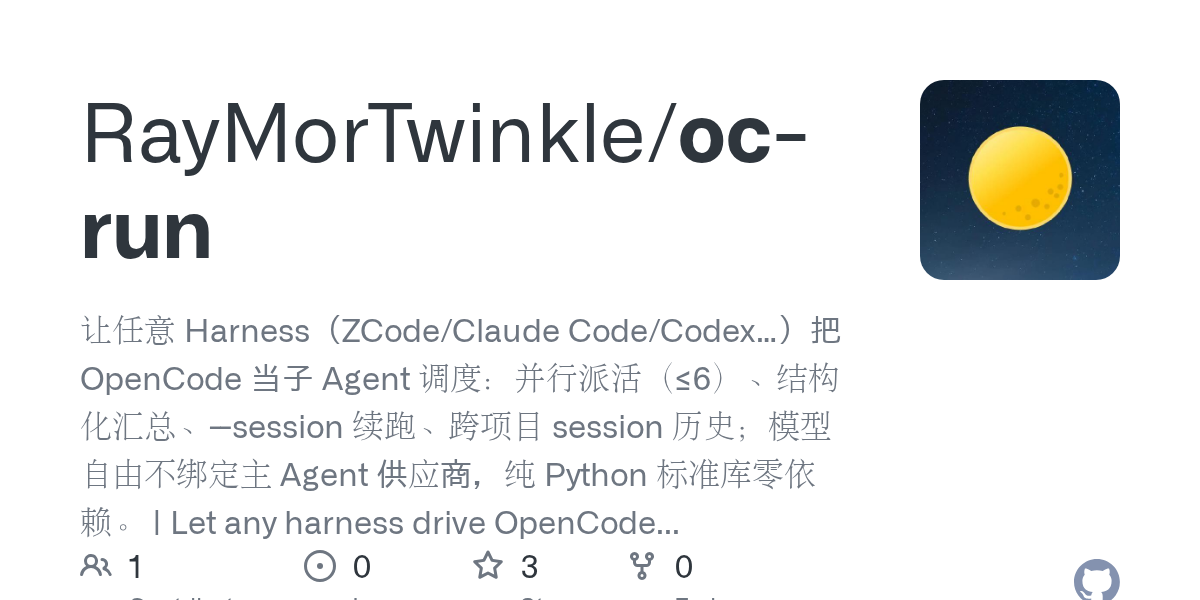
Oc Run
让任意 Harness(ZCode/Claude Code/Codex…)把 OpenCode 当子 Agent 调度:并行派活(≤6)、结构化汇总、--session 续跑、跨项目 session 历史;模型自由不绑定

Related Agents

Chat Tracker
Read job-related conversations from WhatsApp Web and LinkedIn messaging by driving the user's logged-in Chrome


LinkedIn Operator
Executes LinkedIn writes that have no API, through a logged-in browser MCP (Claude in Chrome or Playwright): p


Demo Validator Web
Browser-driving validator for the live-demo and workbench builds — uses the Playwright MCP server (configured
