
Usemymac — Development skill for Claude Code
Turn your Mac into a remote computer-use host for Claude Code, Codex, or any MCP agent.
How to install Usemymac
This entry records only its repository, not the path inside it, so there is no
exact command to give. Open yunfeng-enrich/usemymac and copy the folder into
~/.claude/skills/, or the file into ~/.claude/agents/.
What Usemymac does
Turn your Mac into a remote computer-use host for Claude Code, Codex, or any MCP agent.
Alternatives in Development
- Dive — Dive is an open-source MCP Host Desktop Application that seamlessly integrates with any LLMs supporting functi 1.8k ★
- Nexting — Remote control for Claude Code, Codex, Grok, and Cursor on Mac or PC 1.3k ★
- Codex Host — Run Pi and Claude Code directly in Codex Desktop 391 ★
README
UseMyMac
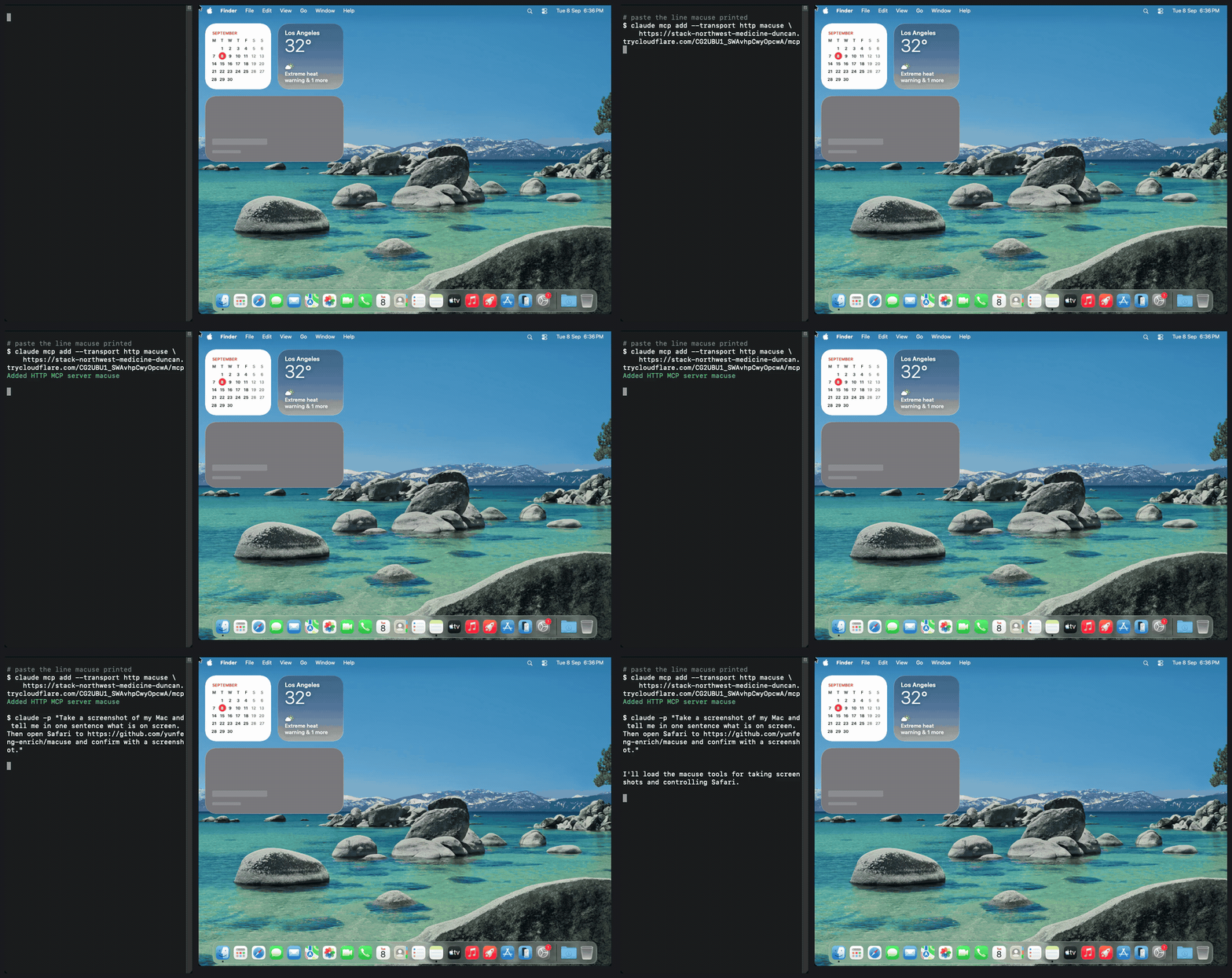
*Left: Claude Code, anywhere. Right: a Mac running `usemymac up`. The agent reaches it only through the printed URL.*
Turn your Mac into a remote computer-use host. One command on the Mac, one paste into Claude Code or Codex, and the agent can see your screen, click, type, and open apps.
Built on [CUA](https://github.com/trycua/cua)'s `computer-server` for the macOS driver. UseMyMac adds the parts that make it safe to reach from outside: a bearer token, a tool allowlist that hides shell and filesystem access by default, a Cloudflare quick tunnel, keep-awake, and a permissions preflight.
Quick start
uvx usemymac upOr without uv installed:
curl -fsSL https://raw.githubusercontent.com/yunfeng-enrich/usemymac/main/install.sh | shEither way UseMyMac fetches cloudflared on first run and starts the server. It prints one line to paste into your agent, plus the one-line commands:
claude mcp add --transport http usemymac https:////mcp
codex mcp add usemymac --url https:////mcp
The token lives in the URL so no client needs custom headers. `Authorization: Bearer ` against `https:///mcp` works too.
Permissions
macOS grants Screen Recording and Accessibility per app, and the app is whichever terminal launched `usemymac`. The first run triggers both prompts. Screen Recording only takes effect after that terminal is fully quit and reopened. Without it, screenshots are black and window titles are empty. Check with:
usemymac checkWhat is exposed
By default: screenshot, mouse, keyboard, clipboard, windows, app launch, and the accessibility tree. Not exposed unless you ask:
--allow-shelladdscomputer_run_command--allow-filesadds file read, write, and delete tools
Other flags: `--no-tunnel` for LAN or SSH-forwarded use, `--widt
Related Skills

Macuse
Turn your Mac into a remote computer-use host for Claude Code, Codex, or any MCP agent

Phone Remote
Turn your phone into a wireless keyboard + CLI launcher for a Mac. One tap opens Claude Code / Codex / any CLI

Computer Use MCP Server
Have your agents control you Mac (comparable to claude-code computer-use tool)


EVO Code Host
EVO-Code-host is the always-on Rust/Axum host service for EVO Code Remote mode. It runs Claude/Codex execution

Clipfan
Clipboard sync daemon for Mac + remote tmux fleet. Mirrors macOS pasteboard to remote OS clipboards and tmux p

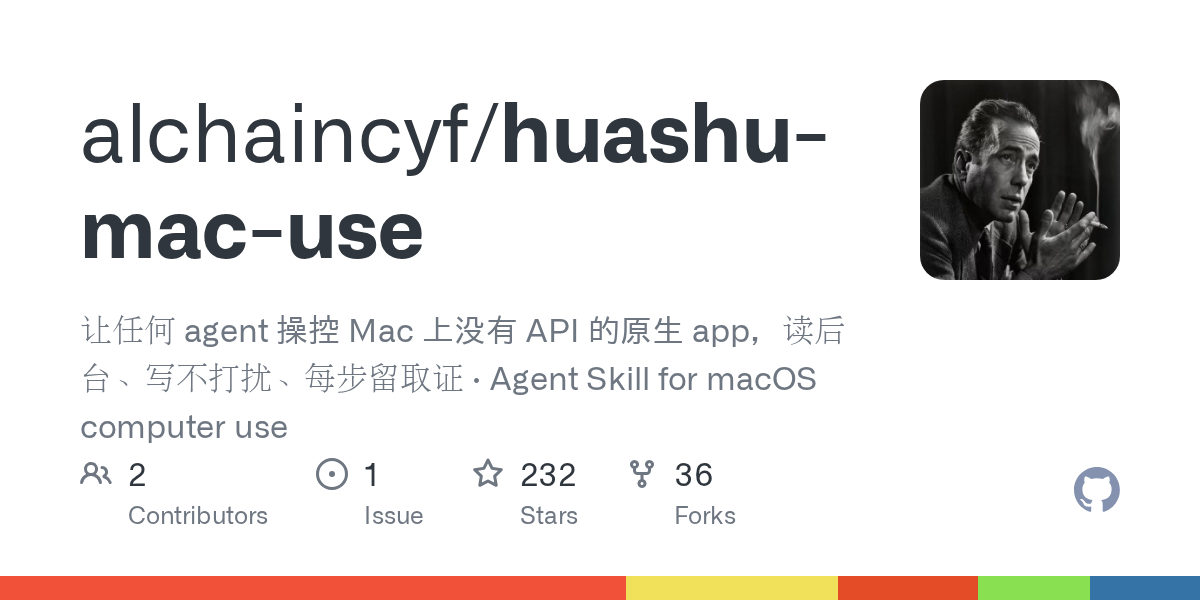
Huashu Mac Use
让任何 agent 操控 Mac 上没有 API 的原生 app,读后台、写不打扰、每步留取证 · Agent Skill for macOS computer use

Related Agents

Launcher
Build the Mac daemon and iOS app, launch both (daemon on host, app in Simulator), and seed the dev endpoint to


Buildhost Lead
Use PROACTIVELY and automatically — do not wait to be asked — as the Claude-Code node lead FOR an Apple-silico


Git Sync Agent
Git Sync Auditor. Use this agent to check for uncommitted differences and remote drift before risky operations
