
Aivo — AI skill for Claude Code
Use your favorite coding agent with any model.
How to install Aivo
This entry records only its repository, not the path inside it, so there is no
exact command to give. Open yuanchuan/aivo and copy the folder into
~/.claude/skills/, or the file into ~/.claude/agents/.
What Aivo does
Use your favorite coding agent with any model.
Alternatives in AI
- Codeburn — Free, local tool to track AI coding token usage and cost across 37 tools and agents (Claude Code, Cursor, Code 9.7k ★
- Loushang — AI-native agent harness for coding workflows by python: multi-model LLM orchestration, stateful sessions, tool 1.3k ★
- My Free Code — Open-source multi-provider AI gateway for Claude Code and other coding agents, with model routing, streaming 633 ★
README
[](https://getaivo.dev)
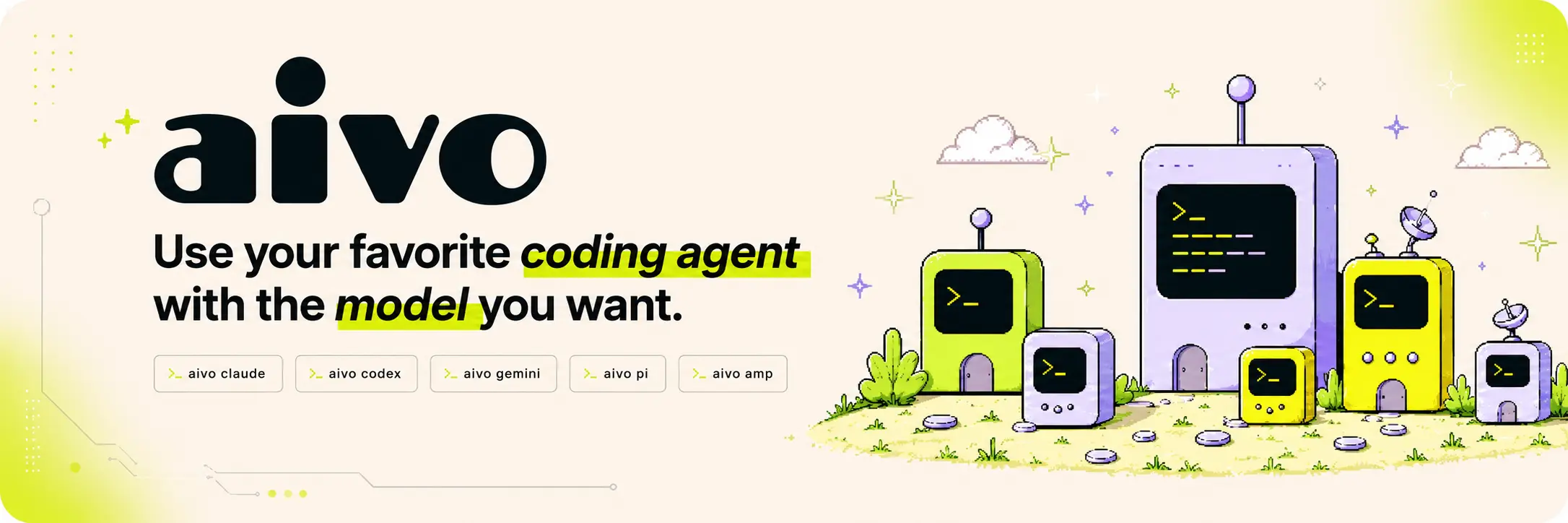
Aivo `/ˈeɪ.voʊ/` lets you use Claude Code, Codex, Gemini, OpenCode, Pi, Grok, and other coding agents with the model and provider you choose. It also includes Aivo Code, a built-in terminal coding agent.
    
[**Documentation**](https://getaivo.dev) · [Install](#install) · [Quick start](#quick-start) · [Aivo Code](#aivo-code)
Why Aivo?
- Run popular coding agents through one CLI.
- Use any model, from hosted APIs and AI gateways to local GGUF files.
- Manage API keys locally with encrypted storage.
- Work directly in the terminal with Aivo Code.
- Keep a unified view of sessions, logs, and token usage.
Install
**macOS and Linux**
curl -fsSL https://getaivo.dev/install.sh | bash**Homebrew**
brew install yuanchuan/tap/aivo**Windows PowerShell**
irm https://getaivo.dev/install.ps1 | iexQuick start
The built-in `aivo/starter` provider works on first run, so you can try Aivo without an API key:
aivo "tell me a short story"
aivo claude
Add a provider to access more models:
aivo keys add
aivo claude --model moonshotai/kimi-k2.5
Launch other supported agents the same way:
aivo codex
aivo gemini
aivo opencode
aivo pi
aivo grok
Aivo Code
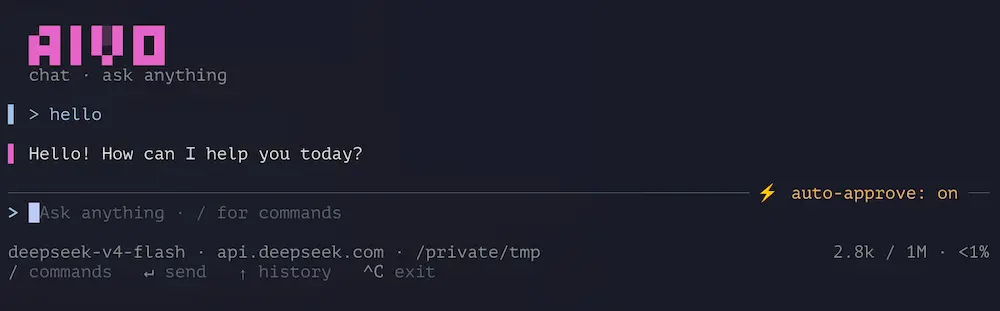
Aivo Code is the built-in terminal coding agent, with session tools, skills, MCP servers, and support for remote or local models.
[](https://getaivo.dev)
aivo code
aivo code vercel::zai/glm-5.2
aivo code hf:lmstudio-community/Olmo-3-1025-7B-GGUF
aivo
Related Skills
Windbg Ext MCP
WinDbg-ext-MCP bridges your favorite LLM client (like Cursor, Claude, or VS Code) with WinDbg, enabling real-t

ClikCode
The harness that logs in all your favorite AI coding providers, in the terminal and in VS Code. Chats you can

Daymon
Daymon puts your favorite AI to work 24/7. It schedules, remembers, and orchestrates your own virtual team. Fr

AppleAI
Apple AI is a lightweight, privacy‑minded macOS menu bar app that keeps your favorite AI assistants one keystr


Rails Instructions
Set of instructions for your favorite AI agent (e.g. Cursor, Copilot, Claude, etc) for a "DHH-driven" Ruby on

RecurrenceRanger
summary project to collect my favorite guidelines for agentic AI (Claude Code CLI and Codex CLI) - find repeat

Related Agents

Aux Delegator
Invokes external CLI coding agents (Codex, OpenCode, Claude -p, ACP). Use whenever a task should be offloaded


Builder Deep
Implements one hard bounded coding task from a self-contained brief, with high reasoning effort. Dispatched by

Pi Implementer
Implementation lane driven by the pi CLI (a local multi-provider coding agent, distinct from omp). Model-agnos
