

Swapdex — Development skill for Claude Code
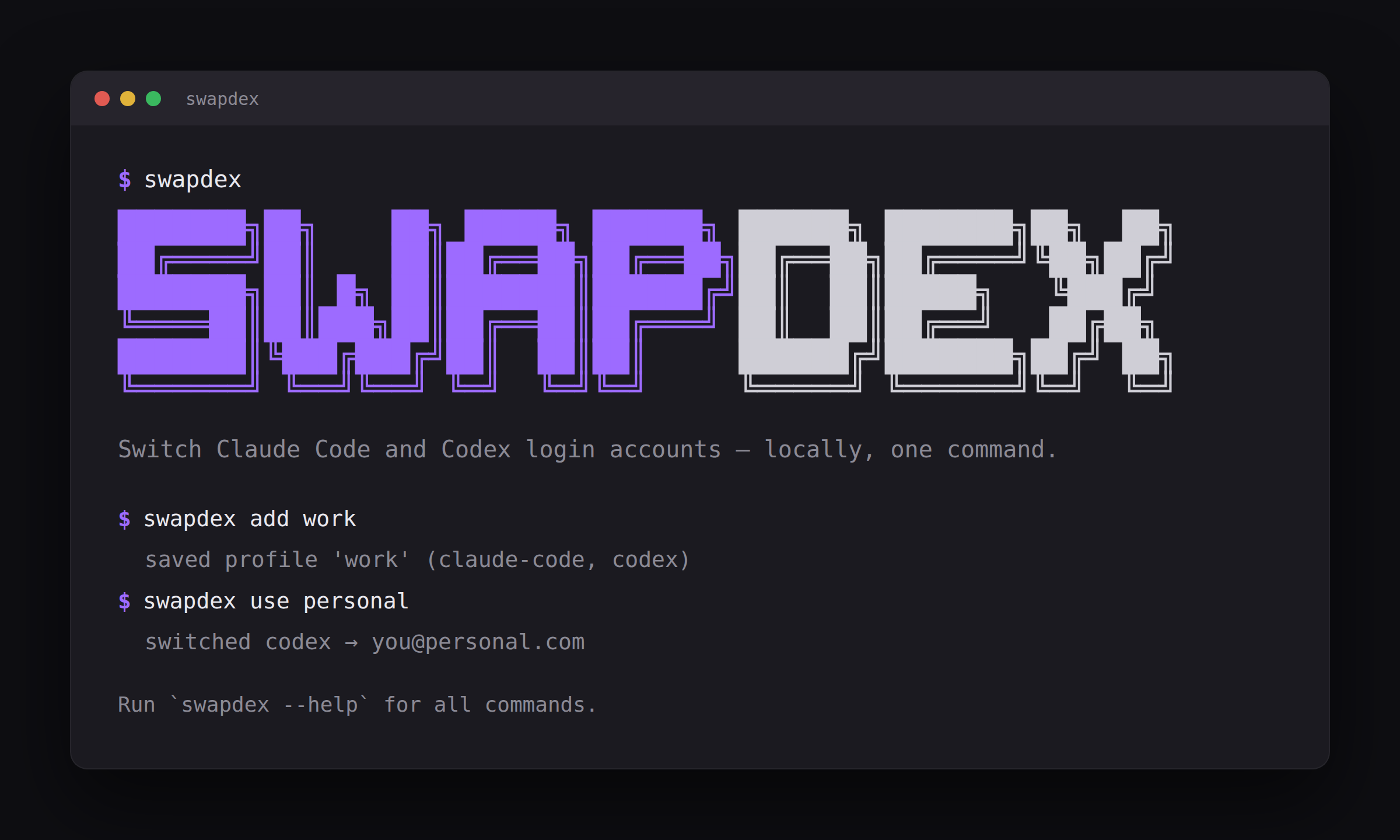
Switch between multiple Claude Code and Codex login accounts, locally and safely.
How to install Swapdex
This entry records only its repository, not the path inside it, so there is no
exact command to give. Open youdie006/swapdex and copy the folder into
~/.claude/skills/, or the file into ~/.claude/agents/.
What Swapdex does
Switch between multiple Claude Code and Codex login accounts, locally and safely. A switcher, not a rotator.
Alternatives in Development
- Codexbar — Show usage stats for OpenAI Codex and Claude Code, without having to login 8.8k ★
- Codexmcp — Enable seamless collaboration between Claude Code and Codex, transforming from a single agent to multiple agen 2k ★
- Claude Swap — Switch between multiple Claude Code accounts, with automatic rate-limit rotation, usage dashboard, and paralle 2k ★
README
[](https://github.com/youdie006/swapdex/actions/workflows/ci.yml) [](LICENSE) [](#what-it-will-not-do)
One command to flip your Claude Code, Codex, Gemini CLI, or Antigravity from your work account to your personal one, and back. No re-login, no browser, no copying tokens around -- and the switch itself never touches the network. (One opt-in command, `swapdex quota`, reads your remaining balance from Anthropic; nothing else does.)

Why
If you run Claude Code, Codex, Gemini CLI, or Antigravity under more than one account -- a work seat and a personal subscription, a client's org and your own -- switching means logging out and back in every time.
swapdex gives each account its **own permanent space** -- its own `CLAUDE_CONFIG_DIR` slot -- and flips between them without ever copying a token. `swapdex use work` points your default account there and a plain `claude` follows it; `swapdex run work` launches straight into that account (each terminal can be a different one). Because nothing is copied, **a switch can never log an account out** -- even if a session is still running when you switch. `swapdex onboard` sets this up in a few prompts.
It is a **switcher, not a rotator.** It manages accounts you already own for distinct purposes, with no feature for cycling them to get around a rate limit -- see [What it will not do](#wha
Related Skills
Claude Code Config Switcher
Switch between multiple Claude Code providers (Kimi, GLM, MiniMax, etc.) with a single command.


Claude Account Manager
Manage multiple Claude Code accounts on macOS - Keychain-only secrets, one command to switch, no re-login.


Ccswitch
Switch between multiple Claude Code accounts with one command — MCP servers, plugins, skills and session histo

Cam
macOS menu bar app to switch between multiple Claude Code accounts and track 5-hour / 7-day usage limits. 一键切换


Subswap
Safely switch and monitor Claude Code, Codex, Cursor, Kimi and OpenCode accounts with local snapshots and opti


Claude Account Switcher
Menu bar / tray app that keeps every Claude Code login and switches accounts in one click, or automatically wh

Related Agents

Agency Operations
Invoke when the user needs to manage multiple client brands, view portfolio-level dashboards, generate client

Graph Agent
Generate multiple financial insight graphs from CSV data. Use after merging accounts.


Standalone
Unbounded standalone agent. Plays all roles sequentially: coordinator → engineer → adversarial QA → SM → PM →
