
Cc Agent — Development skill for Claude Code
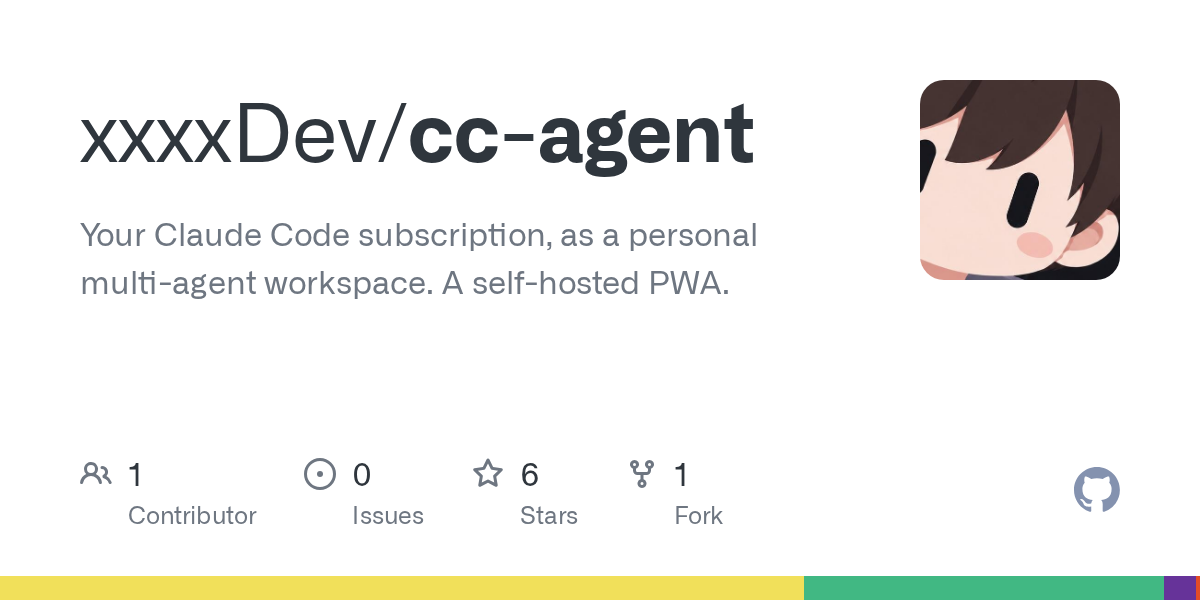
Your Claude Code subscription, as a personal multi-agent workspace.
How to install Cc Agent
This entry records only its repository, not the path inside it, so there is no
exact command to give. Open xxxxDev/cc-agent and copy the folder into
~/.claude/skills/, or the file into ~/.claude/agents/.
What Cc Agent does
Your Claude Code subscription, as a personal multi-agent workspace. A self-hosted PWA.
Alternatives in Development
- Microsandbox — Open-source self-hosted MicroVM sandboxes with sub-200ms startup, hardware-level isolation via libkrun 5k ★
- Harnessrouter — HarnessRouter Community Edition: the self-hosted, Apache-2.0 edition of the unified interface for agent harnes 618 ★
- Netclode — Self hosted cloud coding agent with k3s + kata containers + cloud hypervisor microVMs + tailscale + any harnes 249 ★
README

CC Agent
Your Claude Code subscription, as a personal multi-agent workspace.
A self-hosted PWA where each agent is a real Claude Code session you can talk to from any device.
English · 繁體中文

What it is
Claude Code is a great agent, but it lives in a terminal. CC Agent puts a home screen around it.
You run it on your own Mac. Every agent you create is a real `claude` session in tmux, with its own folder, its own instructions and its own memory. Agents talk to the chat through CC Agent's built-in Executive MCP server, which CC Agent sets up for each agent on its own: there is nothing extra to install or configure. You talk to them from a chat app in the browser, or from the app installed on your phone. They keep working when you close the tab, and they tell you when they are done.
It uses the Claude Code you already have and the subscription you are already signed in with. There is no extra API bill and no cloud service in between.