
Wing Wakatime
Description
A plugin to quantify your programming inside Wing IDE.
Installation
This entry records only its repository, not the path inside it, so there is no
exact command to give. Open the source below and copy the folder into
~/.claude/skills/, or the file into ~/.claude/agents/.
README
wing-wakatime
Metrics, insights, and time tracking automatically generated from your programming activity.
Installation
`curl -fsSL https://raw.githubusercontent.com/wakatime/wing-wakatime/master/install.py | python` or download and extract [wing-wakatime-master.zip](https://github.com/wakatime/wing-wakatime/archive/master.zip), then double click `install.py`.
Restart Wing.
Enter your [api key](https://wakatime.com/settings), then press `enter`. If not prompted, select File → WakaTime.
Use Wing and your coding activity will be displayed on your [WakaTime dashboard](https://wakatime.com).
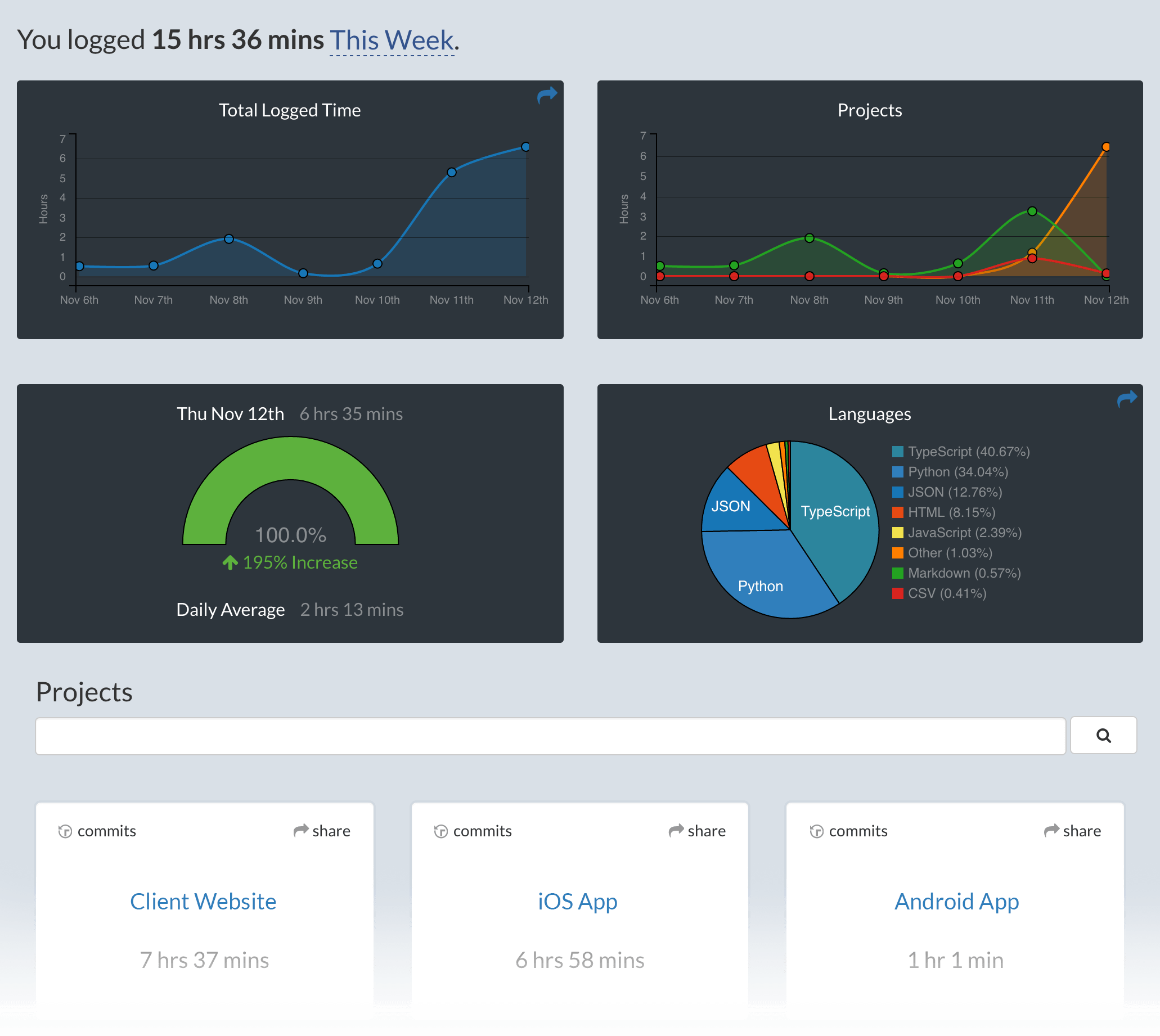
Screen Shots
Troubleshooting
First, turn on debug mode in your `~/.wakatime.cfg` file by adding this line:
`debug = true`
Then, look for error messages in the Messages window at the bottom.
Also, tail your `$HOME/.wakatime/wakatime.log` file to debug wakatime cli problems.
For more general troubleshooting information, see [wakatime/wakatime#troubleshooting](https://github.com/wakatime/wakatime#troubleshooting).
Related Skills
Auto Update
Pull the latest ECC repo changes and reinstall the current managed targets.

Ecc Guide
Navigate ECC's current agents, skills, commands, hooks, install profiles, and docs from the live repository su
Epic Claim
Claim an epic issue, stamp coordination state, and sync local ownership.
Epic Publish
Publish a validated epic update back to the issue and local cache.
Epic Review
Mark epic review requested, approved, or changes requested.
Epic Unblock
Sweep blocked epic issues and reopen anything whose dependencies are closed.