
Vscode Wakatime
Description
Visual Studio Code plugin for automatic time tracking and metrics generated from your programming activity.
Installation
This entry records only its repository, not the path inside it, so there is no
exact command to give. Open the source below and copy the folder into
~/.claude/skills/, or the file into ~/.claude/agents/.
README
WakaTime for Visual Studio Code
[](https://marketplace.visualstudio.com/items?itemName=WakaTime.vscode-wakatime) [](https://marketplace.visualstudio.com/items?itemName=WakaTime.vscode-wakatime) [](https://wakatime.com/badge/github/wakatime/vscode-wakatime)
[WakaTime][wakatime] is an open source VS Code plugin for metrics, insights, and time tracking automatically generated from your programming activity.
Installation
Press `F1` or `⌘ + Shift + P` and type `install`. Pick `Extensions: Install Extension`.

Type `wakatime` and hit `enter`.

Enter your [api key][api key], then press `enter`.
(If you’re not prompted, press `F1` or `⌘ + Shift + P` then type `WakaTime API Key`.)
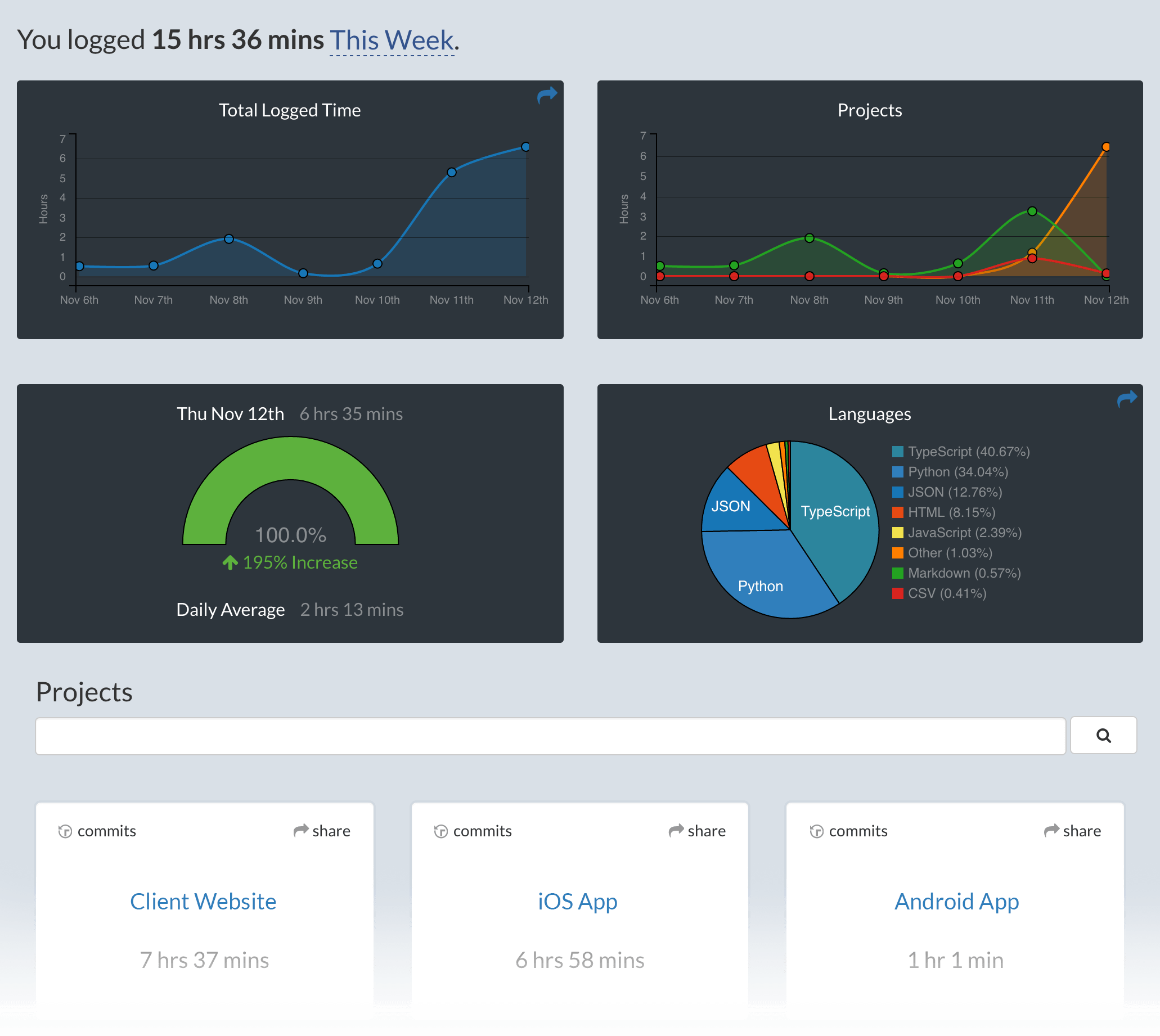
Use VSCode and your coding activity will be displayed on your [WakaTime dashboard](https://wakatime.com)
Usage
Visit [https://wakatime.com](https://wakatime.com) to see your coding activity.
Configuring
VS Code specific settings are available from `⌘ + Shift + P`, then typing `wakatime`.
For example, to hide today's coding activity in your status bar:
Press `⌘ + Shift + P` then set `WakaTime: Status Bar Coding Activity` to `false`.
Status Bar Alignment
You can customize the position and priority of the WakaTime status bar item:
- Alignment: Set
wakatime.aligntoleftorrightto control which side of the status bar shows the WakaTime item - Priority: Set
wakatime.alignPriorityto a number to control the order (higher values appear more to the
Related Skills
Algorithmic Art
Create generative art using p5.js with seeded randomness, flow fields, and particle systems

Brand Guidelines
Apply Anthropic's official brand colors and typography to artifacts
Canvas Design
Create beautiful visual art in PNG and PDF documents using design philosophy
Frontend Design
Create distinctive, production-grade frontend interfaces with high design quality
Slack Gif Creator
Create animated GIFs optimized for Slack's size constraints
Theme Factory
Style artifacts with professional themes including 10 pre-set color/font combinations