
Ssms Wakatime
Description
SQL Server Management Studio plugin to quantify your coding with automatic time tracking and metrics about your programming. https://wakatime.com
Installation
This entry records only its repository, not the path inside it, so there is no
exact command to give. Open the source below and copy the folder into
~/.claude/skills/, or the file into ~/.claude/agents/.
README
WakaTime for SQL Server Management Studio
Metrics, insights, and time tracking automatically generated from your programming activity.
Installation
Download the latest release .
Right click the downloaded zip file, click `Properties`, click `Unblock`.
Unzip the content.
Run `AddPackage.bat` to add WakaTime extension into registry white list.
Manual instructions:
- For legacy versions before
v18:- Copy the folder
WakaTimeto the desired installation folder(s):- v2012 -
C:\Program Files (x86)\Microsoft SQL Server\110\Tools\Binn\ManagementStudio\Extensions - v2014 -
C:\Program Files (x86)\Microsoft SQL Server\120\Tools\Binn\ManagementStudio\Extensions - v2016 -
C:\Program Files (x86)\Microsoft SQL Server\130\Tools\Binn\ManagementStudio\Extensions - v17 -
C:\Program Files (x86)\Microsoft SQL Server\140\Tools\Binn\ManagementStudio\Extensions
- v2012 -
- Copy the folder
- For SSMS
v18:- Copy the folder
WakaTime.v18to the desired installation folder:- v18 -
C:\Program Files (x86)\Microsoft SQL Server Management Studio 18\Common7\IDE\Extensions\
- v18 -
- Copy the folder
- For SSMS
v19:- Copy the folder
WakaTime.v18to the desired installation folder:- v19 -
C:\Program Files (x86)\Microsoft SQL Server Management Studio 19\Common7\IDE\Extensions\
- v19 -
- Copy the folder
- For SSMS
v20:- Copy the folder
WakaTime.v18to the desired installation folder:- v19 -
C:\Program Files (x86)\Microsoft SQL Server Management Studio 20\Common7\IDE\Extensions\
- v19 -
- Copy the folder
- For legacy versions before
Enter your [api key](https://wakatime.com/settings#apikey), then press `enter`.
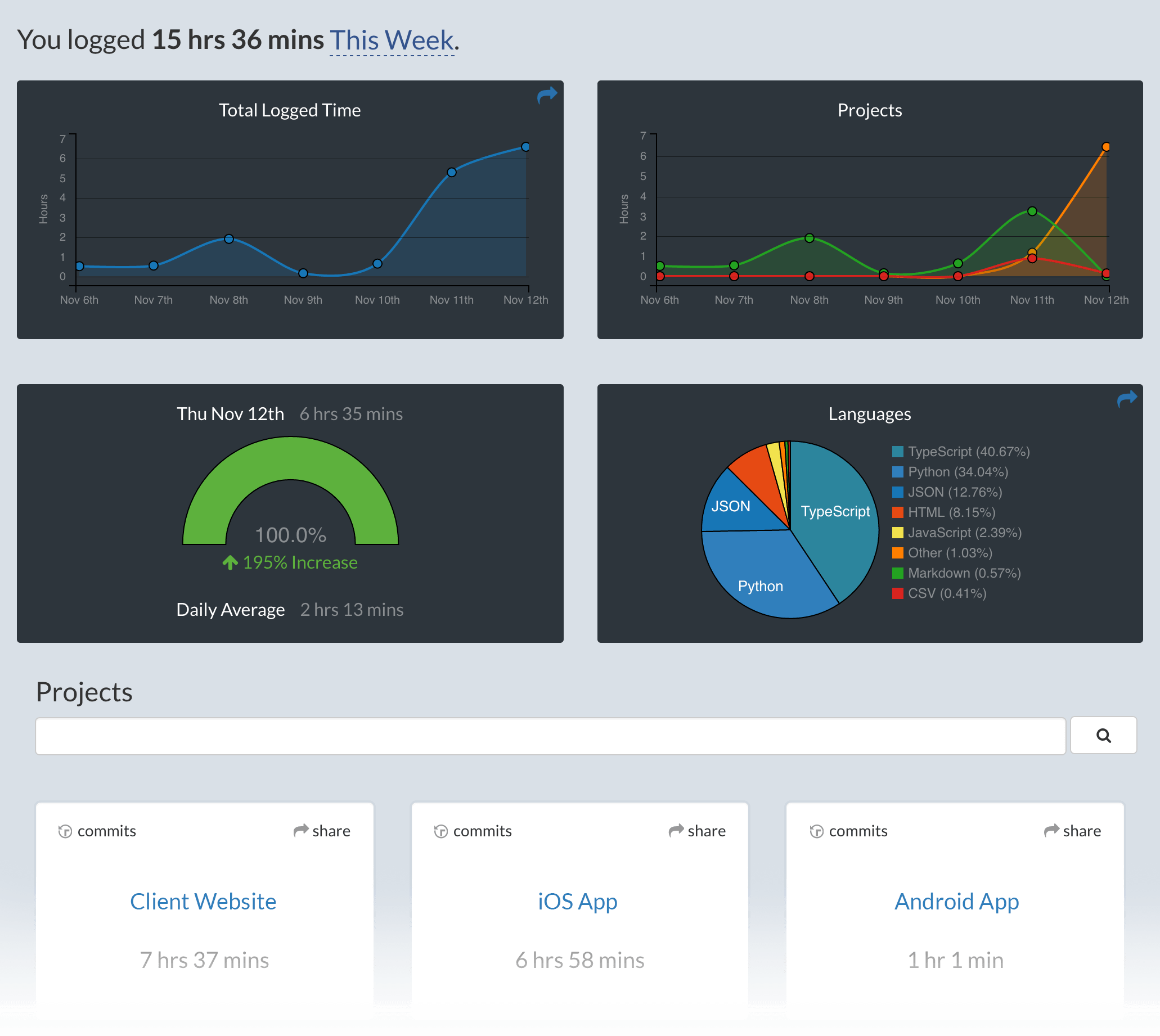
Use SSMS and your coding activity will be displayed on your [WakaTime dashboard](https://wakatime.com).
Usage
Visit to see your coding activity.
Related Skills
mcp-server-postgres
Read-only PostgreSQL database access.

mcp-server-sqlite
SQLite database interaction and querying.
mcp-server-google-maps
Google Maps integration for location data.
Bitbucket Data Center
---

Csv Data Summarizer
Automatically analyze CSV files and generate comprehensive insights with visualizations

Financial Services
Reference agents, skills, and data connectors for the financial-services workflows we see most — investment ba
