
C9 Wakatime
Description
Cloud9 plugin for automatic time tracking and metrics generated from your programming activity.
Installation
This entry records only its repository, not the path inside it, so there is no
exact command to give. Open the source below and copy the folder into
~/.claude/skills/, or the file into ~/.claude/agents/.
README
c9-wakatime
Metrics, insights, and time tracking automatically generated from your programming activity.
Installation
Go to your Cloud9 Preferences and enable all 3
Experimental SDKtoggles. 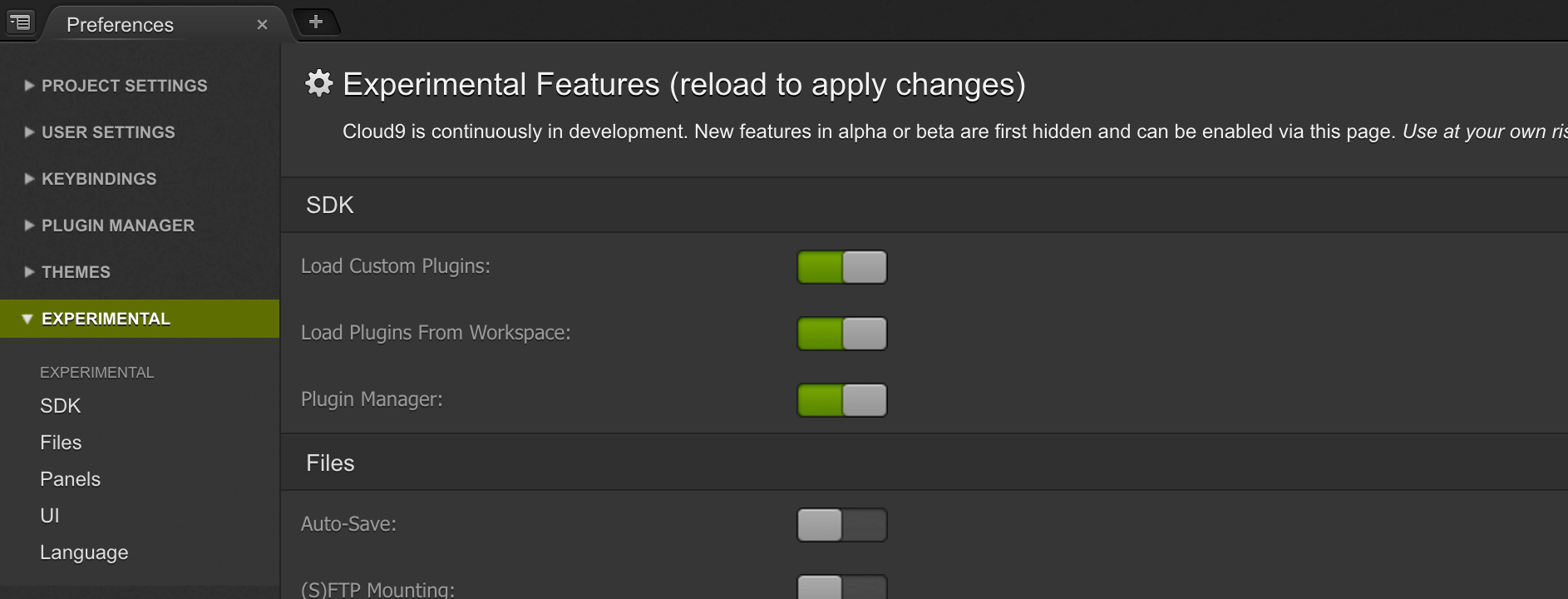Open your Init Script from Cloud9 → Open Your Init Script. 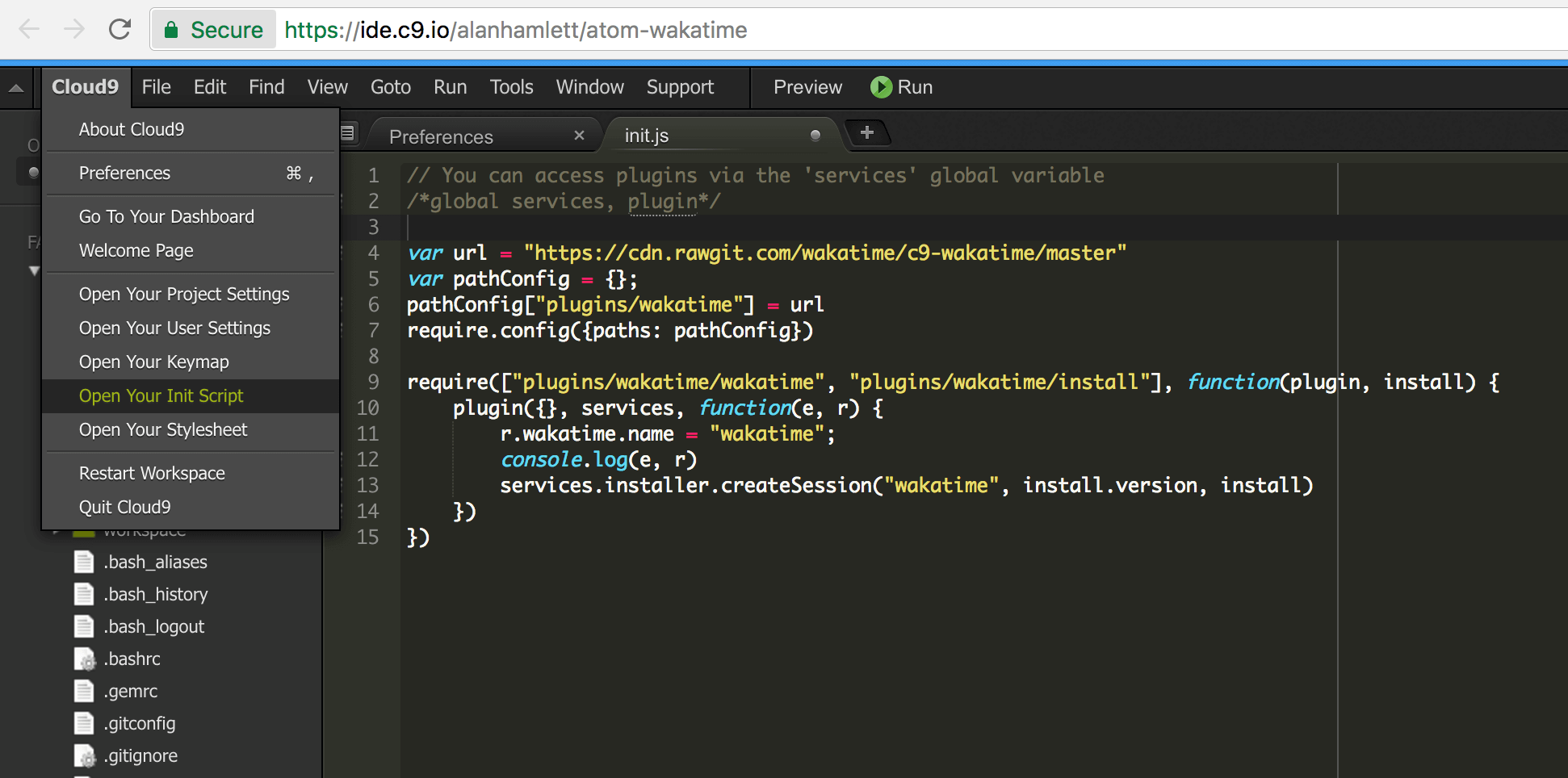
Paste this in your Init Script:
var url = "https://cdn.rawgit.com/wakatime/c9-wakatime/master"
var pathConfig = {};
pathConfig["plugins/wakatime"] = url
require.config({paths: pathConfig})

require(["plugins/wakatime/wakatime", "plugins/wakatime/install"], function(plugin, install) {
    plugin({}, services, function(e, r) {
        r.wakatime.name = "wakatime";
        console.log(e, r)
        services.installer.createSession("wakatime", install.version, install)
    })
})
Restart Cloud9.
Enter your [api key](https://wakatime.com/settings#apikey), then click `OK`.
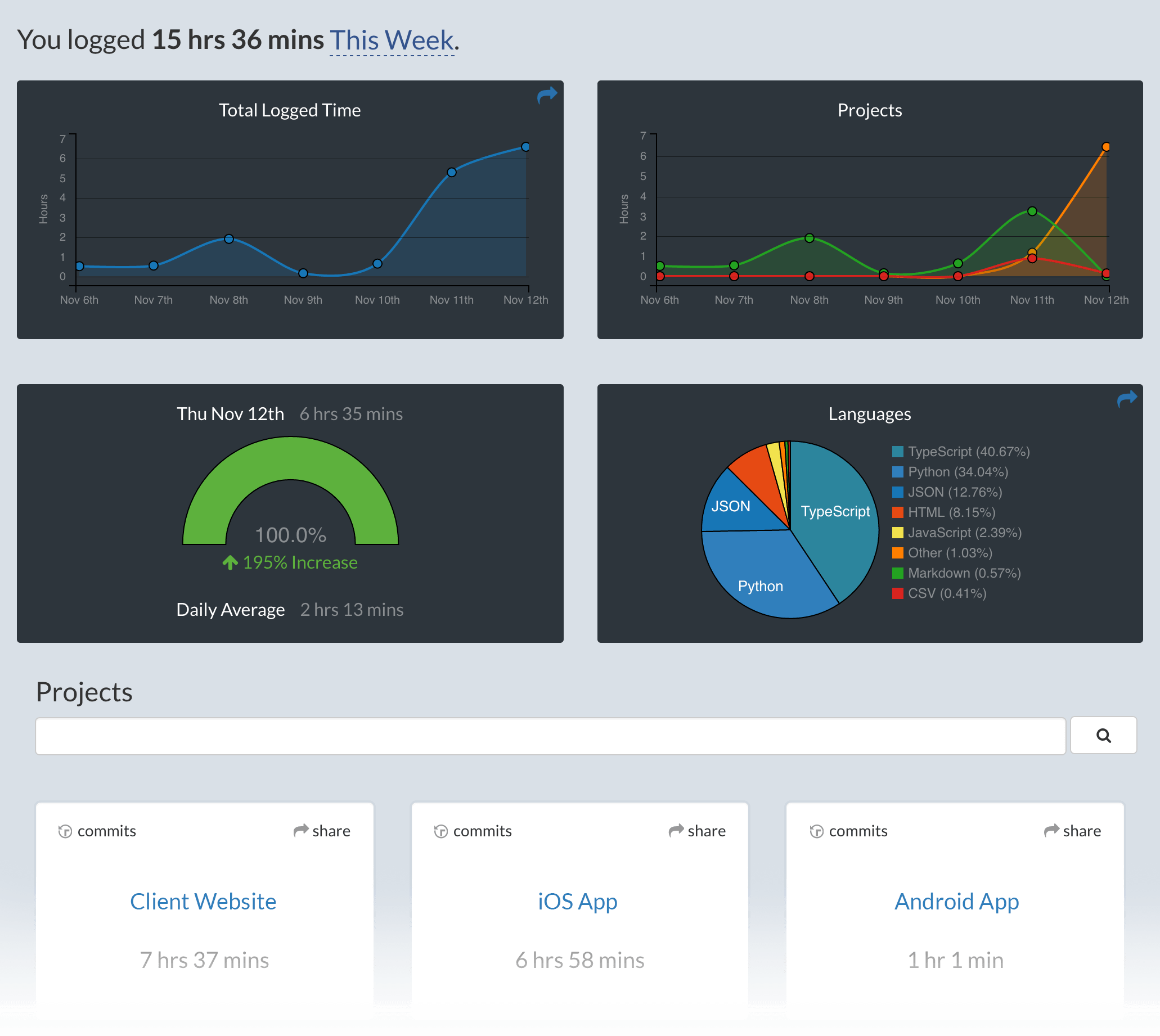
Use Cloud9 and your coding activity will be displayed on your [WakaTime dashboard](https://wakatime.com).
Screen Shots
Troubleshooting
For general troubleshooting information, see [wakatime/wakatime#troubleshooting](https://github.com/wakatime/wakatime#troubleshooting).
Related Skills
Epic Decompose
Break an epic into task children without creating task branches.

Claude Code Terminal Title
Gives each Claude Code terminal window a dynamic title describing the work being done

N8n Skills
Enables AI assistants to directly understand and operate n8n workflows
Composio Make
Trigger and manage Make (Integromat) scenarios
Getting Help
career-ops is an open source project maintained in limited time. Here's how to get help efficiently.

Worktree Status Check
Verify the current worktree environment and show task details.
