
Lisa — Development skill for Claude Code
Persistent memory for Claude Code - powered by Graphiti knowledge graphs.
How to install Lisa
This entry records only its repository, not the path inside it, so there is no
exact command to give. Open TonyCasey/lisa and copy the folder into
~/.claude/skills/, or the file into ~/.claude/agents/.
What Lisa does
Persistent memory for Claude Code - powered by Graphiti knowledge graphs.
Alternatives in Development
- Understand Anything — Graphs that teach graphs that impress 80.7k ★
- Code Review Graph — Local knowledge graph for Claude Code 3.7k ★
- Claude Supermemory — Persistent memory across sessions and projects using Supermemory 2.3k ★
README
Lisa – Long Term Memory for AI Coding Assistants
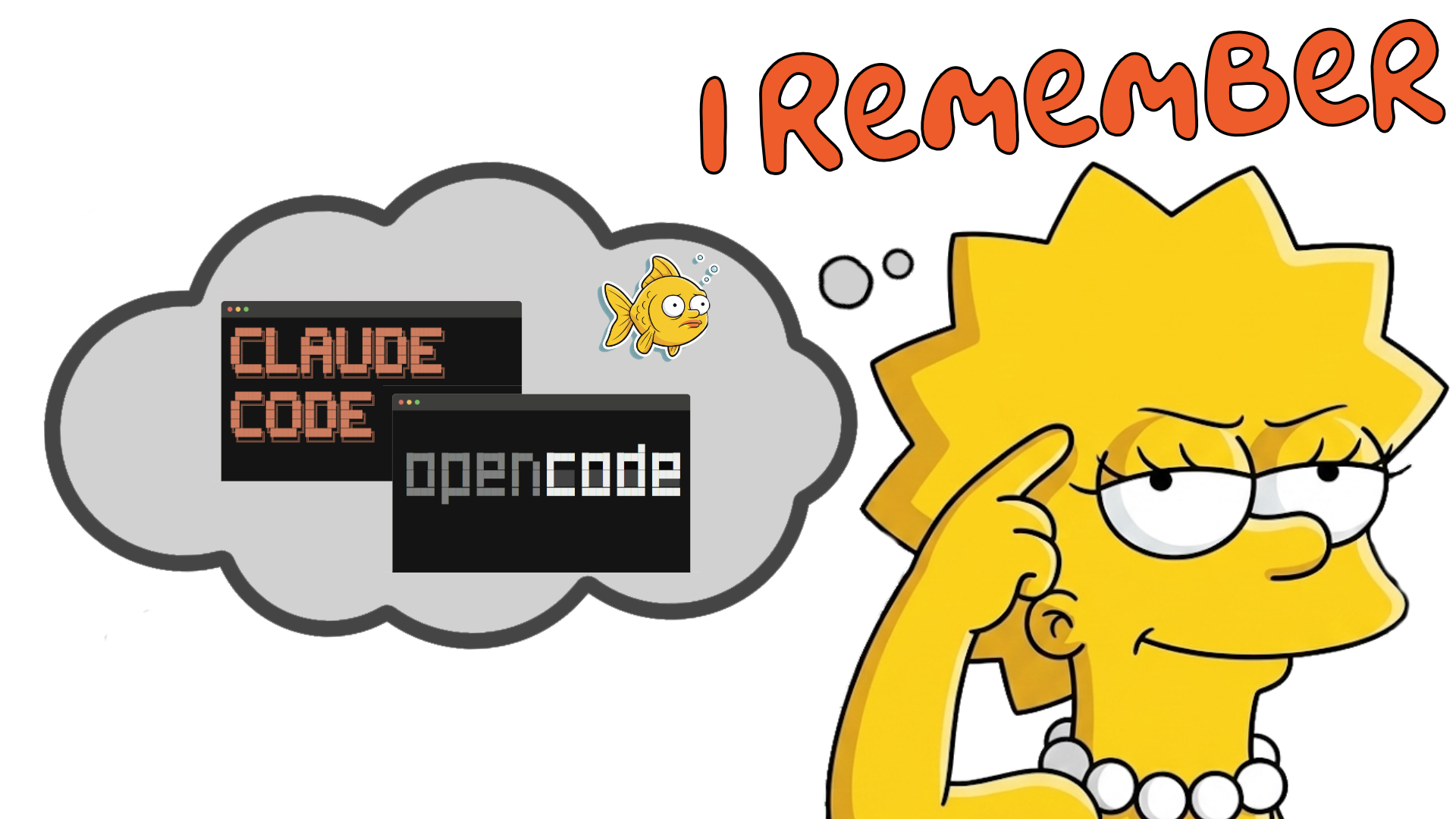
*Lisa, never forgets a commit, a pr, a code change, or a saxophone lesson.*
Why Lisa?
Because you would like every Claude session to remember the last one, the one from last week, last month. ALL OF THEM!!
You want..
- memory to load automatically
- store automatically
- recall automatically
You DON'T want..
- Having to repeat yourself, over & over
- Having to update .md files
- Having to fill up your context window.
How?
`lisa init` in your project directory. Open Claude cli and code away as normal.
Ask Lisa..
- Lisa, tell me about this project?
- Lisa, what was the last thing we were working on?
- Lisa, why are we not using Postgres?
- Lisa, ...
Tell Lisa.
- Lisa, remember this for future reference
- Lisa, create Jira/GitHub ticket
- Lisa, let's commit, push, and create a PR
The tech..
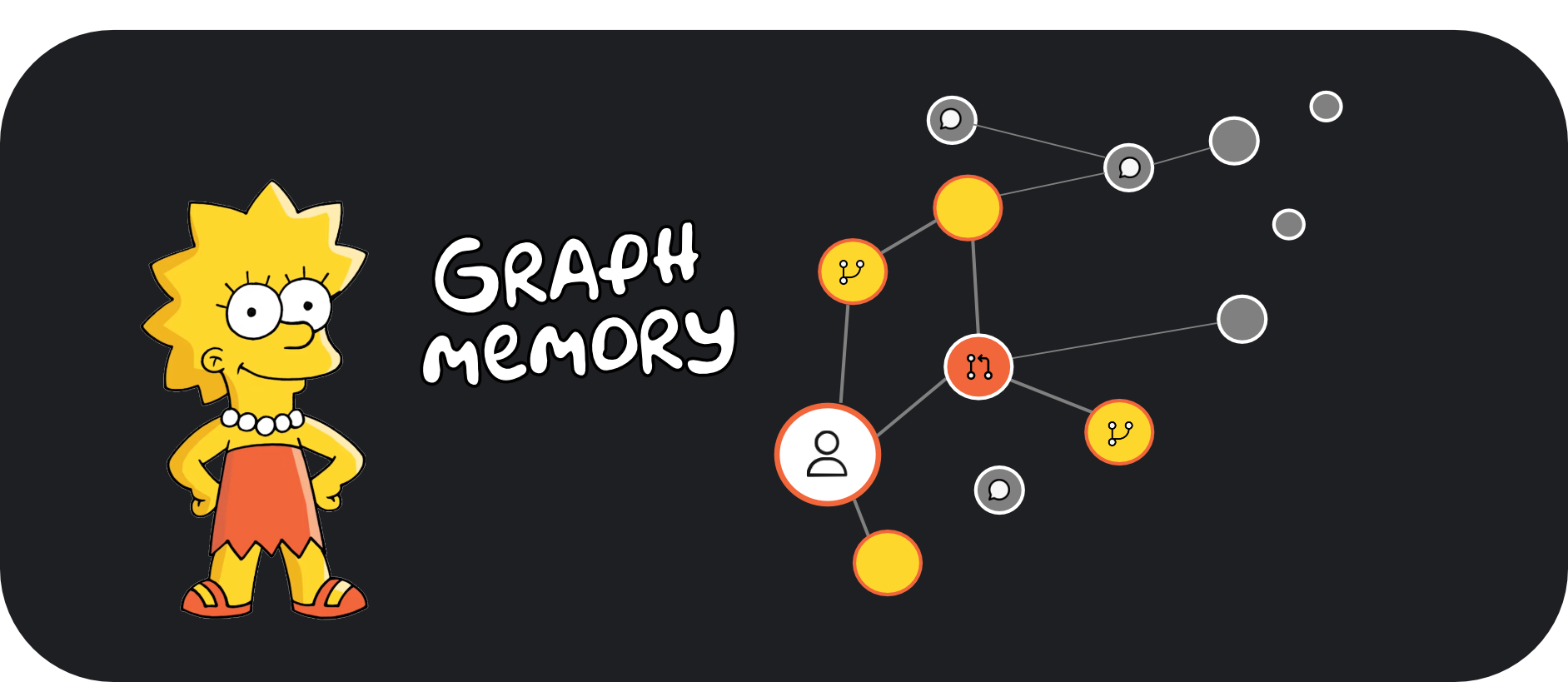
- Graph-native storage (Neo4j) - Connections matter as much as content
- LLM-powered extraction - Automatically identifies entities and relationships
- Temporal awareness - Knows when you learned something
- Semantic retrieval - Finds relevant context by meaning, not keywords
- Multi-CLI support - Works with Claude Code and OpenCode
Installation
Quick Start
# Install Lisa globally - IMPORTANT
npm install -g @tonycasey/lisa

# change to any project directory
cd your-project-directory

# initialize - copies in relevant files
lisa init
Using Lisa
Once installed, Lisa works automatically. Your AI assistant will:
- Load context at session start - Previous memories and project context
- Capture important info during coding - Decisions, patterns, etc.
- Remember explicitly when asked - Say "remember that..." to save important notes
During
Related Skills
Pi Codegraph
Pi-agent wrapper around codebase-memory-mcp: derived code knowledge (call graphs, blast radius) over a harness


Pupsik
Claude Code workspace toolkit: persistent memory, multi-account inbox MCPs, rule discipline, auto-capture know


Capy
Persistent knowledge base — cross-session project memory with FTS5 search

Context Graph
Evidence-first Knowledge Engineering Skill for Codex and Claude Code—turning sources into traceable records, v


Codebase Graph
Code intelligence MCP server — 42-language tree-sitter AST parsing, FalkorDB knowledge graphs, 0.944 MRR searc

Build Graph
Builds or updates the code knowledge graphs (graphs/) for token-efficient context.

Related Agents

Memory Manager
Invoke when the user wants to save brand knowledge to persistent memory, search past campaign learnings, sync


Spec Kit Partner
A truly conversational, adaptive, and agentic subagent that partners with humans to co-create rigorous, multi-

Deep Investigation Researcher
Iterative deep researcher. Builds a persistent knowledge vault across multiple passes, refining hypotheses as