
Gumloop MCP CLI — Development skill for Claude Code
Gumloop MCP server and shared native CLI: 92 tools, confirmed flow/agent/account operations, private profiles and a bundled desktop extension.
How to install Gumloop MCP CLI
This entry records only its repository, not the path inside it, so there is no
exact command to give. Open thenavidm/gumloop-mcp-cli and copy the folder into
~/.claude/skills/, or the file into ~/.claude/agents/.
What Gumloop MCP CLI does
Gumloop MCP server and shared native CLI: 92 tools, confirmed flow/agent/account operations, private profiles and a bundled desktop extension.
Alternatives in Development
- Magnitude — Open source inference server your agent sets up for you 1.5k ★
- Gmail AutoAuth MCP Installation Guide — This guide will help you install and configure the Gmail AutoAuth MCP server for managing Gmail operations thr 1.1k ★
- Private Journal MCP — A lightweight MCP server that provides Claude with a private journaling capability to process feelings and tho 335 ★
README

Gumloop MCP Server & CLI
[](https://www.npmjs.com/package/@thenavidm/gumloop-mcp-cli) [](https://github.com/thenavidm/gumloop-mcp-cli/actions/workflows/ci.yml) [](./LICENSE) [](https://youtube.com/@thenavidm?sub_confirmation=1) [](https://x.com/thenavidm) [](https://linkedin.com/in/thenavidm)
Gumloop MCP server and CLI for Codex and AI agents. **92 tools** for current flows, agents, sessions, Brain, skills, artifacts and administration, with private accounts and explicit operation approval. One shared implementation supplies both binaries and a desktop bundle.
Built and maintained by [Navid Moazzez](https://navid.me?utm_source=github&utm_medium=referral&utm_campaign=gumloop-mcp-cli&utm_content=readme). Built on [Slipway](https://github.com/thenavidm/slipway), which turns one definition of each tool into the MCP server and the CLI. The complete guide is on [navid.me](https://navid.me/mcp-servers/gumloop).
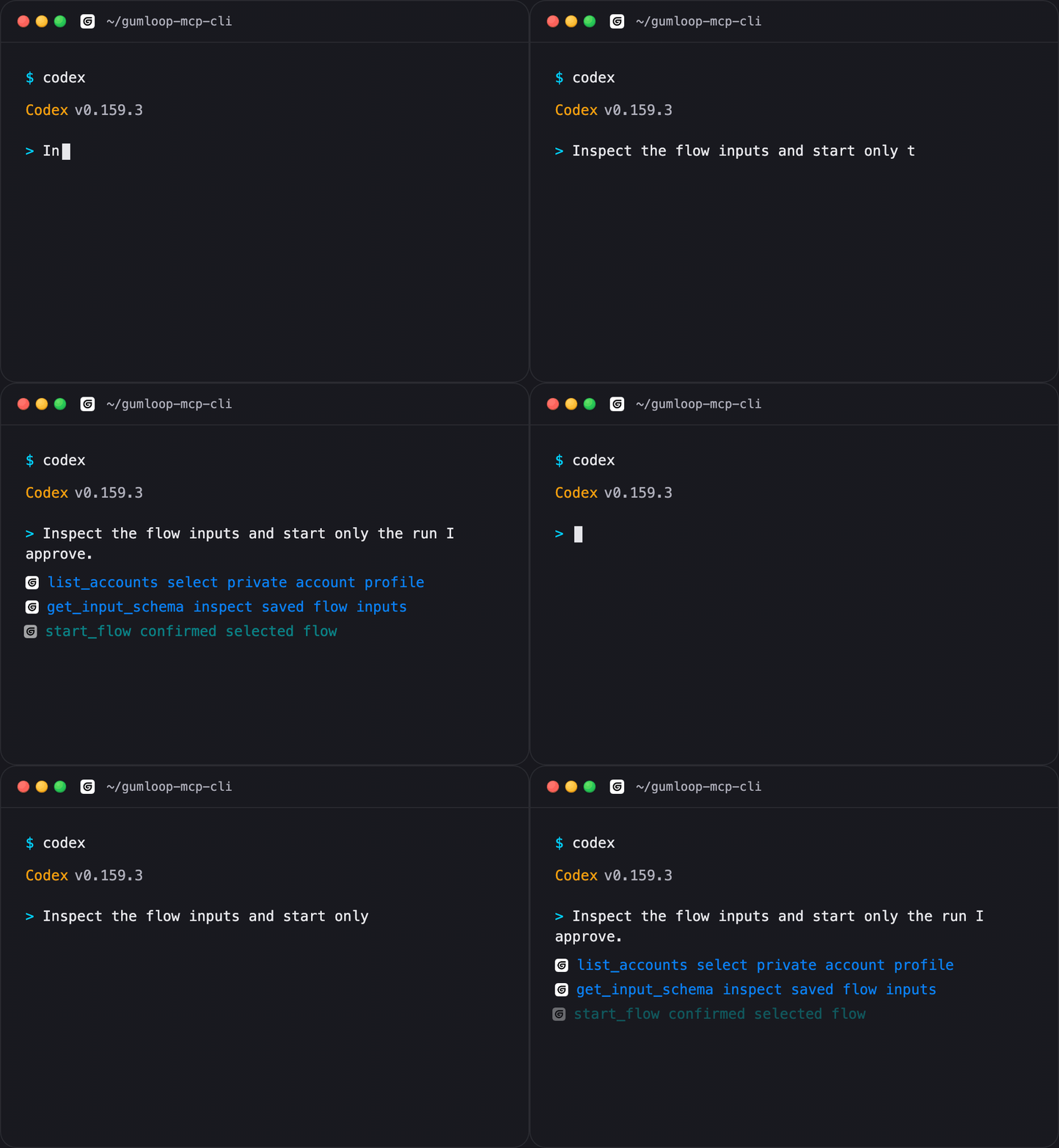
The terminal illustrates real command names and approval flow. It is not a recording of a provider account run. Gumloop already has official CLI and hosted MCP products; their supported platform, authentication and workflows are compared below.
Requires Node 22+ and eligible Gumloop API access for account operations. **Validation:** fixture tests, schema validation an
Related Skills
Memory Transplant
Extract Claude memory from exported chats and generate editable memory profiles for a new account, fully local

Orgx Login
Authenticate the bundled OrgX MCP connection through Claude Code's native OAuth flow.


Cc Bar
Native macOS menu bar app: track quota, usage and cost for Codex (multi-account) and Claude Code, from your me


Vibecode
A native Windows desktop app that wraps the agentic coding CLIs you already use (Claude Code, OpenAI Codex, Ki


Thread Keeper
Multi-agent shared brain across Claude Code/Desktop, Codex, Gemini, Copilot, VS Code. Cross-session memory, se

Shared Agents IDE
Local-first desktop app where a team shares coding-agent sessions and memory. Watch a teammate's Claude Code o

Related Agents

Extension Author
WRITE-access implementer for the browser extension (apps/extension/ — MV3, Chrome + Firefox) and the desktop⇄e


Foundation Models
Specialist for Apple's Foundation Models framework and Apple Intelligence — on-device and Private Cloud Comput

Coding Reviewer
Coding reviewer. Checks account coding: capital items, subcontractors vs materials, private spending and prepa