
Odysseus Portable — AI skill for Claude Code
A unified, 100% self-contained, open-source, and offline-first local AI agent workspace.
How to install Odysseus Portable
This entry records only its repository, not the path inside it, so there is no
exact command to give. Open techjarves/Odysseus-Portable and copy the folder into
~/.claude/skills/, or the file into ~/.claude/agents/.
What Odysseus Portable does
A unified, 100% self-contained, open-source, and offline-first local AI agent workspace.
Alternatives in AI
- Multica — Make humans and AI agents work as one team — open-source and self-hostable 47.8k ★
- Invisible Dots — Open-source, self-hosted alternative to OpenAI Dots, Meta Muse, Grok Bot, Manus Cue and Claude Cowork 31.8k ★
- WeKnora — Open-source LLM knowledge platform: turn raw documents into a queryable RAG, an autonomous reasoning agent, an 26.9k ★
README
Odysseus Portable AI Workspace
A unified, 100% self-contained, open-source, and offline-first local AI agent workspace. This project bundles **Odysseus** (a premium, local Claude/ChatGPT-like web interface featuring SQLite memory, calendars, custom agents, and deep research) alongside a dynamic, hardware-optimized local **llama.cpp** inference engine.
Everything runs portably from any directory or USB drive without requiring pre-installed system dependencies.





✨ Introduction
Odysseus Portable provides an offline-first AI agent interface that does not require global system installations or administrator privileges.
[!IMPORTANT] **Data Portability Guarantee**: All user data, databases, config parameters, cached models, and secrets remain inside the project folder directory. Unplugging the USB drive leaves no configuration traces, files, or environment variables on the host system.
🎥 Watch the Setup & Demo Video: https://youtu.be/iiM8Y5uzpJU
[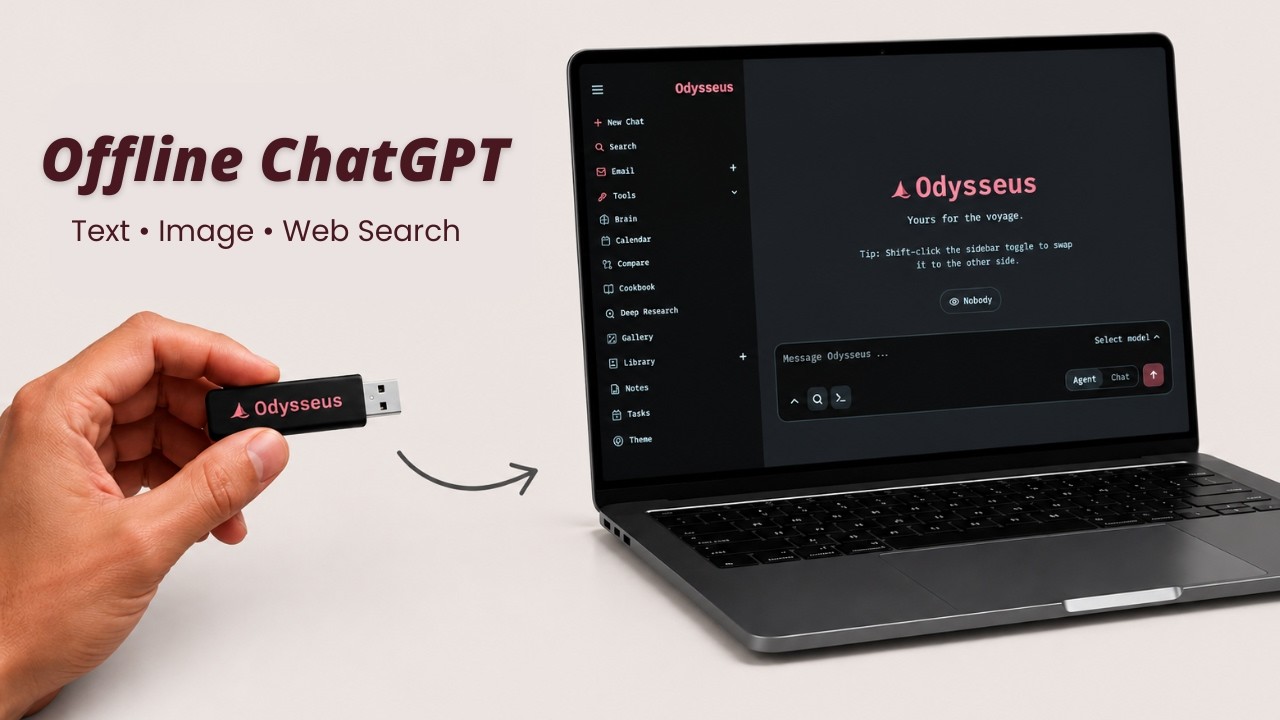](https://youtu.be/iiM8Y5uzpJU)
⚙️ How It Works
Odysseus Portable automates the local AI environment setup in a few simple steps when you execute the startup script:
- Hardware Scan: Automatically detects your OS, CPU, RAM, and GPU.
- Runtime & Dependency Check: D
Related Skills

Aitracker
Open-source, local-first AI workspace that tracks tokens & spend across Claude Code, Codex, Cursor and more —


Abu Cowork
Open-source alternative to Claude Cowork — a local-first AI agent desktop app · multi-model · self-evolving sk


Fluxloop
Open-source toolkit for running reproducible, offline-first simulations of AI agents against dynamic scenarios


Open Dots
Open-source, self-hosted AI agent workspace and alternative to OpenAI Dots, Meta Muse, Grok Bot, Instinct, Man

Myrel
Open-source, self-hostable AI workspace: a coordinator agent turns requests into threads, agents do the work i


Poka Bot
Open-source, self-hosted AI agent workspace and alternative to OpenAI Dots, Meta Muse, Grok Bot, Instinct, Man

Related Agents

Worca Cc Decomposer
Decomposer for the orchestrator pipeline. Breaks an approved plan into independently-grabbable tracer-bullet v

Self Containment Reviewer
Read-only reviewer that verifies every committed-facing artifact in the diff is self-contained — fully underst


A2ui Advisor
Authoritative, self-contained A2UI specification + advisor — the single source of truth for adopting A2UI end-
