
Diagnose Tokens — Development skill for Claude Code
diagnose-tokens — Token Installation Diagnostic.
How to install Diagnose Tokens
Installs to ~/.claude/skills/syncupsuite-webplatform4sync-diagnose-tokens/SKILL.md
mkdir -p ~/.claude/skills/syncupsuite-webplatform4sync-diagnose-tokens && curl -fsSL https://raw.githubusercontent.com/syncupsuite/webplatform4sync/HEAD/commands/diagnose-tokens.md -o ~/.claude/skills/syncupsuite-webplatform4sync-diagnose-tokens/SKILL.md Restart Claude Code, or start a new session, for it to be picked up.
What Diagnose Tokens does
diagnose-tokens — Token Installation Diagnostic
Standalone command · No frame dependency Read-only — does not modify any files
What this command does
Runs a 9-step diagnostic on an existing design token installation to detect silent failures. Outputs `[PASS]`, `[FAIL]`, or `[WARN]` per check with specific fix instructions.
Use this when tokens appear installed but styling is broken, dark mode doesn't work, or Tailwind utilities don't resolve to theme values.
Prerequisi
Alternatives in Development
- ClaudeCode Portable — Run Claude Code from a USB drive on any PC — no installation required 1.4k ★
- Gmail AutoAuth MCP Installation Guide — This guide will help you install and configure the Gmail AutoAuth MCP server for managing Gmail operations thr 1.1k ★
- Engage.Install — Execute Phase 5 - Installation and Persistence Establishment 348 ★
Full documentation available on GitHub
View Source RepositoryRelated Skills

Oc Doctor
Diagnose the OneCommand installation. Checks plugin registry, commands, brain, Codex integration. Reports exac


Cpv Batch Scope Diagnose
Read-only diagnostic across a fleet of project folders. One cpv-doctor-agent per project diagnoses the request

Full Diagnostic
Full health sweep chaining token, naming, component, drift, docs-coverage and system-health audits into one re


Tare
Diagnose Claude Code usage — where tokens went and why

Agentstack Diagnose
Troubleshoot AgentStack MCP — health, discovery, token, surface probe.

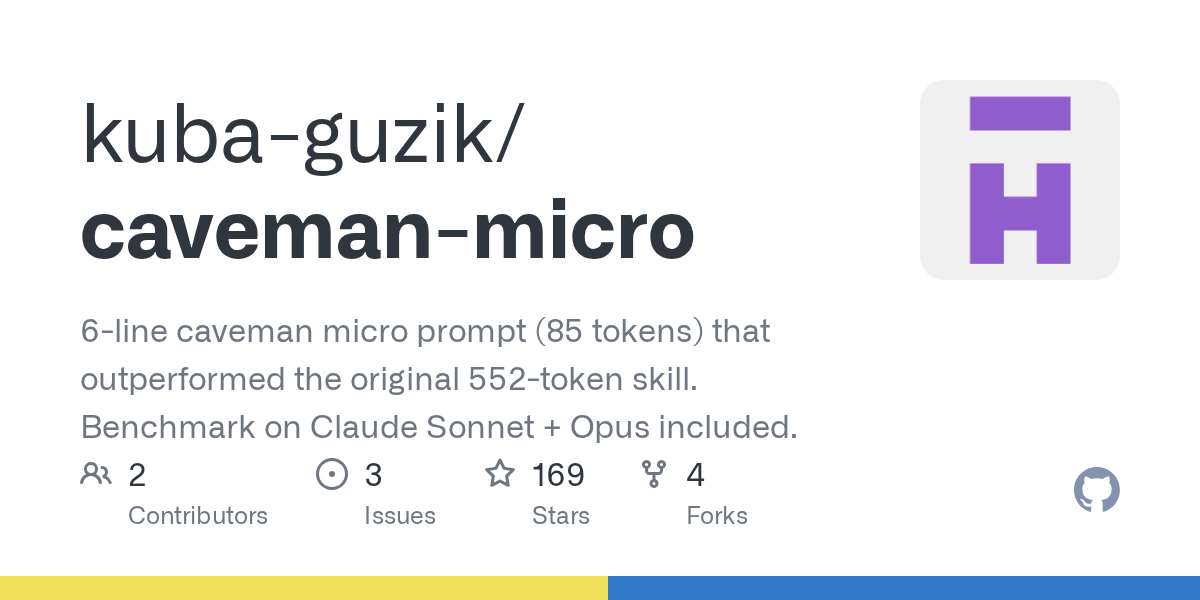
Caveman Micro
6-line caveman micro prompt (85 tokens) that outperformed the original 552-token skill. Benchmark on Claude So

Related Agents

Doctor
Diagnose AgentLint configuration and hook installation issues

Token Meter Developer
Implement or diagnose one bounded Token Meter work item as the assigned single writer.


UI Design Agent
UI design token management and prototype generation — W3C Design Tokens Format, state-based components, WCAG A
