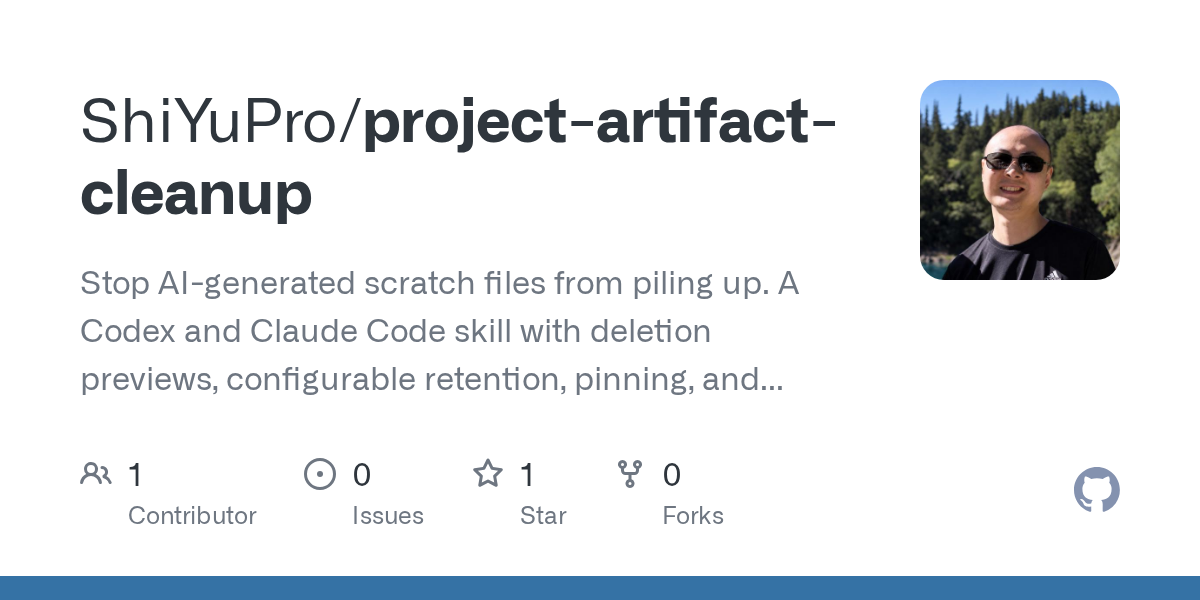

Project Artifact Cleanup — AI skill for Claude Code
Stop AI-generated scratch files from piling up.
How to install Project Artifact Cleanup
This entry records only its repository, not the path inside it, so there is no
exact command to give. Open ShiYuPro/project-artifact-cleanup and copy the folder into
~/.claude/skills/, or the file into ~/.claude/agents/.
What Project Artifact Cleanup does
Stop AI-generated scratch files from piling up. A Codex and Claude Code skill with deletion previews, configurable retention, pinning, and recovery before expiry.
Alternatives in AI
- Humanizer-zh: 去除 AI 写作痕迹 — 你是一位文字编辑,专门识别和去除 AI 生成文本的痕迹,使文字听起来更自然、更有人味 5k ★
- Claw0 — 0 - 1 learn OpenClaw: sections to build an claw-AI agent from scratch 2.6k ★
- Obsidian + Claude Code: Rebuild Your Second Brain With AI — Build an AI-powered personal knowledge management system from scratch 540 ★
README
Project Artifact Cleanup
Stop AI-generated scratch files from piling up. A Codex and Claude Code skill with deletion previews, configurable retention, pinning, and recovery before expiry.
See it work
Run a self-contained demo from this repository with Python 3.9+:
python3 scripts/demo.pyIt uses the real CLI with generated sample files in a temporary directory:
1. Created one 13-byte scratch file in a managed task; app.py stays outside.
2. Zero-day preview: would_delete_bytes=13, payload_deleted=false.
3. Retained for 7 days; sweep skips the task because it has not expired.
4. Recovered identical bytes; original pinned and skipped by the next sweep.
5. app.py unchanged. PASS. Removing only this demo's temporary fixtures.
The demo checks each result and exits with an error if it differs. It does not scan an existing project. Its generated fixtures are removed when it exits. This demonstrates the helper's behavior; deciding which real files are disposable still requires your judgment. [Run the commands yourself](references/setup.md).
Install
From your project directory, choose the command for your agent. Existing destinations are not overwritten by `git clone`.
**Codex:**
git clone https://github.com/ShiYuPro/project-artifact-cleanup.git .agents/skills/project-artifact-cleanup**Claude Code:**
git clone https://github.com/ShiYuPro/project-artifact-cleanup.git .claude/skills/project-artifact-cleanupInvoke `$project-artifact-cleanup` in a new task. Discovery depends on your host's support for `SKILL.md`; installation does not change project policy or grant external permissions.
First use
Use $project-artifact-cleanup to preview agent-created artifacts in this project. Do not delete anything yet.
Run helper commands from the installed skill directory or this repository root. See [setup and examples](references/setup.md) and the [full skill](SKILL.md).
Requirements
Python 3.9+ on macOS, Linux or
Related Skills

AI Safe Driver
AI agent drift detection and recovery for Claude Code and OpenAI Codex—stop repeated tool-call, instruction-fo

Artifact Site
A self-hosted home for your team’s AI-generated pages and documents. Publish HTML, build folders, ZIPs and PDF

Cleanup AI Slop
Remove AI-generated slop from the current branch


Recovery Classification
Enforces Law 4 (Verify Before Reporting) of the 7 Laws of AI Agent Discipline. After any failure in the verifi


Paper Humanize
Light AI-ism cleanup on a paragraph or section. Strips a small scientific-safe blocklist only. Last pass befor

Instruction Health Skills
Agent skills to keep AI instruction files (AGENTS.md, CLAUDE.md, MEMORY.md) lean. Guardian runs before edits t

Related Agents
Entry Manager
Entry and order manager. Use after the orchestrator has a TRADE decision - turns the trade plan into precise o


Ehs Privacy Abuse
Privacy and product-abuse specialist for the Ethical Hacker Squad. Maps personal data across models, migration


Can I Help Agent
Guide contributors to areas where they can help. Matches developer skills to project needs using repo-intel da
