

Zia Vsor SDK — AI skill for Claude Code
Agent first framework to build one source of truth your AI Agents answer from.
How to install Zia Vsor SDK
This entry records only its repository, not the path inside it, so there is no
exact command to give. Open panaversity/zia-vsor-sdk and copy the folder into
~/.claude/skills/, or the file into ~/.claude/agents/.
What Zia Vsor SDK does
Agent first framework to build one source of truth your AI Agents answer from. Markdown in — a website for people and an Stateless MCP server for agents, citing every answer and declining what it doesn't cover. Vendor-free, agent-first.
Alternatives in AI
- Phantom — An AI co-worker with its own computer 1.3k ★
- Wenyan MCP — 文颜 MCP Server 可以让 AI 自动将 Markdown 文章排版后发布至微信公众号 1.2k ★
- Claude Skill Web Clone — Methodology for faithfully cloning any website (static / React / WebGL) — without copying AI-hallucinated code 969 ★
README
vsor
**Answers you can trace. Refusals you can trust.**
**[See a site vsor built →](https://vsor-demo.vercel.app)** — four markdown files, one command.
Point an AI assistant at your own files and get answers that name the file they came from — and a plain *"that isn't in here"* when the question falls outside them.
uvx vsor init my-sor  # a project in your own repo: markdown, config, git initialized
cd my-sor
vsor dev              # the live site on 127.0.0.1:3000, reloading as you write
vsor build            # → build/, ready to upload anywhere
What vsor builds
One folder of markdown. Two surfaces, built from it, that can never disagree:
- A website your team reads. Search, dark mode, quizzes and flashcards, self-hosted fonts, and no calls to anyone else's server — it works behind a firewall.
- A connector your AI answers from (MCP — the standard assistants like Claude use to reach outside tools). Every answer names the document it came from; a question your files do not cover is declined instead of guessed.
Every build also writes `build.lock.json` — a record of exactly which documents went in, from which commit, with which versions. When someone asks *why did it say that*, that file is how you find out.
Your side of it is a folder. Sub-folders become sections; a line of frontmatter sets the title:
knowledge/
  about.md
  thesis.md
  ecosystem/
    the-ecosystem-concept.md
instance.md                   ← what this deployment is
site/docusaurus.config.ts     ← title, navbar, colours — the parts that are yours
Here is the website surface, from a real build of real content — no theme to pick, no components to wire, no build config:

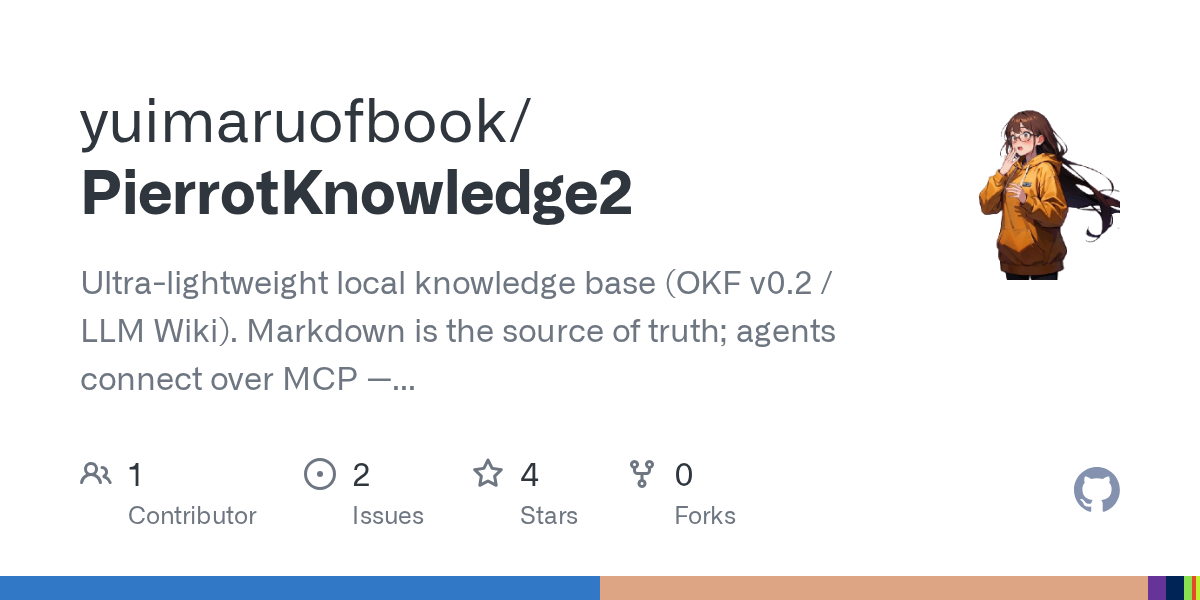
PierrotKnowledge2
Ultra-lightweight local knowledge base (OKF v0.2 / LLM Wiki). Markdown is the source of truth; agents connect


Openrouter MCP
Stateless MCP server and CLI for OpenRouter (MCP 2026-07-28): use any OpenRouter model from Claude Code and ot

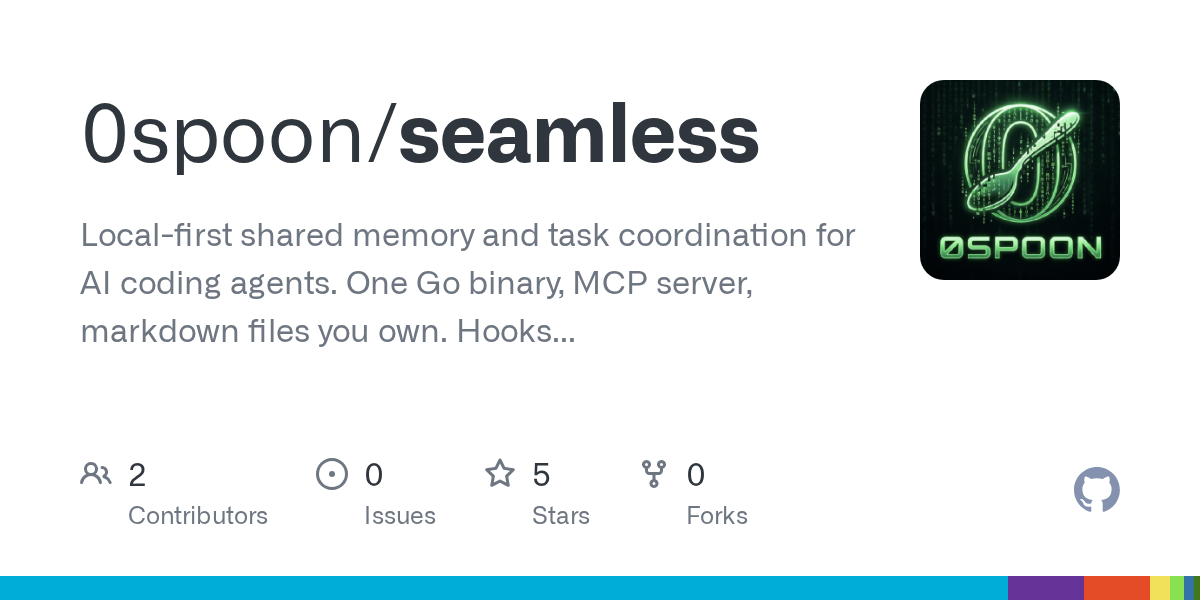
Seamless
Local-first shared memory and task coordination for AI coding agents. One Go binary, MCP server, markdown file

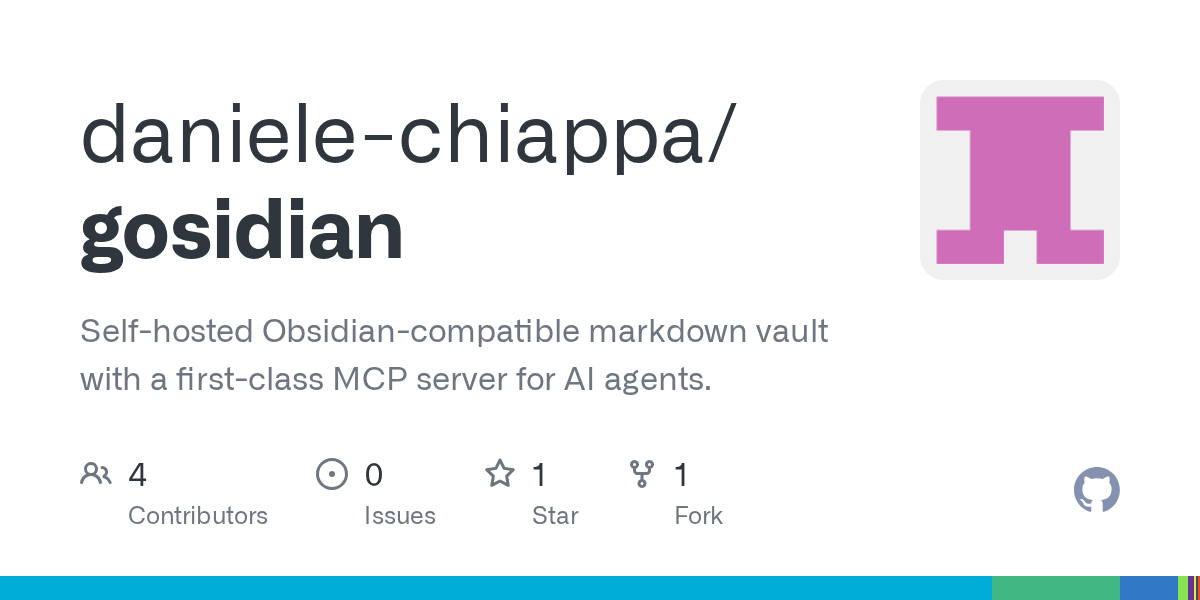
Gosidian
Self-hosted Obsidian-compatible markdown vault with a first-class MCP server for AI agents.


ShriForgeAISkill
Open-source AI Agent Skill for planning, designing, building, auditing, optimizing, and shipping production-re

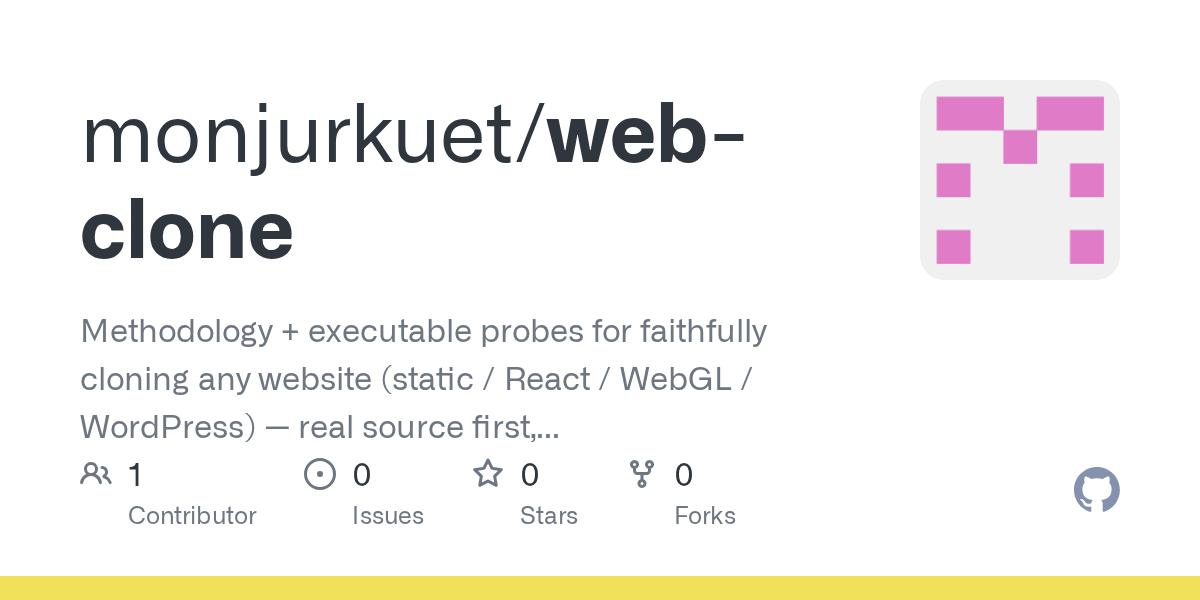
Web Clone
Methodology + executable probes for faithfully cloning any website (static / React / WebGL / WordPress) — real

Related Agents
Aeo Agent
AEO stage. Use for featured snippets, People Also Ask, voice answers, FAQ/HowTo/Product schema and answer-firs

Hornet Swarm Tester
One Hornet Swarm sub-agent. Plays one test-account label on an authorised website, runs sign-in checks and jou


MCP Currency
MCP protocol & Kotlin SDK currency expert. Researches the latest MCP spec revision, kotlin-sdk-server releases
