
AI Desk Card — AI skill for Claude Code
桌面 AI 副屏 Skill:M5Paper 墨水屏 + AI Agent 推送 widget.
How to install AI Desk Card
This entry records only its repository, not the path inside it, so there is no
exact command to give. Open op7418/ai-desk-card and copy the folder into
~/.claude/skills/, or the file into ~/.claude/agents/.
What AI Desk Card does
桌面 AI 副屏 Skill:M5Paper 墨水屏 + AI Agent 推送 widget。装 Skill 后由 Agent 自动引导烧固件、配 Wi-Fi、推送内容。本地运行、无云依赖。
Alternatives in AI
- Token Monitor — Local-first desktop widget for tracking token usage, costs, and limits across 32+ AI coding tools—including Cl 1.8k ★
- Launch An AI Feature — Workflow recipe — take an AI/LLM feature from a probabilistic-aware PRD to a launch-ready model card by chaini 1.3k ★
- Claw Empire — Command Your AI Agent Empire from the CEO Desk — A local-first AI agent office simulator that orchestrates CLI 1.1k ★
README
AI Desk Card · 桌面 AI 副屏 Skill
     
🌏 **English version: [README.en.md](./README.en.md)**
一个适配 Claude Code / Codex 等 Agent 的桌面副屏 Skill。把 [M5Paper V1.1](https://docs.m5stack.com/en/core/m5paper) 4.7 寸墨水屏立在显示器旁边,由 AI Agent 推送 widget:天气、日程、todo、PR 队列、AI 状态、休息提醒……
**装上 Skill 后,烧固件 / 配 Wi-Fi / 推内容 / 设置定时全部由 Agent 引导**,你不用自己跑一行 `pio` 或 `curl`。

你 ──说自然语言──▶ AI Agent ──触发──▶ Skill ──自动执行──▶ M5Paper 屏上30 秒开始
npx skills add https://github.com/op7418/ai-desk-card --skill ai-desk-card也可以把下面这段话直接发给有 shell 权限的 AI Agent:
帮我安装 ai-desk-card Skill。把 https://github.com/op7418/ai-desk-card 克隆到 ~/.claude/skills/ai-desk-card,安装完成后检查 SKILL.md、flows/、daemon/、src/、assets/ 是否存在。已经装过想更新:
帮我更新 ai-desk-card。请进入 ~/.claude/skills/ai-desk-card 执行 git pull,然后告诉我当前最新 commit。装完之后,假设你手上有 M5Paper V1.1 + USB-C 数据线,直接对 Agent 说:
帮我把 ai-desk-card 装上。我手上是 M5Paper V1.1,USB-C 已经插好了。Skill 会自动:
- 探测当前状态(PlatformIO / USB 设备 / daemon / Wi-Fi 配没配)
- 缺啥装啥(PlatformIO 没装就
pipx install) - 编译 + 烧 CJK 字体 + 烧固件(约 1 分钟)
- 启动 daemon
- 问你 Wi-Fi 密码 → 自动配上
- 推第一个 widget 上去
之后日常使用就是和 Agent 自然对话:
在卡片上显示今天北京的天气。
让卡片每 30 分钟刷新天气和未读邮件,工作日 8 点到 22 点。
现在卡片上是啥?
晚上 11 点之后自动息屏显示我的名片。
效果
- 🖥 桌面 ambient 副屏:540×960 墨水屏立在显示器旁,瞥一眼就知道今天的状态
- 🤖 AI 主动推送:Agent 决定推什么 widget、什么时候推;你不用自己开浏览器查天气
- 📦 16 种 widget:weather / calendar /
Related Skills
DeskPulse
Desk-side AI usage monitor for Claude and Codex, forked from Clawdmeter

Review Desk
Template for Community Moderation platform with AI SDK, AI Gateway, and Vercel Workflows.


Planner System
You are Axion, a general-purpose AI assistant running on macOS. You are equally capable at software engineerin


Subctl Buddy
ESP32 desk-side hardware companion for subctl — animated pet + live dashboard for your AI subscription orchest

Virtual Agents Office
Your AI agents as an isometric office you can walk around. Every scheduled agent is an employee at a desk - wo

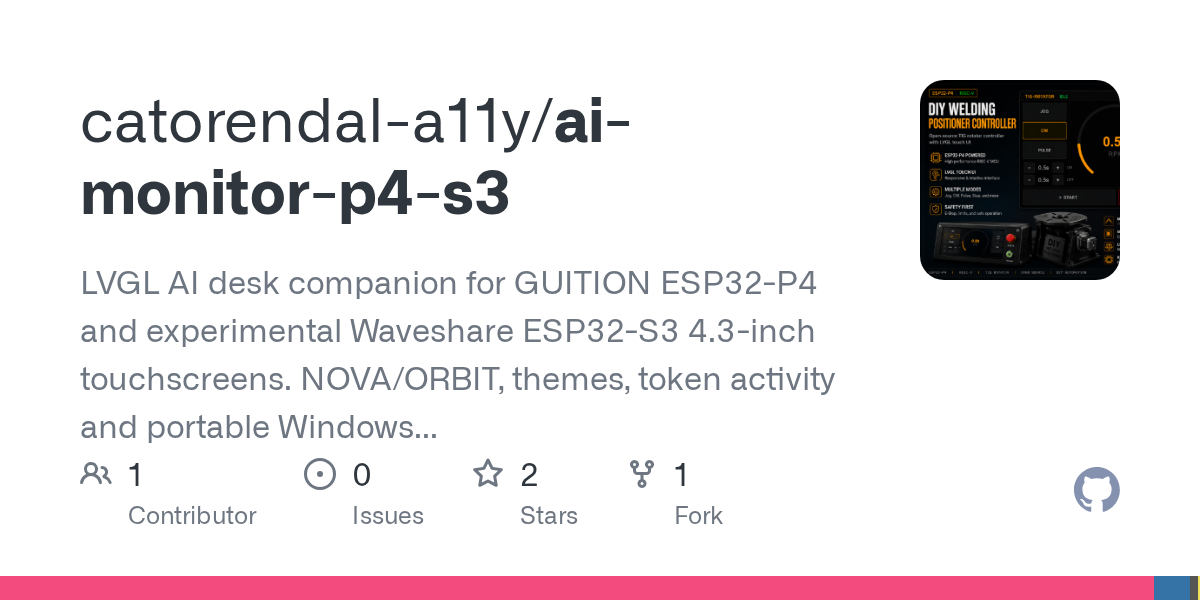
AI Monitor P4 S3
LVGL AI desk companion for GUITION ESP32-P4 and experimental Waveshare ESP32-S3 4.3-inch touchscreens. NOVA/OR

Related Agents

Omarchy Plugin Architect
Design and build Omarchy (Quickshell/QML) bar-widget, panel, and service plugins that actually work on a stock

Flutter Test
编写和验证 Flutter 单元、Widget、integration_test 与 Patrol 测试。


Flutter Performance Optimizer
Use this agent when implementing performance optimizations in Flutter apps. Specializes in widget optimization
