

Frontend Slides — Development skill for Claude Code
Create beautiful slides on the web using a coding agent's frontend skills.
How to install Frontend Slides
This entry records only its repository, not the path inside it, so there is no
exact command to give. Open oil-oil/frontend-slides and copy the folder into
~/.claude/skills/, or the file into ~/.claude/agents/.
What Frontend Slides does
Create beautiful slides on the web using a coding agent's frontend skills.
Alternatives in Development
- T3code — A minimal web GUI for coding agents 7.9k ★
- Agent Of Empires — Manage multiple Claude Code, OpenCode agents from either TUI or Web for easy access on mobile 3.1k ★
- Desloppify — Agent harness to make your slop code well-engineered and beautiful 3k ★
README
Frontend Slides
A coding-agent skill for creating stunning HTML presentations — from scratch or by converting PowerPoint files. It is packaged as a Claude Code plugin, and the core `SKILL.md` can also be read by other coding agents with filesystem and shell access.
📺 Watch the Walkthrough & Tutorial
New here? This beginner-friendly video walks you through the whole thing, start to finish.
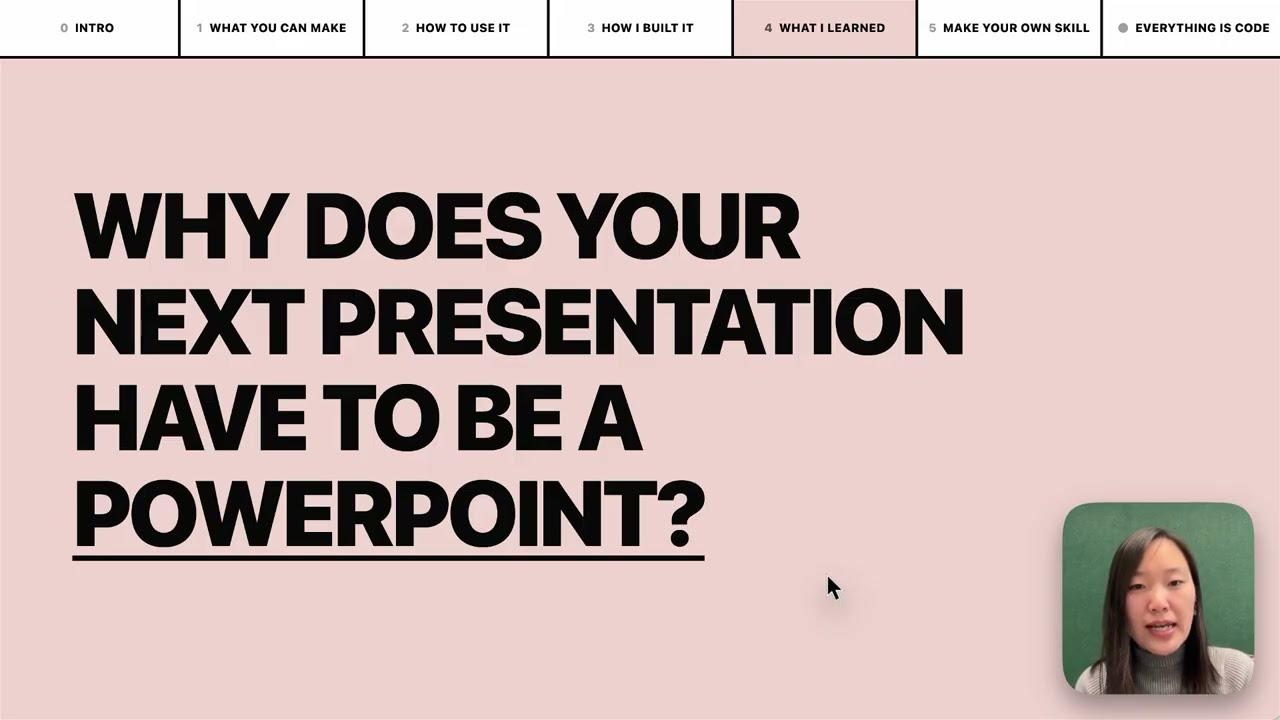
▶️ **[Watch on YouTube →](https://www.youtube.com/watch?v=372Iksaz8b0)** (beginner-friendly walkthrough and tutorial)
What This Does
**Frontend Slides** helps non-designers create beautiful web presentations without knowing CSS or JavaScript. It uses a "show, don't tell" approach: instead of asking you to describe your aesthetic preferences in words, it generates visual previews and lets you pick what you like.
Here is a deck about the skill, made through the skill:
https://github.com/user-attachments/assets/ef57333e-f879-432a-afb9-180388982478
Key Features
- Zero Dependencies — Single HTML files with inline CSS/JS. No npm, no build tools, no frameworks.
- Visual Style Discovery — Can't articulate design preferences? No problem. Pick from generated visual previews.
- PPT Conversion — Convert existing PowerPoint files to web, preserving all images and content.
- Anti-AI-Slop — Curated distinctive styles that avoid generic AI aesthetics (bye-bye, purple gradients on white).
- Bold Template Pack — Optional design-forward templates from
beautiful-html-templates, loaded progressively so safe presets still work as the default fallback. - Production Quality — Accessible, fixed 16:9, well-commented code you can customize.
Installation
Via Claude Code C
Related Skills

Frontend Slides Editable
Editable HTML presentation skill for Codex/Claude Code with drag-resize editing, slide reordering, local save/

Slides Skill
A comprehensive Claude Code skill for generating beautiful HTML presentations using Reveal.js


Generate Web Diagram
Generate a beautiful standalone HTML diagram and open it in the browser


HTML MCP Web
Review agent-made slides in the browser and export them to PowerPoint.

Deck Motion
A Claude Code skill for animated web presentations that behave like slides. No dependencies, no build.


Lecture Notes Tutor
A Claude Code skill that tutors you through lecture slides page by page — study outlines, tiered quizzes with

Related Agents

Excalidraw Diagram Skill
Skill to give Claude Code (and any coding agent) the ability to generate beautiful and practical Excalidraw di


Senior React Engineer
Owns web frontend implementation. Invoke for all frontend coding tasks. Enforces OpenAPI contract via generate


Design Frontend Assistant
Creates beautiful, accessible, and user-friendly frontend interfaces. Use proactively when designing UI compon
