
Vite Plugin AI Annotator — AI skill for Claude Code
AI-powered element annotator for Vite - Pick elements and get instant AI code modifications.
How to install Vite Plugin AI Annotator
This entry records only its repository, not the path inside it, so there is no
exact command to give. Open nguyenvanduocit/vite-plugin-ai-annotator and copy the folder into
~/.claude/skills/, or the file into ~/.claude/agents/.
What Vite Plugin AI Annotator does
AI-powered element annotator for Vite - Pick elements and get instant AI code modifications.
Alternatives in AI
- Anthropic Quickstarts — by Anthropic - Offers comprehensive development guides for three distinct AI-powered demo projects with standa 15.4k ★
- Greptile — Code Search AI-powered codebase search and understanding 14k ★
- Codecompanion.nvim — GitHub Repo stars AI-powered coding seamlessly in Neovim Neovim AI coding 6.3k ★
README
vite-plugin-ai-annotator
AI-powered element annotator for Vite - Pick elements and get instant AI code modifications.
[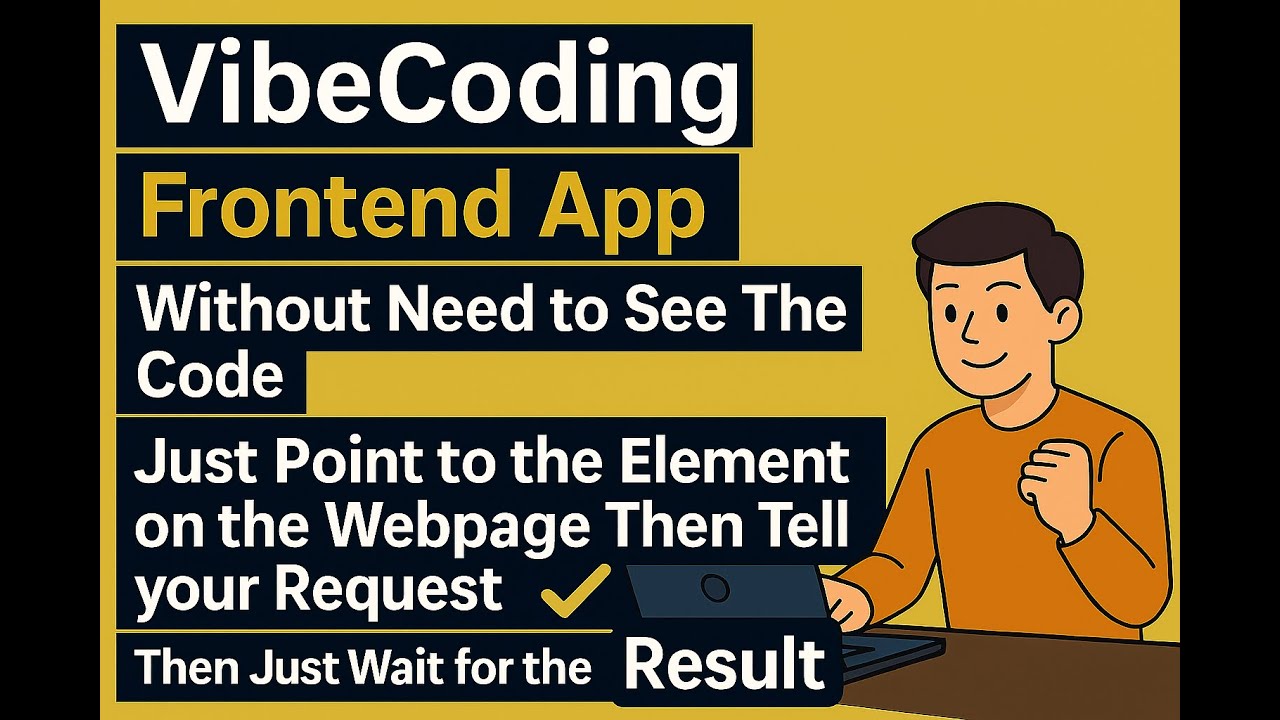](https://youtu.be/OuKnfCbmfTg)
📺 **[Watch the Tutorial Video](https://youtu.be/OuKnfCbmfTg)** - See the plugin in action!
What is this?
Point at any element on your webapp, type a request, and AI modifies your code instantly.
- Point directly at any element on your webapp
- Type a short request like "make it bigger", "center it", "change color to blue"
- Wait for AI to modify your code - it automatically finds and updates the source files
- See instant results - your changes appear immediately in the browser
Save cognitive load, because it's precious.
Why use it?
Traditional workflow: inspect element → find source file → locate the code → make changes → check results.
With this plugin: point → describe → done.
Works with all Vite-supported frameworks:
- ⚛️ React - Detects components, props, and state
- 🟢 Vue - Understands composition/options API
- 🅰️ Angular - Recognizes components and directives
- 🟠 Svelte - Identifies components and stores
- 📄 Vanilla JS - Works with plain HTML/CSS/JS
- 🟦 Nuxt.js - Full support via Nuxt module (Nuxt 4+)
Installation
Option 1: Automatic Setup (Recommended)
Install the **Claude Code plugin** and let AI set everything up for you:
/plugin marketplace add nguyenvanduocit/claude-annotator-plugin
/plugin install claude-annotator-plugin@claude-annotator-plugin
Then ask Claude: *"Set up ai-annotator for my project"* - it handles the rest!
Option 2: Manual Setup
For Vite Projects
Step 1: Install the package
bun add -d vite-plugin-ai-annotatorStep 2: Add to your Vite config
import { defineConfig } from 'vite';
import annotator from 'vite-plugin-ai-annotator';

export default defineConfig({
  plugins: [
Related Skills

Quello
Point at any element in your browser and tell your AI agent: "quello". Visual element picker for Claude Code,

RayCodes Archify
Archify GitHub Just Got Insane — AI Visualizes Your Entire Codebase! Instant AI-powered codebase architecture

Annotaitr
📄 AI coding agent plugin that opens images, captured web pages, or Markdown files in a browser-based annotato


UI Gen Record Feishu
Cross-agent skill for Cursor / Claude Code / Codex / Copilot: archive AI-generated page requests (token usage,

Agent Template
Enable AI agents to interpret and interact with canvas drawings and elements.


RocketSim Agent Skill
Add RocketSim Simulator automation to your AI coding tool (Agent Skills open format): inspect visible UI eleme

Related Agents

Fullstack QA Debugger
QA and debugging agent for fullstack applications. Use to validate API connections, test error states, measure

Scene Annotator
Documentation specialist for notes, synopses, and section markers. Use for organizing and annotating.


03.5 Visual Asset Annotator
Identifies visual opportunities in content, generates data charts from verified research, optionally generates
