

InstantCode — AI skill for Claude Code
InstantCode is a browser inspection tool that brings AI directly to your webpage.
How to install InstantCode
This entry records only its repository, not the path inside it, so there is no
exact command to give. Open nguyenvanduocit/instantCode and copy the folder into
~/.claude/skills/, or the file into ~/.claude/agents/.
What InstantCode does
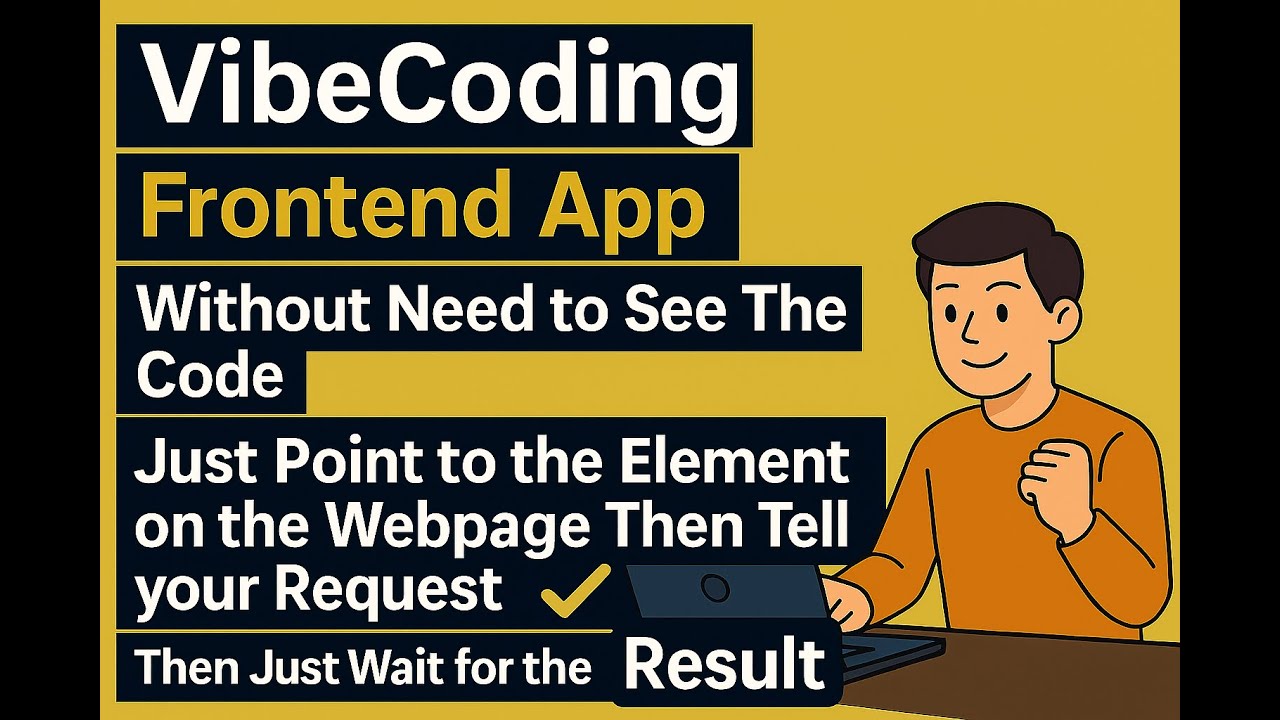
InstantCode is a browser inspection tool that brings AI directly to your webpage. Simply click on any element to get intelligent insights, explanations, or help with your frontend development tasks.
Alternatives in AI
- Claude Delegator — Delegate tasks to Codex GPT 5.2 directly from within Claude Code 909 ★
- Spring AI Agent Utils — A Spring AI library that brings Claude Code-inspired tools and agent skills to your AI applications 271 ★
- Debug Skill — Give your AI agent a real debugger — breakpoints, stepping, variable inspection, and stack traces via CLI 218 ★
README
InstantCode - AI-Powered Web Development Assistant
[](https://youtu.be/OuKnfCbmfTg)
📺 **[Watch the Tutorial Video](https://youtu.be/OuKnfCbmfTg)** - See InstantCode in action!
What can this plugin help you?
After installing the plugin, you can:
- Point directly at any element on your webapp
- Type a short request like "make it bigger", "center it", "change color to blue"
- Wait for AI to modify your code - it automatically finds and updates the source files
- See instant results - your changes appear immediately in the browser
Save cognitive load, because it's precious.
Prerequisites
InstantCode requires **Claude Code** to provide AI assistance:
# Install Claude Code globally
bun install -g @anthropic-ai/claude-code

# Verify installation
claude --version
Quick Start with Vite
The fastest way to get started is using our Vite plugin. This automatically handles everything for you!
1. Install InstantCode
bun add -d instantcode2. Add to Your Vite Config
Add the plugin to your `vite.config.ts`:
import { defineConfig } from 'vite';
import inspectorPlugin from 'instantcode/vite-plugin';

export default defineConfig({
  plugins: [
    inspectorPlugin(),
  ],
});
3. Start Your Dev Server
bun devThat's it! The InstantCode toolbar will automatically appear in your application and ready to use.
Plugin Configuration
The Vite plugin accepts these options:
inspectorPlugin({
  port: 7318,
  verbose: false,
})
Framework Support
InstantCode works with all Vite-supported frameworks:
- ⚛️ React - Detects components, props, and state
- 🟢 Vue - Understands composition/options API
- 🅰️ Angular - Recognizes components and directives
- 🟠 Svelte - Identifies components and stores
- 📄 Vanilla JS - Works with plain HTML/CSS/JS
Advanced Usage
Related Skills

Jev Ultrafast MCP
Hand the browser work off: an MCP server where a decision model drives the page for your agent, so a flow cost


Easel
Easel is a Codex and Claude macOS workspace for AI-assisted product design and frontend iteration. It brings a


Gsc SEO MCP
Google Search Console MCP server for SEO audits, keyword insights, URL inspection, sitemap management, and AI


ProjectUAI
Project UAI is a universal AI agent that runs directly inside Roblox. It brings a Claude Code–style agent loop

Pagespeed Insights MCP
Six-tool MCP server for Google PageSpeed Insights & Chrome UX Report APIs. Analyze, compare, and optimize web


Tresor
⚡Switch LLM Providers for Any App with One Click: A Single-Binary LLM Gateway with Auto API Translation and Tr

Related Agents

Fe Mentor
Senior Frontend Architect with explanations via Python/FastAPI analogies. Invoke for React, TypeScript, and UI


Agent Orchestrator
Intelligent orchestrator that coordinates other AI agents for complex software development workflows, matching

Usage Estimator
Analyzes project context to provide intelligent Claude usage estimates for development tasks
