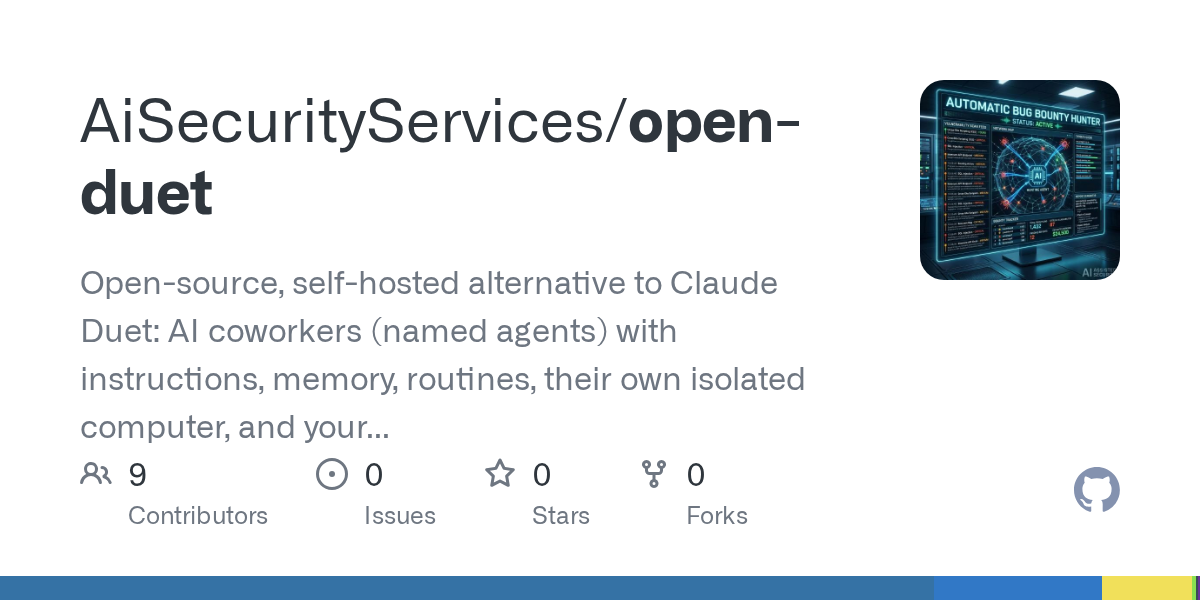

Open Duet — AI skill for Claude Code
Open-source, self-hosted alternative to Claude Duet: AI coworkers (named agents) with instructions, memory, routines, their own isolated computer, and your approval before they act.
How to install Open Duet
This entry records only its repository, not the path inside it, so there is no
exact command to give. Open muhib90/open-duet and copy the folder into
~/.claude/skills/, or the file into ~/.claude/agents/.
What Open Duet does
Open-source, self-hosted alternative to Claude Duet: AI coworkers (named agents) with instructions, memory, routines, their own isolated computer, and your approval before they act. Also an alternative to OpenAI Dots, Meta Muse, Grok Bot, Manus Cue and ChatGPT agent.
Alternatives in AI
- Invisible Dots — Open-source, self-hosted alternative to OpenAI Dots, Meta Muse, Grok Bot, Manus Cue and Claude Cowork 31.8k ★
- Open Dots — Open-source, self-hosted AI agent workspace and alternative to OpenAI Dots, Meta Muse, Grok Bot, Instinct, Man 5.5k ★
- Session Kit — Close the terminal windows, not the AI coding sessions 649 ★
README
Open Duet
**Your own team of AI coworkers, running on your computer or a server you control.**
Open Duet is an open-source workspace for creating named AI agents, giving each one a job and a place to work, and chatting with them over time. Let a lead agent hand work to specialists, keep useful context between conversations, or set a routine to run later. Choose how much freedom an agent has, and review the actions it takes.
You choose where the app runs and which engine gets your prompts. Open Duet does not include a model or a model subscription.
[Watch the demo](https://youtu.be/MzgrNQXgVX4) · [Quick start](#quick-start) · [Run it on your server](docs/SELF-HOSTING.md) · [Guides](#guides)

**Status:** Active development. The desktop app, self-hosted server, agent computers, and newer team features are still evolving. See [known limitations](#known-limitations) before relying on them for important work.
What you can do
- Create a roster of agents. Give each one a name, instructions, model, workspace, memory, and approval settings. Use different agents for research, planning, writing, support, or development.
- Work as a team. Set a lead and specialists, let the lead delegate tasks, and follow the results in chat. You can also bring agents together in shared rooms. Team leads currently need to use Claude. See teams and delegated work.
- Keep useful context. Agents can keep notes, recall relevant notes and earlier conversations, and search their own history. You can review and edit what they remember. See memory.
- Set work to run later. Create routines that run on a schedule, when another service triggers them, or when you press Run now. Fol
Related Skills
Covo
Open-source alternative to Claude Duet: a self-hosted autonomous AI agent that runs tasks end to end — tools,

Verify Before Blocking
A portable discipline that stops AI agents from turning unverified assumptions into stop-work instructions. Si


Turno
Desktop app to schedule and run AI agent routines on your PC: Claude Code (your subscription) or local models


Plugport
Open-source Composio alternative: let AI agents act in GitHub, Slack, Notion, Gmail and more as each user. OAu

Touri
touri: open-source desktop app for AI agent bots (Codex, Claude, OpenCode) with isolated VMs, browser and comp

Marrow MCP
Marrow AI MCP server (@getmarrow/mcp). The control layer for AI agents: a named yes before an agent acts, and

Related Agents

ZeroClaw Android
Run AI agents 24/7 on your Android phone. Native Rust core, 25+ providers (OpenAI, Claude, Gemini, Groq, DeepS

Exercise Guide
Exercise guide writer. Provides detailed instructions on proper form, breathing technique, common mistakes, an

Pan Counterfactual
Explores a phase's alternative scenario in an isolated git worktree, compares against the original plan, and p