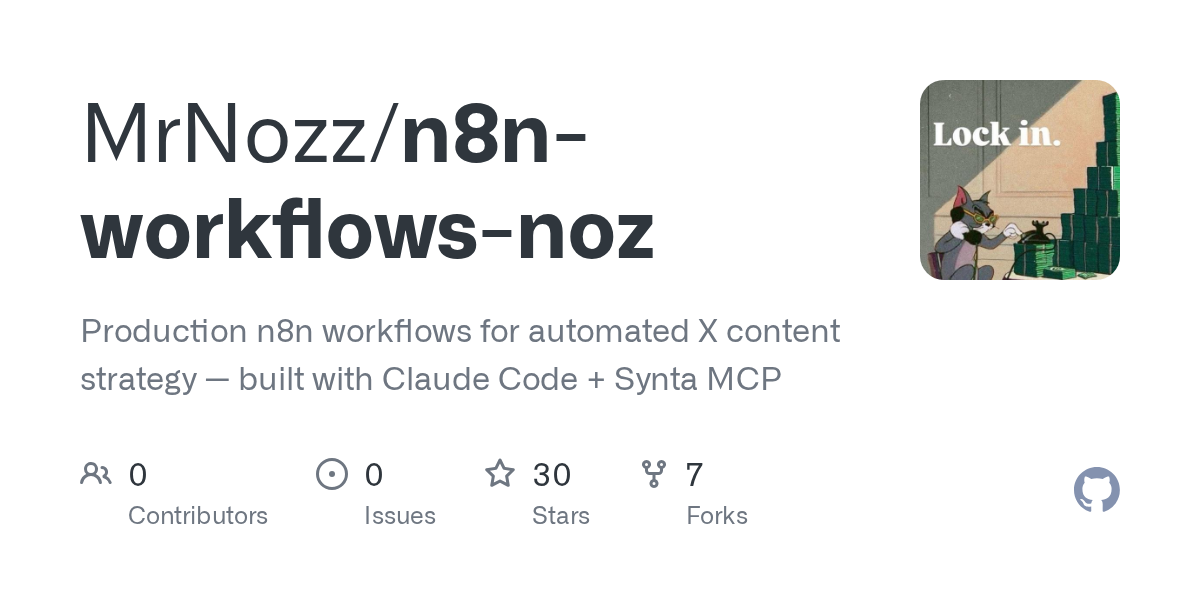

n8n Workflows Noz — Development skill for Claude Code
Production n8n workflows for automated X content strategy — built with Claude Code + Synta MCP.
How to install n8n Workflows Noz
This entry records only its repository, not the path inside it, so there is no
exact command to give. Open MrNozz/n8n-workflows-noz and copy the folder into
~/.claude/skills/, or the file into ~/.claude/agents/.
What n8n Workflows Noz does
Production n8n workflows for automated X content strategy — built with Claude Code + Synta MCP.
Alternatives in Development
- n8n MCP Tools Expert — MCP tools guide with tool selection and node formats 3.6k ★
- Google Ads Meta Ads MCP — Google Ads MCP server + Meta Ads MCP (Facebook Ads MCP) + GA4 + Search Console in one hosted remote MCP for Cl 3.2k ★
- n8n Claude Code Guide — Connect n8n to Claude Code via SSH for powerful automation workflows 379 ★
README
n8n Workflows — Noz
A growing collection of production n8n workflows, open sourced for the community.
Built using **Claude Code + Synta MCP** — which gives Claude direct read/write access to your n8n instance, allowing it to build, debug, and self-heal workflows without touching the canvas manually.
All credentials, API keys, and personal identifiers have been sanitized. Replace `YOUR_*_HERE` placeholders with your own values before importing.
Collections
| Collection | Workflows | Description |
|---|---|---|
| X Content Strategy | 3 | Automated X posting bot, research pipeline, and learning loop |
| LinkedIn Lead Generation | 5 | Full LinkedIn prospecting pipeline — find, research, score, outreach |
How these were built
All workflows were built and iterated using [Claude Code](https://claude.ai/code) with the [Synta MCP](https://synta.io).
The Synta MCP gives Claude actual read/write access to your n8n instance — not just docs lookups. It builds workflows directly, imports them, debugs broken nodes, and self-heals when something fails.
If you want to adapt these for your own use, that's the recommended approach:
- Connect Claude Code to your n8n instance via Synta MCP
- Describe what you want to change in plain English
- Claude will handle the wiring, test it, and fix anything that breaks
Takes about 5-10 minutes to get set up once you have your API tokens ready.
Importing a workflow
- Download the JSON from the relevant
workflows/folder - In n8n: Workflows → Import from file
- Replace all
YOUR_*_HEREplaceholders with your credentials - Read the
docs/folder for setup notes per workflow - Test with a single manual execution before enabling schedules
More workflows coming
This repo will be updated regularly with new workflow collections. Star it to stay updated.
Related Skills

05 Content Strategy Briefs
Build the 3-month content production plan and generate content briefs for pillar pages.

IT Services Marketing OS
A complete marketing operating system of Claude Skills purpose-built for marketing teams inside IT services co


Navin Engine
Rust-native MCP engine that breaks, diagnoses, repairs, benchmarks, and certifies software changes before they

n8n Research Agent
Autonomous research agent built with n8n and Claude (Anthropic). Receives a question, searches Wikipedia, and

Version Management
Semantic versioning strategy with a VERSION file, conventional commits and automated releases.


Job Hunter Agent Phase 1
Phase 1 archive of a job-hunting dashboard I built entirely by prompting Claude, with no programming backgroun