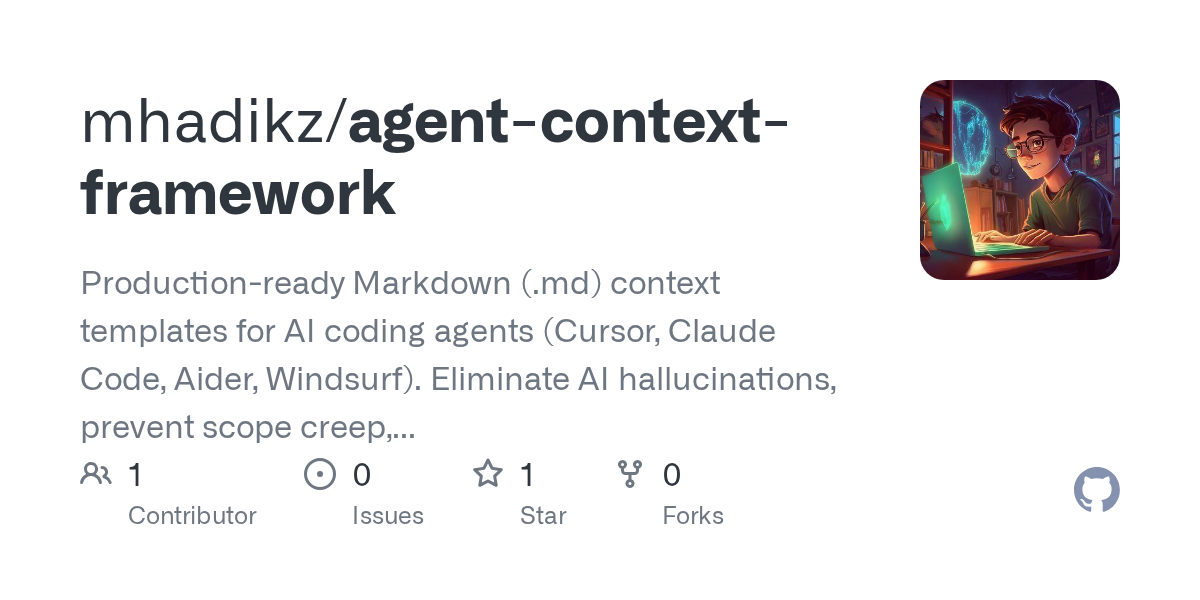

Agent Context Framework — AI skill for Claude Code
Production-ready Markdown (.md) context templates for AI coding agents (Cursor, Claude Code, Aider, Windsurf).
How to install Agent Context Framework
This entry records only its repository, not the path inside it, so there is no
exact command to give. Open mhadikz/agent-context-framework and copy the folder into
~/.claude/skills/, or the file into ~/.claude/agents/.
What Agent Context Framework does
Production-ready Markdown (.md) context templates for AI coding agents (Cursor, Claude Code, Aider, Windsurf). Eliminate AI hallucinations, prevent scope creep, and save context tokens.
Alternatives in AI
- Welcome — AI Research Skills — You now have access to 86 production-ready skills covering the entire AI research lifecycle: literature survey 5.4k ★
- Contributing To Claude Skills Library — Thank you for your interest in contributing to the Claude Skills Library 5.3k ★
- Vibe Coding Toolkit — A curated, battle-tested AI-coding toolkit: Claude Code plugins, subagent orchestration, quality gates, and re 297 ★
README
🤖 AI Context Framework Templates
| 📝 License | 🤝 Contributions | 🤖 Target |
|---|---|---|
MIT |
PRs Welcome |
AI Coding Agents |
A collection of 10 industry-standard Markdown (`.md`) blueprints designed to act as an "onboarding manual" for AI coding agents and LLM assistants. By placing these files in your project root, you dramatically reduce AI hallucinations, prevent scope creep, and save thousands of context window tokens.
🚀 Why Use This Framework?
When working with AI tools like **Cursor, Claude Code, Aider, Windsurf, or GitHub Copilot**, LLMs often suffer from "context rotting" or forget project boundaries over long chat sessions.
This framework solves that by dividing project context into **three specialized pillars**:
- Instructions & Rules: Tell the AI how to behave and execute commands.
- Project Shaping: Keep the AI aligned with your roadmap and active sprints.
- Architecture & Governance: Stop the AI from rewriting your tech stack or breaking code style.
📂 What's Inside the Box?
🛠️ Pillar 1: Core AI Instructions & Rules
- `AGENTS.md` - The Universal AI Directive: The platform-agnostic standard defining project context, build commands, and safety guardrails.
- `CLAUDE.md` / `GEMINI.md` - Tool-Specific Overrides: Rules optimized for terminal-based CLI agents to dictate how diffs and outputs are formatted.
- `SKILL.md` - Deterministic Runbooks: Step-by-step workflow documentation that tells the AI exactly how to execute routines safely.
📋 Pillar 2: Project Shaping & Management
- `PLAN.md` - The Macro Blueprint: Sets the high-level vision, core milestones, and strictly defines what is out of scope.
- `BACKLOG.md` - The Task Queue: A clean Now/Next/Later pipeline that the AI can read to pull its next assignment autonomously.
Related Skills

Leo
A deterministic context-driven agentic SDLC framework for Cursor and Claude. 41 codified laws and 22 specialis

Agents Md Templates
One AGENTS.md, every AI coding agent. Copy-paste templates for Claude Code, Codex, Cursor, Gemini CLI, Copilot


Overscope
Catch AI coding-agent scope creep before you commit. Overscope compares Claude Code and Codex sessions with yo

Ak Elementor Studio
A Claude AI skill that converts any design into production-ready WordPress Elementor templates

Gh Repo Father Skill
Claude Code skill for scaffolding GitHub repositories with AI-driven methodology (JTBD/TDD/DDD) from idea to p


Arc Skill
Provide architecture guidelines and code templates for AI agents to scaffold and maintain production-ready Rea

Related Agents

10x Tool Calls
Cursor and Windsurf meter usage by requests and tool calls rather than tokens, which means a finished or stall

RAG Coder
Context-aware coder that grounds all code generation in actual codebase using RAG to eliminate hallucinations


Plan Challenger
Adversarial plan review before implementation. Attacks plans across 5 dimensions (Assumptions, Missing Cases,
