
Thronekeeper — Code Quality skill for Claude Code
Proxy server that converts Anthropic API requests to OpenAI format and sends it to OpenRouter.
How to install Thronekeeper
This entry records only its repository, not the path inside it, so there is no
exact command to give. Open KHAEntertainment/thronekeeper and copy the folder into
~/.claude/skills/, or the file into ~/.claude/agents/.
What Thronekeeper does
Proxy server that converts Anthropic API requests to OpenAI format and sends it to OpenRouter. It's used to use Claude Code with OpenRouter instead of the Anthropic API
Alternatives in Code Quality
- Import Drawio — Redraw a draw.io file as an editorial diagram at a chosen format, size, and detail level 27.2k ★
- Job Stories — Create job stories with acceptance criteria in JTBD format 7.8k ★
- Video Script: Claude SEO V1.7.2 — What's New — Duration: ~5 minutes Tone: Natural, conversational, like talking to a friend who knows Claude Code Format: Scr 5k ★
README
Thronekeeper
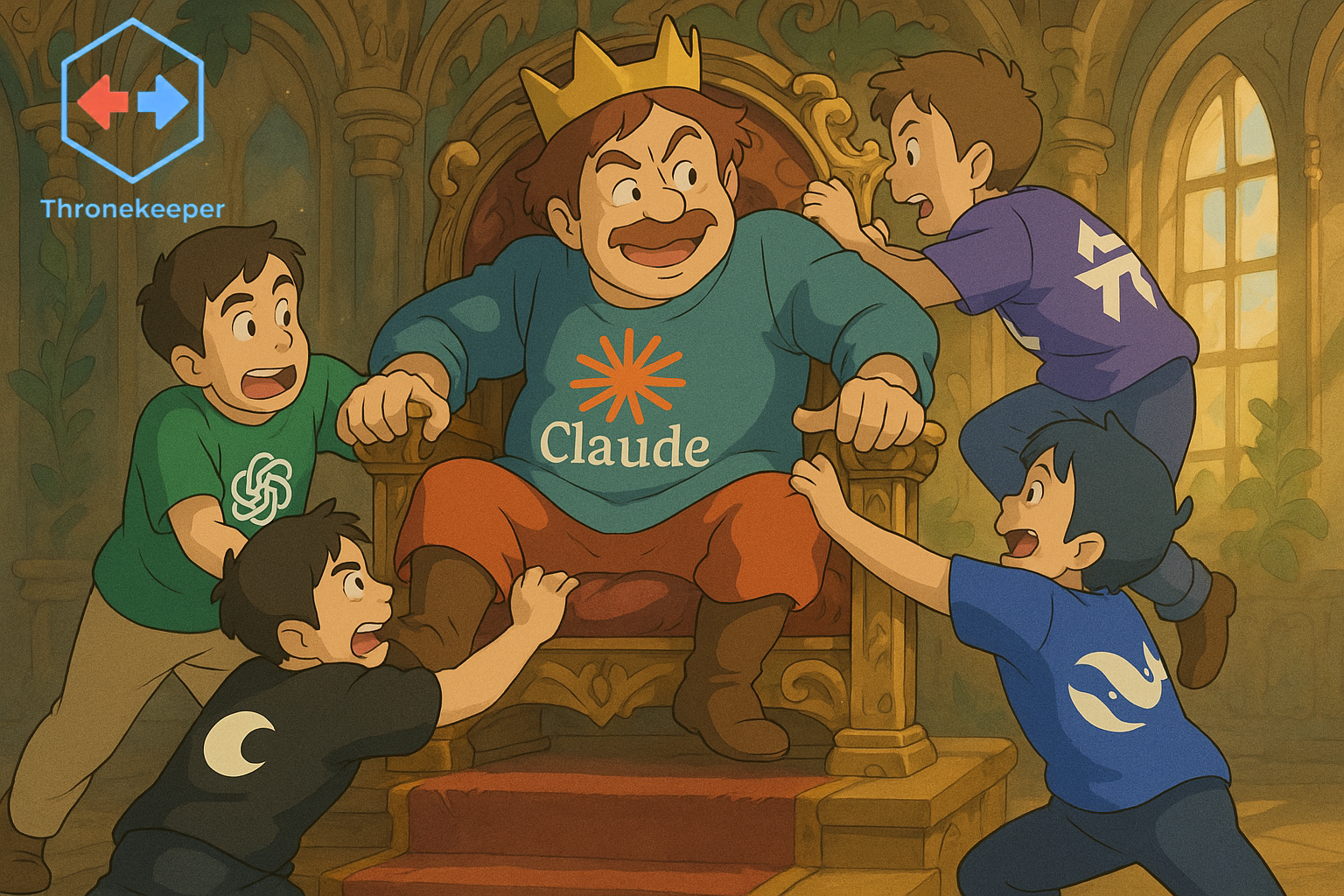
**Universal AI Model Routing for Claude Code** — Use any AI provider (OpenRouter, OpenAI, Together, Deepseek, GLM) with Claude Code and Anthropic-compatible clients.
**🎉 v1.5.62 — Enable dynamic model fetching for Deepseek/GLM providers!** ✨
🚀 Quick Start
Prerequisites
- VS Code 1.85.0 or higher (or Cursor, Windsurf, etc.)
- Claude Code installed
- API key from your chosen provider(s) (OpenRouter, OpenAI, etc.)
Installation
- Download the Extension
- Go to Releases and download the latest
thronekeeper-{version}.vsix
- Install in VS Code
# Command line
code --install-extension thronekeeper-1.5.62.vsix
Or via UI: Extensions (Cmd/Ctrl+Shift+X) → "…" → Install from VSIX…
First-Time Setup
- Open the Thronekeeper panel
- View → Panel → Thronekeeper
- Or Command Palette:
Thronekeeper: Open Panel
- Configure your provider
- Select provider (OpenRouter recommended for 400+ models)
- Click "Store API Key" and enter your key
- Choose models or use recommended pairings
- Start the proxy
- Click "Start Your AI Throne"
- Extension auto-configures Claude Code if enabled
- Start coding
- Claude Code now uses your selected models
Notes:
- When you click "Stop Proxy" your Claude Code settings revert to Anthropic defaults.
- If you enter an Anthropic API Key, Thronekeeper refreshes the default Anthropic models list; the key is used only to fetch defaults, not for proxy coding tasks.
- Thronekeeper works per-project. To run multiple instances, set different ports in settings.
Recommended: OpenRouter Setup
- Get free API key: https://openrouter.ai/keys
- Select "OpenRouter" in Thronekeeper
- Store your API key
- Browse 400+ models or use pairings, e.g.:
- Speed: qwen/qwen-2.5-coder-32b
Related Skills
Anthropic Proxy
A proxy server that converts Anthropic API requests to OpenAI format and sends them to OpenRouter, used to use

Claude Skill For Multimodal Report Generation
A Claude Skill that converts mixed-format files (documents, images, audio/video) into structured, template-bas

Whatsapp CLI
Pure-Python WhatsApp client + CLI: pairs as a linked device, reads/sends end-to-end-encrypted personal chats.


Claude Code Log
A Python CLI tool that converts Claude Code transcript JSONL files into readable HTML format.


Claude Code T8
claude code opensource and support OpenAI-compatible format,ollmama,desktop mode


API Smoke
本地 FastAPI 烟雾测试 — 起 uvicorn → curl /api/health+meta[+compute?format=json] → pkill。端口从 services.ts 读,踩坑(zsh noc

Related Agents

LLM Orchestrator
Use this agent for LLM integration work — prompt engineering, multi-provider abstraction (OpenRouter, Gemini,


AI Saglayici Uzmani
Anthropic Messages API ve OpenAI Codex App Server entegrasyonunun uzmanı — akış, araç döngüsü, hata/yeniden de


AI ML
AI/ML 통합 전문가 + LLM API 최신 모델/SDK 코딩 가이드. RAG 시스템, 문서 분석, OpenAI/Anthropic/Gemini/Ollama 최신 API 보장. "AI integra
