
Resume1 Help Desk Ticket — AI skill for Claude Code
AI agent that autonomously triages, categorizes, and resolves help desk tickets using the Claude API — looks up account info, searches a knowledge base, and either drafts a resolution or escalates to.
How to install Resume1 Help Desk Ticket
This entry records only its repository, not the path inside it, so there is no
exact command to give. Open JustinLaSalle/Resume1---Help-Desk-Ticket and copy the folder into
~/.claude/skills/, or the file into ~/.claude/agents/.
What Resume1 Help Desk Ticket does
AI agent that autonomously triages, categorizes, and resolves help desk tickets using the Claude API — looks up account info, searches a knowledge base, and either drafts a resolution or escalates to a human
Alternatives in AI
- Ccstatusline — by sirmalloc - A highly customizable status line formatter for Claude Code CLI that displays model info, git b 5.5k ★
- ClaudeCodeStatusLine — Custom status line for Claude Code showing model, tokens, rate limits, and git info in real-time 333 ★
- Openase — Ticket-Driven Automated Software Engineering 265 ★
README
Help Desk Ticket Resolution Agent
An autonomous AI agent that triages and resolves customer support tickets, built with the [Claude API](https://docs.claude.com).
The problem
Most support teams waste time on the same repetitive steps for every ticket: look up the customer, check if there's already an answer in the knowledge base, and figure out whether this is something that can be answered directly or needs a human. That triage work is repetitive but still requires judgment — a bad automated reply to a frustrated or billing-sensitive customer causes more damage than it saves.
What this agent does
Given a ticket, the agent autonomously:
- Checks the customer's account — looks up plan, order history, status
- Searches the knowledge base — finds a relevant existing answer if one exists
- Decides how to respond:
- Drafts a grounded reply if it found a clear, confident answer
- Escalates to a human if the issue is billing-sensitive, the customer sounds frustrated/angry, or no clear answer was found
The judgment about *when to escalate vs. resolve* lives in the system prompt, not hardcoded rules — this is the core difference between a simple chatbot and an agent: it reasons about the situation rather than following a fixed script.
Example run
=== Ticket from jane@example.com ===
Message: Hi, my order #4471 arrived damaged. I'd like a refund please.

  -> called check_account({'email': 'jane@example.com'}) => Plan: Pro. Last order #4471, status: delivered Sept 12.
  -> called search_knowledge_base({'query': 'refund damaged order'}) => Refund policy: full refund within 30 days of delivery, no questions asked.
  -> called draft_reply({'message': '...'}) => [DRAFT REPLY SAVED]

Agent outcome: Resolved directly — refund approved per policy, reply drafted.

=== Ticket from sam@example.com ===
Message: I can't log in... this is the third time I'm emailing about this and I'm about to cancel.

  -> called check_account({'email': 's
Related Skills
Agentic Help Desk Ticket
AI agent that autonomously triages, categorizes, and resolves help desk tickets using the Claude API — looks u
Agentic Customer Support Copilot
AI customer support agent with a live interactive demo — resolves policy-covered requests directly (refunds, p
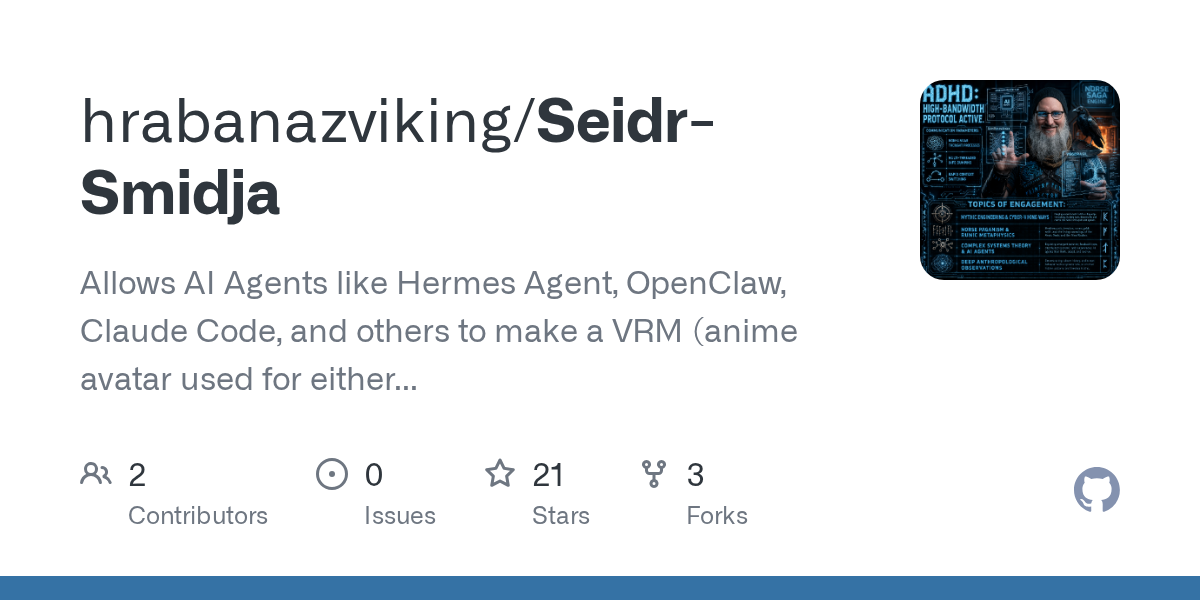
Seidr Smidja
Allows AI Agents like Hermes Agent, OpenClaw, Claude Code, and others to make a VRM (anime avatar used for eit


Express Issue Triage Agent Template
An Express and AI SDK agent that triages new GitHub issues on Vercel, applying labels and a maintainer reply.


Giil
Zero-setup bash CLI that downloads full-resolution images from iCloud/Dropbox/Google Photos share links, bridg


Whatsapp Receptionist
Open-source AI receptionist for WhatsApp. Books real appointments on Google Calendar, transcribes voice notes,

Related Agents

CI Failure Responder
Triages and fixes CI failures for the devloop project. Given a branch name or gh run URL, pulls failure output

Delivery Validator
Validate task completion autonomously. Use this agent after review approval to run validation checks and eithe


Chief Of Staff
Personal communication chief of staff that triages email, Slack, LINE, and Messenger. Classifies messages into
