
Tiny Nvim
Description
Slim Neovim config for 0.11+ with minimal plugins.
Installation
This entry records only its repository, not the path inside it, so there is no
exact command to give. Open the source below and copy the folder into
~/.claude/skills/, or the file into ~/.claude/agents/.
README
Welcome to My Tiny Neovim 👋
[](#contributors-)
[](#)
[](https://twitter.com/jellydn)
Slim Neovim config for **0.13+** with minimal plugins.
[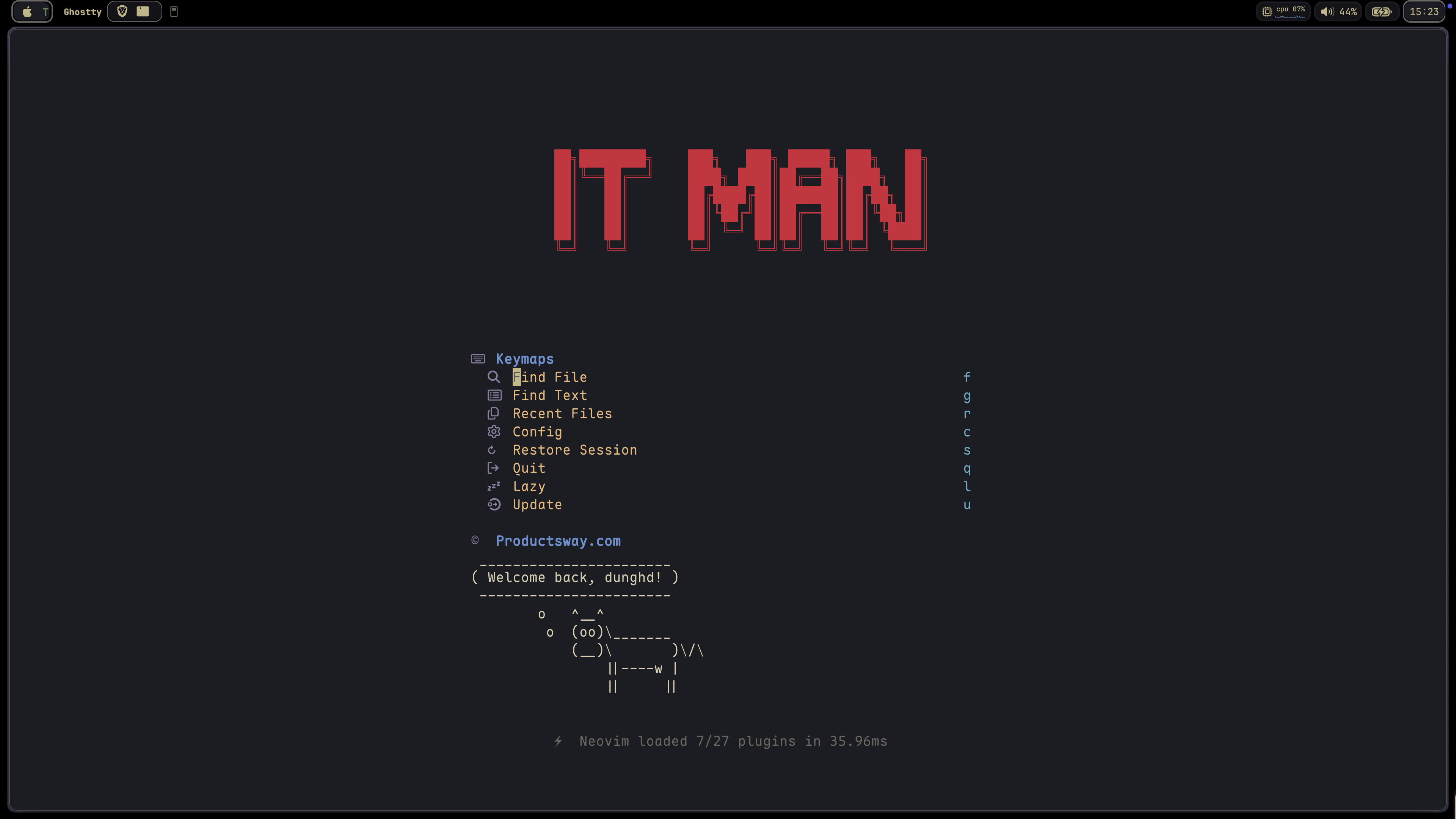](https://gyazo.com/6e351d72c2f119f70dbc55d61e9452fd)
Requirements
- Neovim 0.13+ (runtime target; built-in LSP configs use the 0.11+
lsp/format) - External tools from `./scripts/install-tools.sh` (includes
tree-sitterCLI for parser compile) ~/.local/binonPATHis prepended at startup so tools fromuv/ mise (e.g.ty,ruff) resolve correctly
Motivation
This configuration is a migration from [my-nvim-ide](https://github.com/jellydn/my-nvim-ide) with two main goals:
- Leverage Neovim Built-in Features (0.11 API, 0.13 runtime):
- Remove dependency on `lspconfig` by utilizing Neovim's built-in LSP support
- No need for the
mason.nvimplugin; instead, use a shell script to install necessary tools - Experience faster startup times and reduced complexity
- Target Neovim 0.13+ behavior (e.g. disable built-in
nvim.dirso oil
Related Skills
Auto Update
Pull the latest ECC repo changes and reinstall the current managed targets.

Ecc Guide
Navigate ECC's current agents, skills, commands, hooks, install profiles, and docs from the live repository su
Epic Claim
Claim an epic issue, stamp coordination state, and sync local ownership.
Epic Publish
Publish a validated epic update back to the issue and local cache.
Epic Review
Mark epic review requested, approved, or changes requested.
Epic Unblock
Sweep blocked epic issues and reopen anything whose dependencies are closed.