
Spinner.Nvim
Description
spinner.nvim is a single file, no-dependency plugin for Neovim
Installation
This entry records only its repository, not the path inside it, so there is no
exact command to give. Open the source below and copy the folder into
~/.claude/skills/, or the file into ~/.claude/agents/.
README
Welcome to spinner.nvim 👋
spinner.nvim is a single file, no-dependency plugin for Neovim. It's easy to add to your Lua project for better organization.
Installation
To install spinner.nvim, simply move the `spinner.lua` file from this repository to a subdirectory in your Lua project directory. Once transferred, you can adjust the configuration table at the beginning of the file to suit your needs.
Usage
Here's a basic example of how to use spinner.nvim:
local spinner = require('YOUR_PROJECT.spinner')

-- Display the spinner at the top right of the screen
spinner.show()

-- Or customize the position
spinner.show({
  relative = "editor",
  width = 1,
  height = 1,
  col = vim.o.columns - 1,
  row = vim.o.rows - 1,
})

-- Hide the spinner when it's done
spinner.hide()
Configuration
You can customize the following values:
-- User configuration section
local config = {
  -- Show a notification when done (set to false to disable)
  show_notification = true,
  -- Name of the plugin
  plugin = "spinner.nvim",
  -- Spinner frames
  spinner_frames = {
    "⠋",
    "⠙",
    "⠹",
    "⠸",
    "⠼",
    "⠴",
    "⠦",
    "⠧",
    "⠇",
    "⠏",
  },
}
Demo
[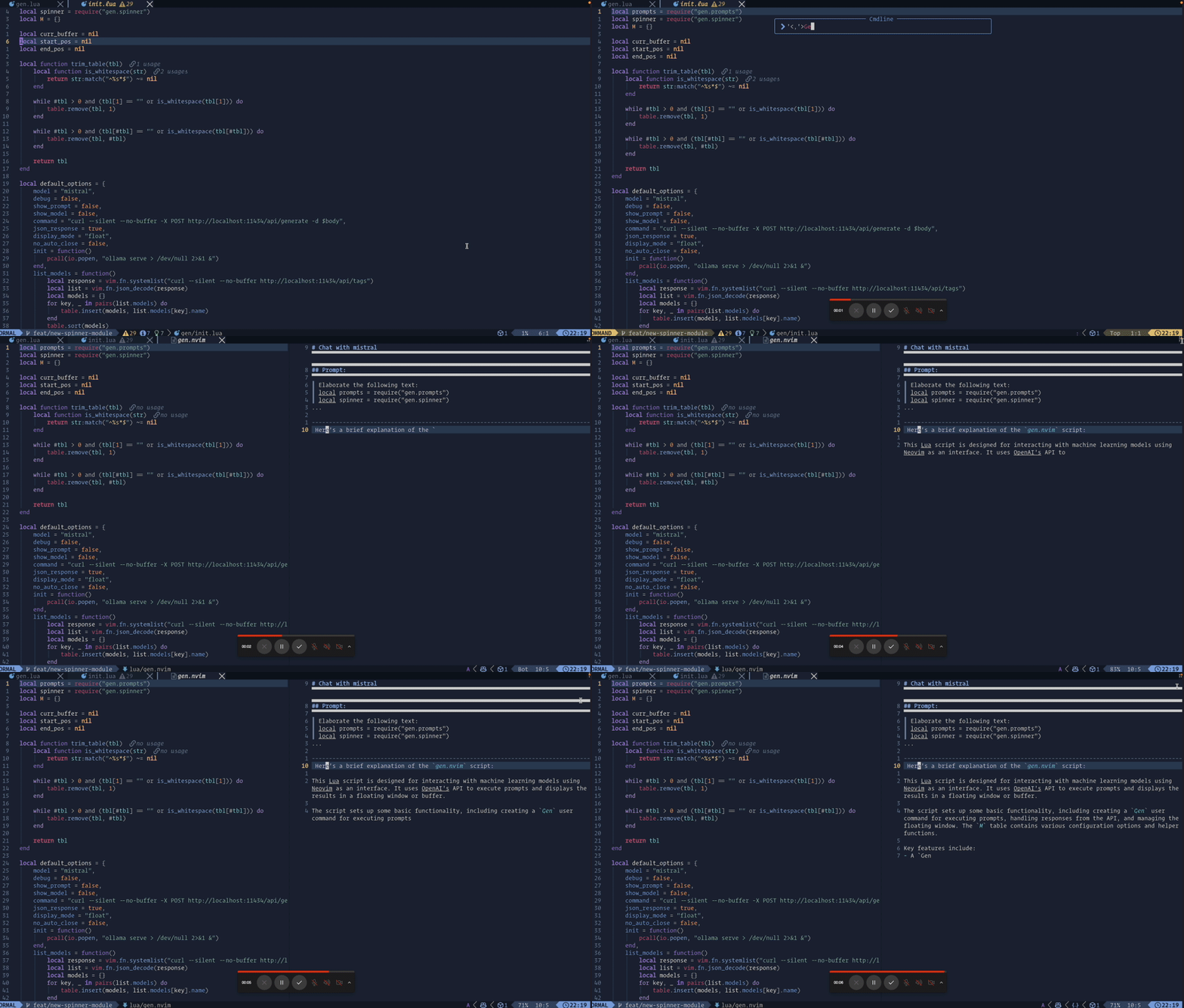](https://gyazo.com/7806f54956945800e0144edc4f0998da)
Support
If you find spinner.nvim helpful, please consider giving it a star! ⭐️
Related Skills
Auto Update
Pull the latest ECC repo changes and reinstall the current managed targets.

Ecc Guide
Navigate ECC's current agents, skills, commands, hooks, install profiles, and docs from the live repository su
Epic Claim
Claim an epic issue, stamp coordination state, and sync local ownership.
Epic Publish
Publish a validated epic update back to the issue and local cache.
Epic Review
Mark epic review requested, approved, or changes requested.
Epic Unblock
Sweep blocked epic issues and reopen anything whose dependencies are closed.