
Obsidian Notes CLI — Documentation skill for Claude Code
CLI that writes structured Markdown notes generated by Claude Code into an Obsidian vault.
How to install Obsidian Notes CLI
This entry records only its repository, not the path inside it, so there is no
exact command to give. Open jeffersongoncalves/obsidian-notes-cli and copy the folder into
~/.claude/skills/, or the file into ~/.claude/agents/.
What Obsidian Notes CLI does
CLI that writes structured Markdown notes generated by Claude Code into an Obsidian vault.
Alternatives in Documentation
- Repo Recap — Generate a structured recap of the repository state: open PRs, open issues, recent releases, and executive sum 11.9k ★
- Wiki — Bootstrap or check the claude-obsidian wiki vault 3.3k ★
- Obsidian Export — Export a clean structured snapshot of the vault that any agent or tool can consume — flat JSON or markdown ind 277 ★
README
Obsidian Notes CLI





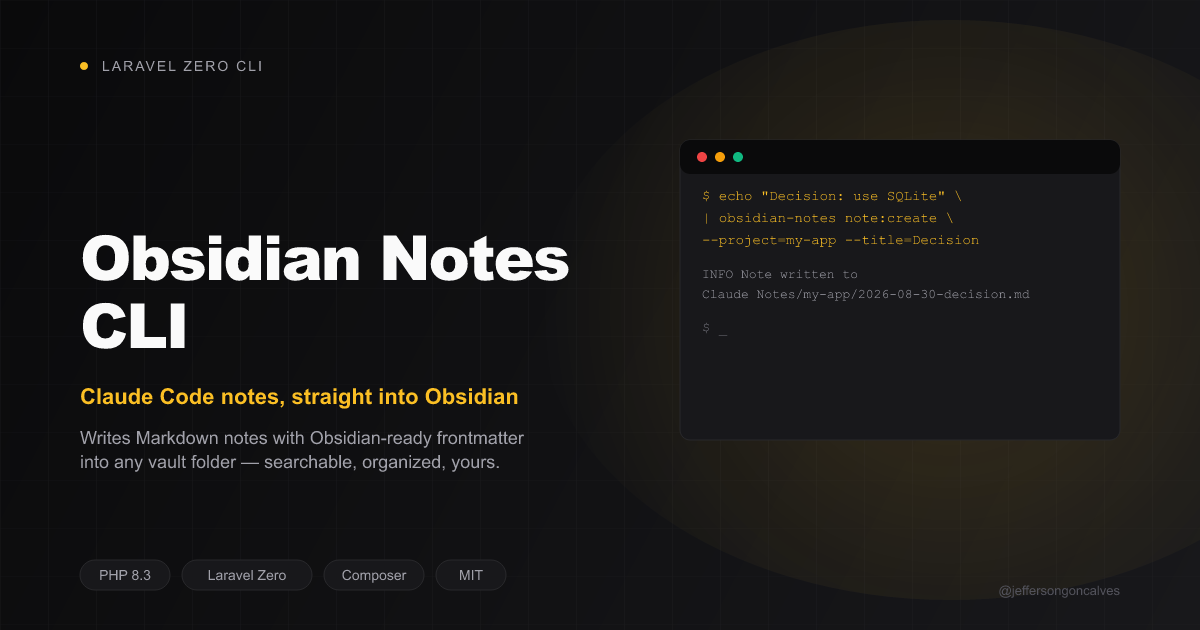
CLI that writes structured Markdown notes into an [Obsidian](https://obsidian.md) vault — built so Claude Code (or any script) can persist documentation/decisions as notes you can browse and search natively in Obsidian. No custom viewer, no lock-in: it's just Markdown files with frontmatter, in a folder Obsidian already understands.
Part of a 3-repo integration:
obsidian-notes-cli(this repo, PHP / Laravel Zero) — writes the notes. Works standalone — the other two repos are optional conveniences on top.- `obsidian-claude-notes` — Obsidian plugin: sidebar of Claude Code notes, command to trigger the CLI from inside Obsidian, live
Related Skills
Petit Poucet
Curated, shared Markdown memory for coding agents (Claude Code, GitHub Copilot CLI): one small Rust MCP server


Pbi Changelog
Generate structured release notes from local git history in Keep a Changelog format. Groups commits by type (A


Phd Deepread Workflow
A professinal CLI workflow for PhD students to extract, analyze, and visualize academic papers into structured

Material To Notes
Skill для Claude Code: превращает книгу, лекцию, видео, статью или транскрипт в конспект и кладёт его в вашу б

Claude Vault
Encrypt Claude Code markdown files at rest. AES-256-GCM for CLAUDE.md, skills, memory, and Obsidian vaults.

Consulting CRM
HIVE: local-first knowledge-graph CRM for consulting. Markdown/Obsidian vault as a typed property graph, PageR

Related Agents

Librarian Agent
Librarian for a notes/knowledge-base vault (Obsidian-style or plain-markdown) — filing new notes, organizing f


Local Writer
Use for high-token repetitive writing (docstrings, inline code comments, Markdown documentation, CHANGELOG/REA


Vault Manager
Specialized agent for CRUD operations on Obsidian vault notes using direct file operations
