
AI Code Connect — AI skill for Claude Code
A CLI tool that connects Claude Code and Gemini CLI, eliminating manual copy-paste between AI coding assistants.
How to install AI Code Connect
This entry records only its repository, not the path inside it, so there is no
exact command to give. Open jacob-bd/ai-code-connect and copy the folder into
~/.claude/skills/, or the file into ~/.claude/agents/.
What AI Code Connect does
A CLI tool that connects Claude Code and Gemini CLI, eliminating manual copy-paste between AI coding assistants.
Alternatives in AI
- Zotero MCP — It's a plugin extension in Zotero 1.1k ★
- OpenContext — A personal context store for AI agents and assistants—reuse your existing coding agent CLI (Codex/Claude/OpenC 1.1k ★
- ClaudeR — Connect RStudio to Claude Code, Codex, Gemini, and other LLM agents via MCP 328 ★
README
AIC² - AI Code Connect
[](https://buymeacoffee.com/jacobbd)
 █████╗ ██╗ ██████╗ ██████╗
██╔══██╗██║██╔════╝ ╚════██╗
██║  ██║██║██║       █████╔╝
███████║██║██║      ██╔═══╝
██╔══██║██║██║      ███████╗
██║  ██║██║██║      ╚══════╝
██║  ██║██║╚██████╗
╚═╝  ╚═╝╚═╝ ╚═════╝
A CLI tool that connects **Claude Code** and **Gemini CLI**, eliminating manual copy-paste between AI coding assistants.
**AIC²** = **A**I **C**ode **C**onnect (the two C's = ²)
The Problem
When working with multiple AI coding tools:
- Ask Gemini for a proposal
- Copy the response
- Paste into Claude for review
- Copy Claude's feedback
- Paste back to Gemini...
This is tedious and breaks your flow.
The Solution
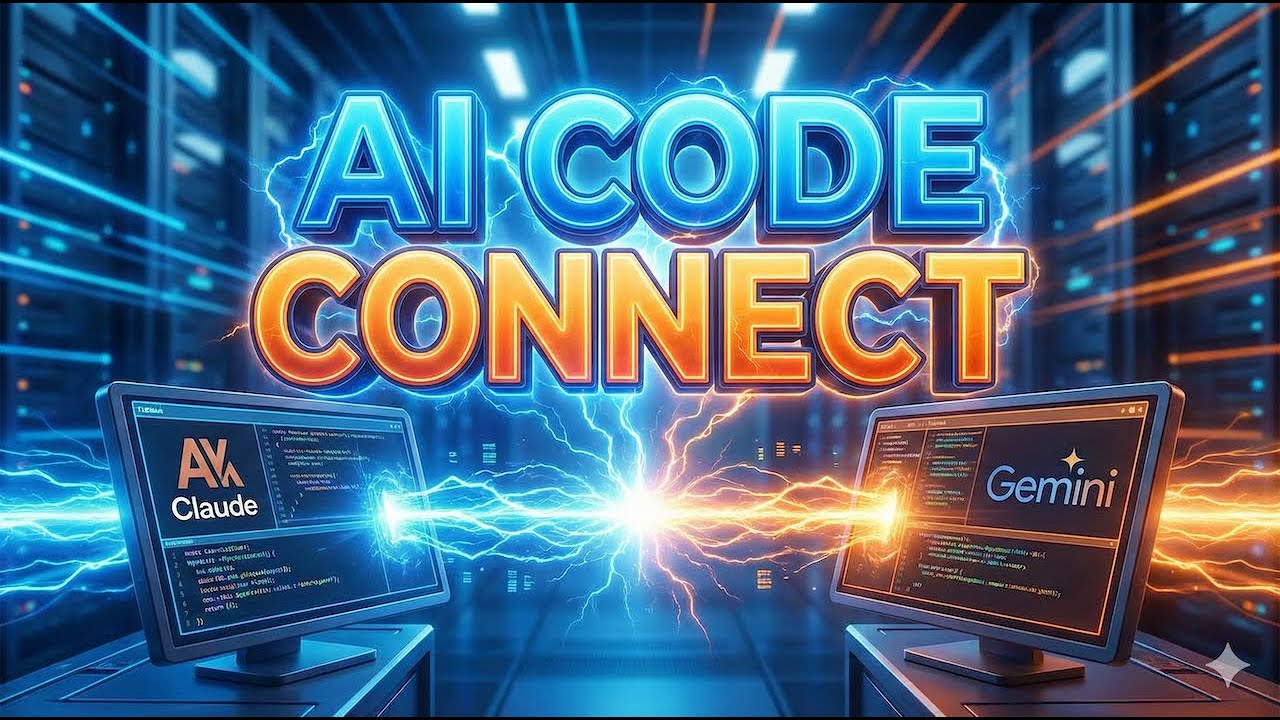
(10 min overview/demo video)
`aic` bridges both tools in a single interactive session with:
- Persistent sessions - Both tools remember context
- One-command forwarding - Send responses between tools instantly
- Interactive mode - Full access to slash commands and approvals
- Detach/reattach - Keep tools running in background
Installation
npm install -g ai-code-connectThat's it! The `aic` command is now available globally.
Alternative: Install from Source
git clone https://github.com/jacob-bd/ai-code-connect.git
cd ai-code-connect
npm install
npm run build
npm link
Prerequisites
Install both AI CLI tools:
- Claude Code:
npm install -g @anthropic-ai/claude-code - Gemini CLI:
npm install -g @google/gemini-cli
Verify:
aic tools
# Should show both as "✓ available"
Quick Start
aicThat's it! This launches the interactive session.
Usa
Related Skills
Agents Md Templates
One AGENTS.md, every AI coding agent. Copy-paste templates for Claude Code, Codex, Cursor, Gemini CLI, Copilot


AI Agent Tool
Copy-paste bundles that birth persistent, auditable AI agents for Codex, Claude Code/Cowork, Gemini CLI, GitHu

Beamish.Ink
Web effects and interface components for AI coding agents. Three.js scenes, WebGL shaders and text animations,

Coffee CLI
A clean AI terminal workspace. No hacks, no extra hooks, no lock-in — with quick input, folder switching, copy


Claudegate
ClaudeGate - A CLI wrapper that lets you switch between Anthropic, OpenRouter, Z.AI, Kimi K2, Novita AI, and c


Agent Manual
The manual for AI coding agent hooks, configs, PreToolUse/PostToolUse, MCP, and skills - covering Claude Code,

Related Agents

Rememora Triage
Use this agent when triaging issues, feature requests, or bugs for the Rememora project — a cross-agent persis


Agent Of Empires
Claude Code, OpenCode, Mistral Vibe, Codex CLI, Gemini CLI Coding Agent Terminal Session manager via tmux and


Developer Overview
code-container (container) creates isolated Docker environments for AI coding harnesses (Claude Code, OpenCode
