

Lowkey — DevOps skill for Claude Code
Deploy a FullStack Prodo-Typing Agent into your AWS Account (KiroCrew,OpenClaw, Hermes, Claude Code, Codex).
How to install Lowkey
This entry records only its repository, not the path inside it, so there is no
exact command to give. Open inceptionstack/lowkey and copy the folder into
~/.claude/skills/, or the file into ~/.claude/agents/.
What Lowkey does
Deploy a FullStack Prodo-Typing Agent into your AWS Account (KiroCrew,OpenClaw, Hermes, Claude Code, Codex).
Alternatives in DevOps
- Claudable — Claudable is an open-source web builder that leverages local CLI agents, such as Claude Code, Codex, Gemini CL 4k ★
- Skill Claw — OpenClaw instance administration — manage hosts across macOS, Ubuntu/Debian, Docker, OCI, and Proxmox 2.8k ★
- Codeg — Aggregate and browse AI coding agent sessions (Claude Code, Codex, Gemini CLI, etc.) in one place 850 ★
README
Self-Hosted AI Coding Agents on AWS — OpenClaw, Claude Code, Codex, Kiro, NemoClaw, Hermes
[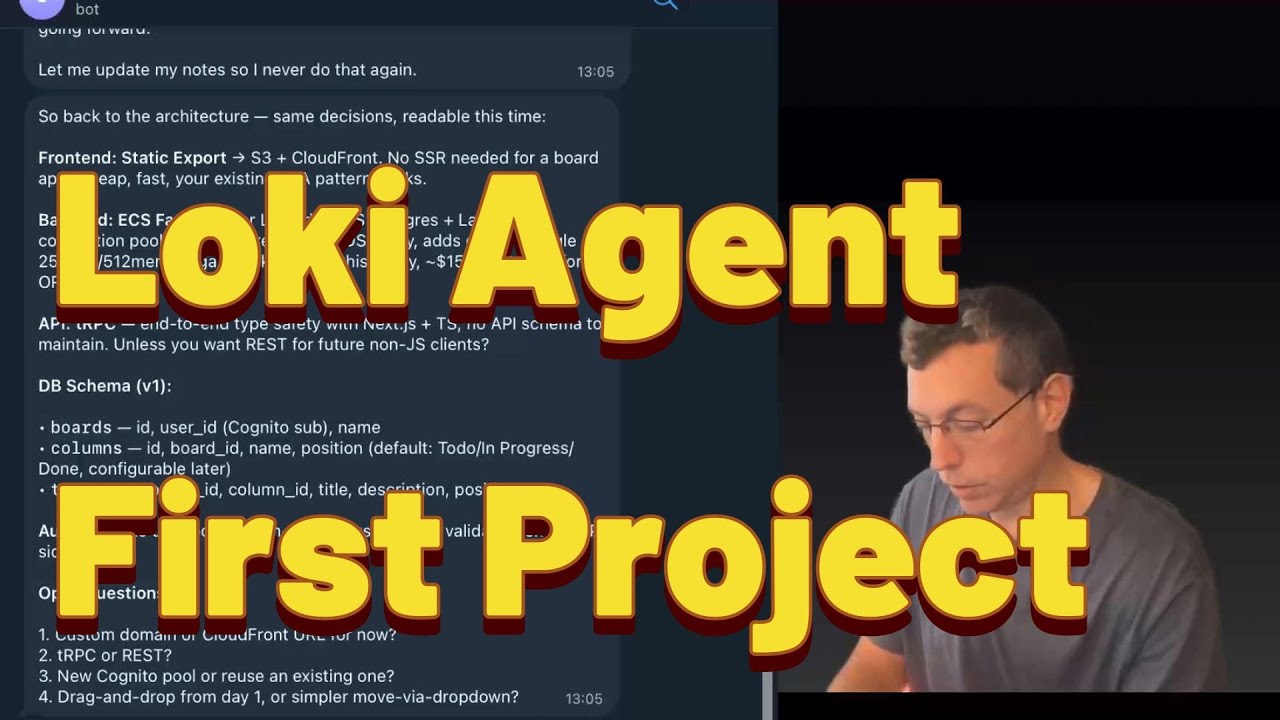](https://www.youtube.com/watch?v=dJSk8DYlHvI)
▶️ [Watch the full walkthrough on YouTube](https://www.youtube.com/watch?v=dJSk8DYlHvI)
📝 [Read the blog post: "I Gave My Agent Its Own AWS Account"](https://robotpaper.ai/i-gave-my-agent-its-own-aws-account-and-now-it-codes-deploys-and-debugs-full-stack-apps/)
**TL;DR — deploy Lowkey:**
curl -sfL install.lowkey.run | bashWorks in **bash**, **zsh**, and **AWS CloudShell**. The installer walks you through pack, profile, and deploy method interactively.

**One-liner examples (non-interactive):**
# Full builder agent (can create/modify/delete AWS resources)
curl -sfL install.lowkey.run | bash -s -- -y --pack openclaw --profile builder

# Read-only advisor (can see everything, change nothing)
curl -sfL install.lowkey.run | bash -s -- -y --pack openclaw --profile account_assistant

# Personal assistant (Bedrock only, no AWS access)
curl -sfL install.lowkey.run | bash -s -- -y --pack claude-code --profile personal_assistant

# Sandboxed personal assistant (NemoClaw — isolated in OpenShell sandbox)
curl -sfL install.lowkey.run | bash -s -- -y --pack nemoclaw --profile personal_assistant

# Kiro CLI agent (AWS agentic IDE — requires interactive login after deploy)
curl -sfL install.lowkey.run | bash -s -- -y --pack kiro-cli --profile builder

# Codex CLI agent (OpenAI — builder agent, no Bedrock)
curl -sfL install.lowkey.run | bash -s -- -y --pack codex-cli
# After deploy, SSM into the instance and run: codex login
# (ChatGPT/browser OR API key — your choice)
Requires: AWS CLI + admin access on a **dedicated sandbox account**.
⚠️ Deploy in a clean account — LLMs make mistakes, a sandbox limits the blast radius.
**Un
Related Skills
AstraBox
Open-source, self-hosted alternative to Claude Managed Agents: run Claude Code, Codex, Hermes, DeepSeek Harnes


Hermes On Digitalocean
Claude Code / agent skill: deploy a Hermes Agent to a DigitalOcean droplet (Ubuntu 24.04, gateway-as-systemd,

Opencode Kiro Auth
Stop hitting Claude limits. Leverage AWS Kiro 550+ free requests with this multi-account rotation plugin for O

AWS Inventory
Scan your AWS account and generate a formatted Excel infrastructure inventory report.

AWS Savings
Claude Code skill + read-only scanner that audits an AWS account for money spent on nothing: SnapStart version

Memstem
Unified memory and skill infrastructure for AI agents — pull-based ingestion across Claude Code, OpenClaw, Cod

Related Agents

Agency Incident Commander
Production incident management — SEV1-4 framework, blameless post-mortems, on-call process. Use při Flash VPS


Ensemble Curator
High-volume triage agent for external-AI-agent PRs (Codex, Jules, Hermes, Droid, Aider, etc.). Analyzes, conso

Vibe Coder
Fullstack vibe coding assistant. Talk naturally — I plan, code, test, and deploy for you. Perfect for non-tech
