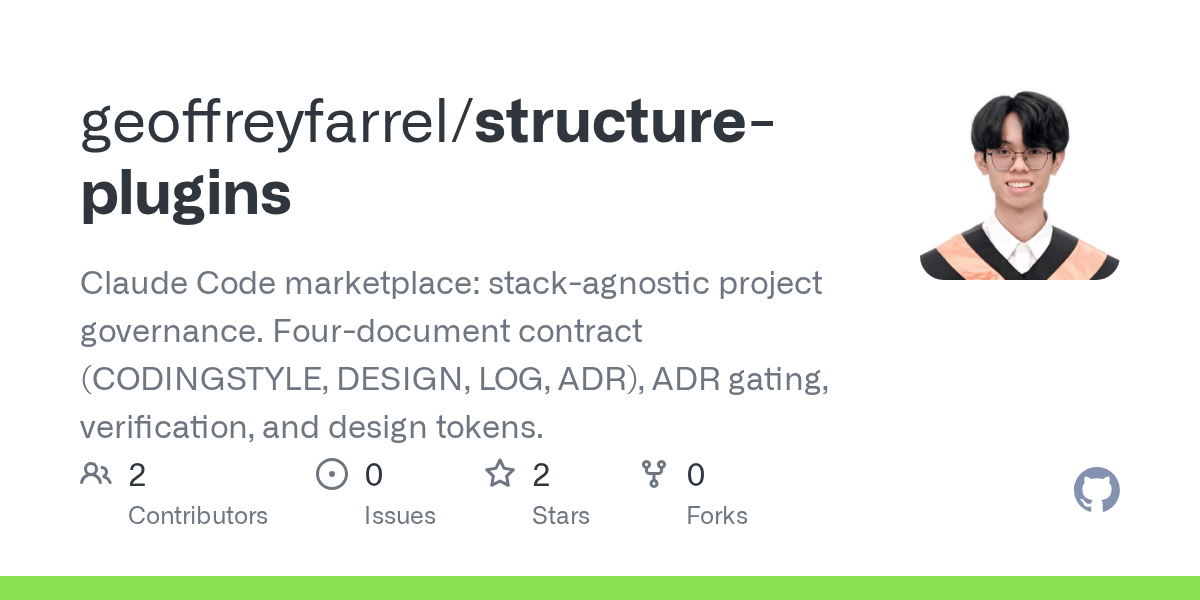

Structure Plugins — Design skill for Claude Code
Claude Code marketplace: stack-agnostic project governance.
How to install Structure Plugins
This entry records only its repository, not the path inside it, so there is no
exact command to give. Open geoffreyfarrel/structure-plugins and copy the folder into
~/.claude/skills/, or the file into ~/.claude/agents/.
What Structure Plugins does
Claude Code marketplace: stack-agnostic project governance. Four-document contract (CODINGSTYLE, DESIGN, LOG, ADR), ADR gating, verification, and design tokens.
Alternatives in Design
- Huashu Design — Huashu Design · HTML-native design skill for Claude Code · Claude Code 里 HTML 原生的设计 skill · 高保真原型 / 幻灯片 / 动画 + 23.6k ★
- Pipelines — Pipelines: Versatile, UI-Agnostic OpenAI-Compatible Plugin Framework 2.4k ★
- Claude Code Plugins (jeremylongshore) — Marketplace-style repo bundling instruction-template plugins and MCP plugin packs, with install docs 1.7k ★
README
Structure Plugins
A Claude Code marketplace of reusable, stack-agnostic development plugins.
Plugins
| Plugin | Purpose |
|---|---|
| `structure-core` | Project governance — a four-document contract, ADR gating, verification, commit discipline, and design tokens |
Install
The marketplace repo is independent of where your projects live. A project on GitLab installs from this marketplace on GitHub with no friction.
**From GitHub**
/plugin marketplace add geoffreyfarrel/structure-plugins
/plugin install structure-core@structure-plugins
**From a local path** — for developing and testing before you push:
/plugin marketplace add D:\Freelance\structure-plugins
/plugin install structure-core@structure-plugins
Enable `autoUpdate` for the marketplace in `~/.claude/settings.json` so every machine picks up changes without reinstalling:
{
  "extraKnownMarketplaces": {
    "structure-plugins": {
      "source": { "source": "github", "repo": "geoffreyfarrel/structure-plugins" },
      "autoUpdate": true
    }
  }
}
Using it in a repository
/st-init      # once per repo — bootstraps the governance documents
/st-status    # any time — reports drift and staleness
After `/st-init`, the skills engage on their own. The commands are there for when you want to drive explicitly.
Commands vs. skills
The plugin ships two kinds of component, and they show up side by side in Claude Code's listings — which makes them easy to confuse. They are not alternatives to each other.
Commands (/st-*) |
Skills | |
|---|---|---|
| You | type them | never type them |
| Loading | on demand, when invoked | automatically, when the work matches the description |
| Nature | an action — do this now | knowledge — the standing rules |
| Count | 8 | 9 |
| Example | /st-init |
project-governance |
A skill is the rulebook; a command is a job that consults it. `project-governance` is the *stan
Related Skills

Claude Dev Helpers
Personal Claude Code marketplace + dev-helpers plugin: stack-agnostic agentic dev workflow helpers (TDD, commi


Claude Code Debug Mode
Cursor-style Debug Mode skill for coding agents. Hypothesis-driven debugging with runtime log instrumentation

Claude Code Frontend Skills
Frontend design stack for Claude Code: Anthropic frontend-design, Impeccable, UI UX Pro Max, Taste & Emil Kowa


Document Component
Author, refresh, or reconcile the usage documentation for one existing component — draft its canonical doc rec


Utility
CSS utility class creation and updates. Use when adding, modifying, or checking Dialtone CSS utilities (d- cla


Stack Verify
Health check for way-stack install. Verifies vault structure, orchestrator presence, hooks, plugins, and desig

Related Agents

Specflow Memory Checker
Memory and governance compliance specialist for SpecFlow. Use for constitution, tech-stack, and memory-documen

Comprehension Review
De-warmed cold comprehension-and-structure gate for design.md and track files: reads only the document, never

Fhir Coordinator
Coordinate FHIR specification research, ADR decisions, implementation, and verification across repository and
