
AI Gaming Agent — AI skill for Claude Code
A step by step implementation of building an AI agent that plays 3d shooting game.
How to install AI Gaming Agent
This entry records only its repository, not the path inside it, so there is no
exact command to give. Open FareedKhan-dev/ai-gaming-agent and copy the folder into
~/.claude/skills/, or the file into ~/.claude/agents/.
What AI Gaming Agent does
A step by step implementation of building an AI agent that plays 3d shooting game.
Alternatives in AI
- Develop — Development phase - Build solutions with multi-AI implementation and quality gates 2.8k ★
- Llmwiki — Open Source Implementation of Karpathy's LLM Wiki 1.5k ★
- Claude Code Design Guide — From Early Internet Design Patterns to AI Agent Implementation — A Deep Dive into Claude Code for Developers 762 ★
README
AI Agent that plays 3D shooting game
[](https://www.python.org/downloads/release/python-3100/) [](https://www.together.ai/) [](https://deepseek.com) [](https://mistral.ai) [](https://openai.com/) [](https://medium.com/@fareedkhandev/creating-an-ai-agent-that-play-first-person-shooting-game-c4996168ed65)
AI agents are now also becoming part of games. The way they interact with the environment, take actions, and make decisions all depends on proper thinking and proper usage of LLMs/multimodals. So, to learn how AI agents work in a gaming environment:
- First, we are going to create a first-person 3D action shooting game using the Python Ursina engine.
- Then we will create a multi-AI agent based on sub-agents using LLM multimodals, like DeepSeek V3 for text and Mistral 3.1 for vision capability, combined together to form a powerful multi-agent system that will play the game for us and win it.
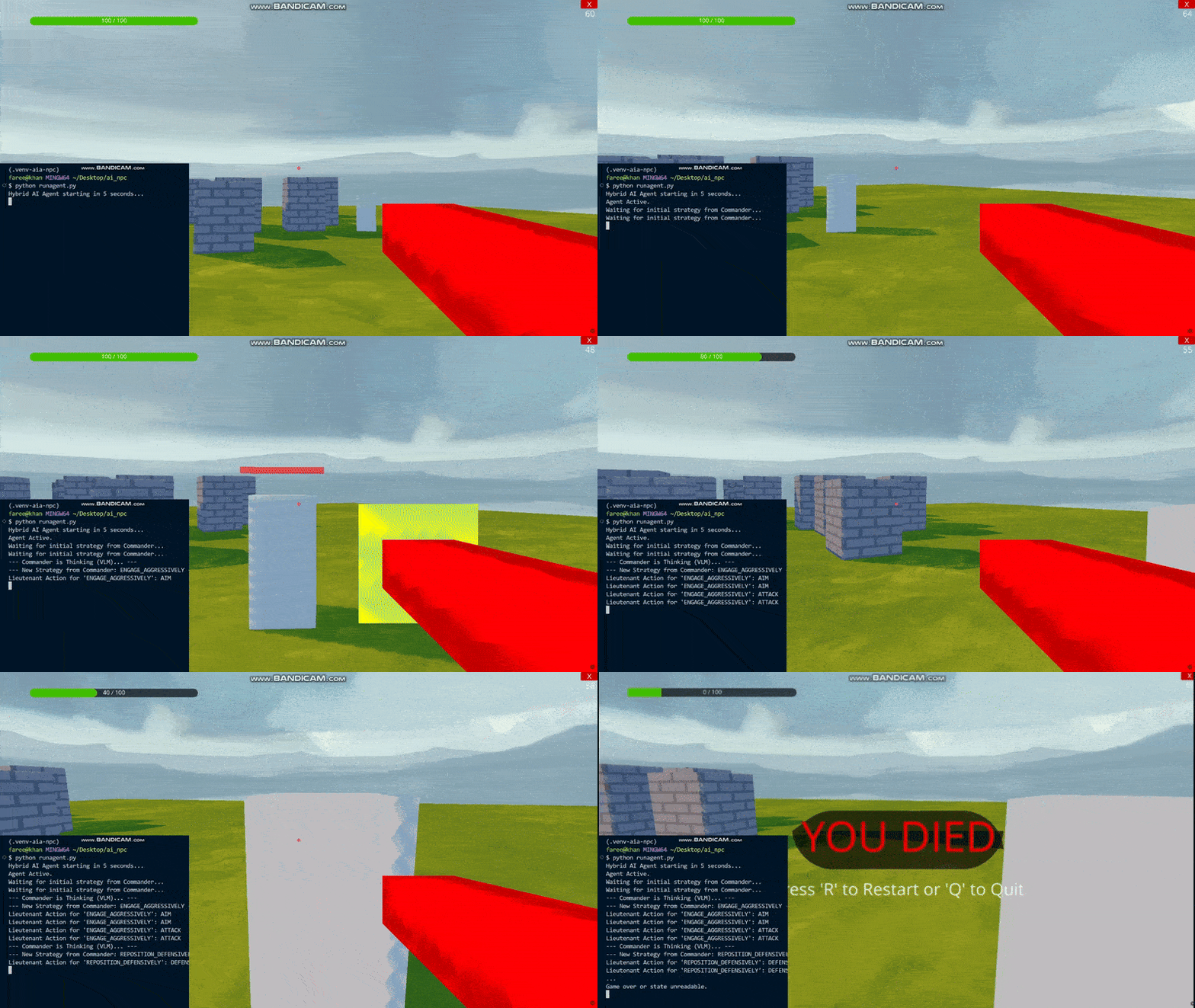
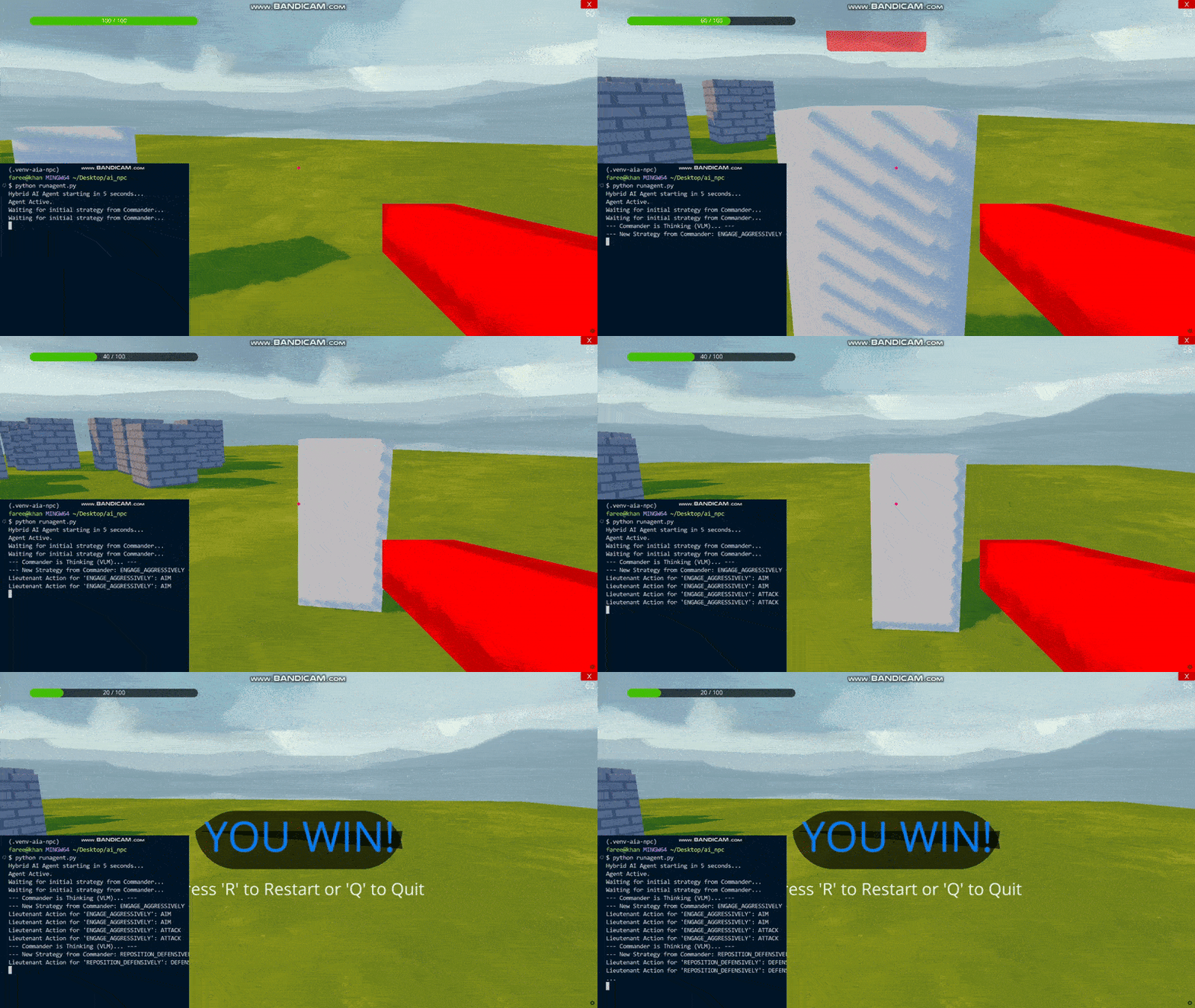
Take a look at how our AI agent (DeepSeek + Mistral) is playing our own 3D action game, failing at the first attempt but winning after the second attempt.
We will code everything from scratch, all the way from building the 3D game engine to creating the AI agent using an LLM and a vision-language model.