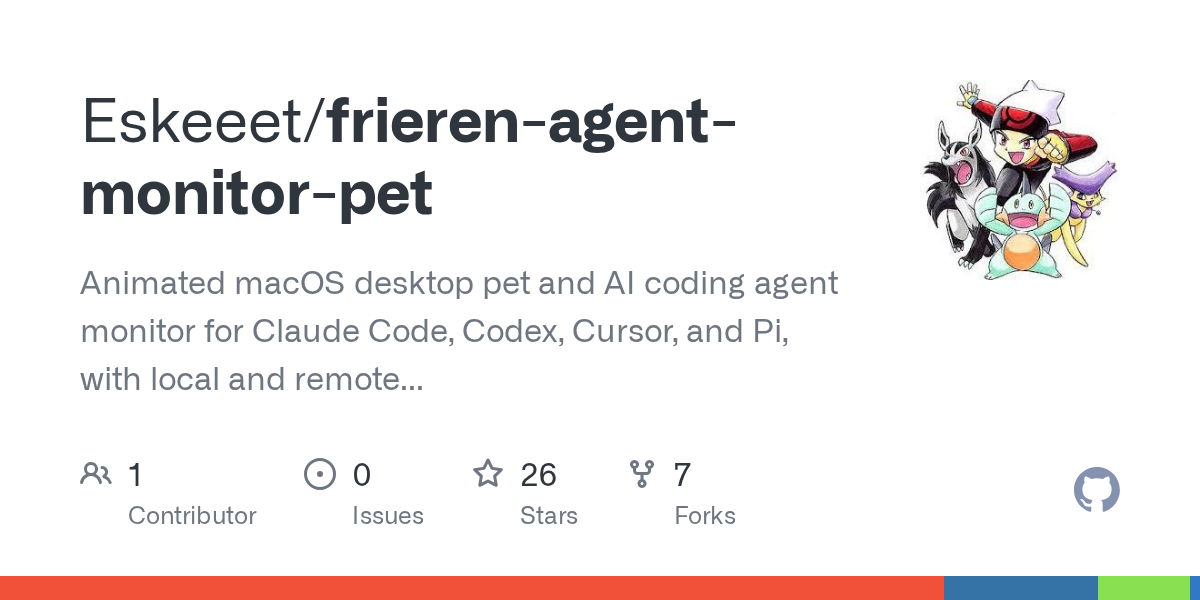

Frieren Agent Monitor Pet — AI skill for Claude Code
Animated macOS desktop pet and AI coding agent monitor for Claude Code, Codex, Cursor, and Pi, with local and remote SSH session tracking.
How to install Frieren Agent Monitor Pet
This entry records only its repository, not the path inside it, so there is no
exact command to give. Open Eskeeet/frieren-agent-monitor-pet and copy the folder into
~/.claude/skills/, or the file into ~/.claude/agents/.
What Frieren Agent Monitor Pet does
Animated macOS desktop pet and AI coding agent monitor for Claude Code, Codex, Cursor, and Pi, with local and remote SSH session tracking.
Alternatives in AI
- Peekaboo — Peekaboo is a macOS CLI & optional MCP server that enables AI agents to capture screenshots of applications, o 3.2k ★
- Token Monitor — Local-first desktop widget for tracking token usage, costs, and limits across 32+ AI coding tools—including Cl 1.8k ★
- Open Science — Open Science Desktop — local-first, model-agnostic AI research workbench for macOS, Windows & Linux 1.5k ★
README
Frieren Agent Monitor — macOS Desktop Pet
An open-source **AI coding agent monitor and desktop pet for macOS**, with support for **Claude Code, OpenAI Codex, Cursor, and Pi**. Keep track of running agents, requests for input, and completed tasks through an animated Frieren companion on your desktop.
Frieren floats above your windows without a dashboard frame. Use her as a local agent session monitor or track coding agents on remote machines over SSH.
Choose Frieren or a waifu of your choice with support for custom pet characters.


Image source: Codex Pet Database — Frieren
Features
- Monitor multiple coding agents: see Claude Code, Codex, Cursor, and Pi sessions in one place, with running, waiting, recently finished, and idle states.
- Animated desktop pet: Frieren sleeps, walks, and celebrates as your agents work. Click to interact or drag her to a different spot on your desktop.
- Agent status alerts: an orange alert shows when an agent needs input; a jump and green halo signal completion. Notification bubbles surface both.
- Remote agent monitoring over SSH: watch sessions on Linux or macOS hosts using your existing SSH configuration.
- Session shortcuts: click a local session to focus its app or open its project, or click a remote session to open an SSH connection.
- Custom pet characters: import your own artwork and switch characters from the right-click menu.
- Local data: session data stays on your Mac and explicitly configured SSH hosts, with no external monitoring service.
Latest updates
- Pi support: monitor Pi sessions
Related Skills

Reflex Cu
Computer-use MCP server for coding agents: local macOS, local Windows, or remote Windows over SSH, with a fast


Lattice Term
跨平台 AI CLI 與遠端連線桌面工作區|Run Codex, Claude Code and other local agents alongside SSH, SFTP, RDP, VNC and encrypte


Subctl Buddy
ESP32 desk-side hardware companion for subctl — animated pet + live dashboard for your AI subscription orchest


Agentpet
A desktop pet for macOS & Windows that monitors your AI coding agents (Claude Code, Codex, Cursor, Gemini...)


Clawdi
A native macOS desktop pet and agent companion that tracks Claude Code, Cursor, and other AI agents in real-ti

Herdly
macOS desktop app for the herdr terminal multiplexer: manage Claude Code, pi and other AI coding agents across

Related Agents
Remote Ops
Runs and monitors commands on remote hosts through configured SSH aliases and tmux sessions. Does not edit loc


Ade
Agent sessions routinely outlast the machine that started them, and checking a Claude Code or Codex run from a


Abtop
AI agent monitor for your terminal. Like btop++, but for AI coding agents. Supports Claude Code and Codex CLI.
