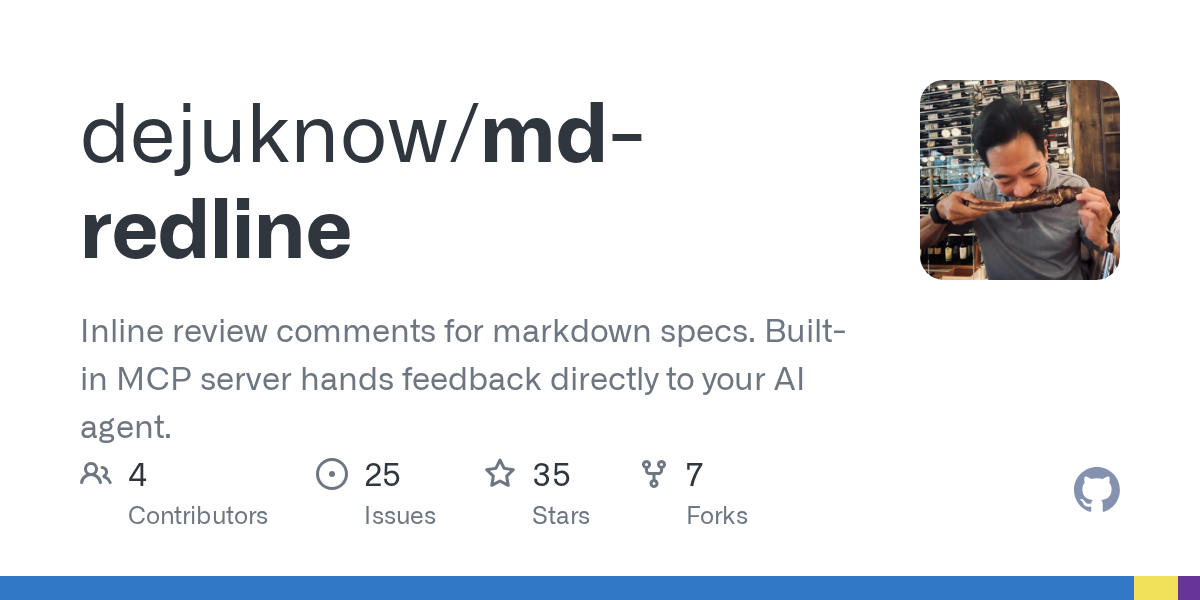

Md Redline — AI skill for Claude Code
Inline review comments for markdown specs.
How to install Md Redline
This entry records only its repository, not the path inside it, so there is no
exact command to give. Open dejuknow/md-redline and copy the folder into
~/.claude/skills/, or the file into ~/.claude/agents/.
What Md Redline does
Inline review comments for markdown specs. Built-in MCP server hands feedback directly to your AI agent.
Alternatives in AI
- Phantom — An AI co-worker with its own computer 1.3k ★
- Wenyan MCP — 文颜 MCP Server 可以让 AI 自动将 Markdown 文章排版后发布至微信公众号 1.2k ★
- UnrealClaude — Claude Code CLI integration for Unreal Engine 5.7 - Get AI coding assistance with built-in UE5.7 documentation 524 ★
README
 md-redline
[](https://www.npmjs.com/package/md-redline)
Inline review comments for markdown specs, prompts, and design docs.
Highlight text in a rendered document, leave comments, and your AI agent can read and address them directly. Comments are stored as invisible HTML markers in the `.md` file itself. No sidecar files, no database, no external service. The markdown file stays the source of truth.
With the built-in MCP server, review runs in both directions. Your agent can request your review mid-task and pause until you send your feedback, or review a doc you wrote and leave anchored comments for you. Either way: no copy-paste, no context switching.
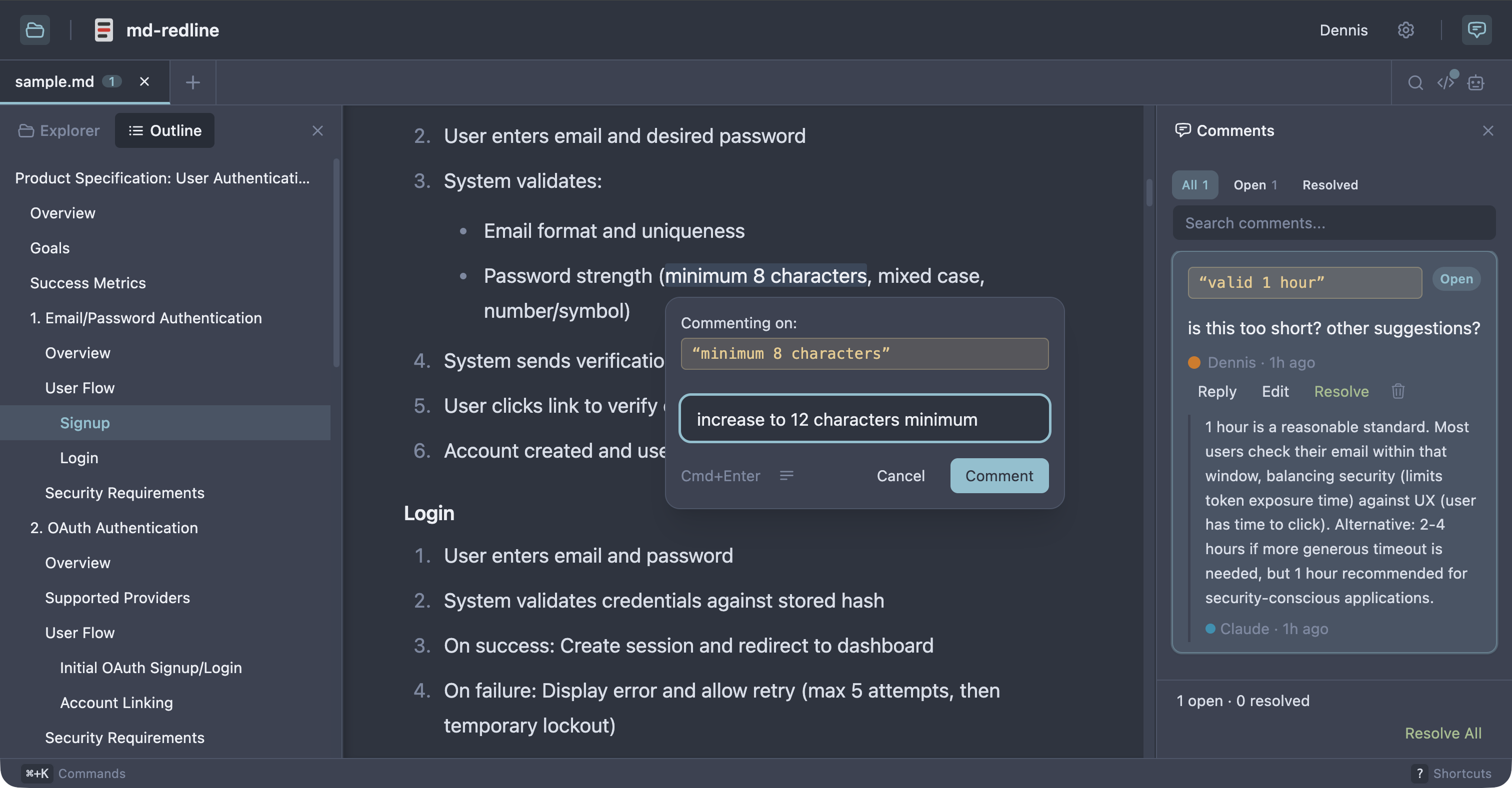
**See the full review workflow in 30 seconds:**
https://github.com/user-attachments/assets/3a2bf20a-d4a0-403c-b023-e877130fd959
Works with [Claude Code](https://claude.com/claude-code), Claude Desktop, [Codex CLI](https://github.com/openai/codex), [Gemini CLI](https://github.com/google-gemini/gemini-cli), and any other MCP client that supports stdio servers. As Sean Grove argues in [specs are the new code](https://www.youtube.com/watch?v=8rABwKRsec4), specs are becoming the primary unit of work in agentic development. `mdr` gives that workflow review tooling closer to code review.
Quick start
Prerequisite: Node 20 or newer.
npx md-redline /path/to/spec.mdThis starts the local app if needed and opens it in your browser.
Or install globally:
npm install -g md-redline
mdr /path/to/spec.md        # Open a file
mdr /path/to/dir             # Open a directory
mdr --stop                   # Stop the running server
`md-redline` also works as an alias for `mdr`.
That gives you the viewer and commenting. The agent integration (reviews in both directions, anchored qu
Related Skills
Wishes.Nvim
A Neovim plugin for annotating code with review feedback that any AI coding agent can read and act upon. Inlin

PR Review Assistant
Localhost PR review assistant with AI summaries, inline comments, and Monaco diff viewer (GitHub / VS Code / I

Gh PR Review
GitHub CLI extension that adds full inline PR review comment support — view, navigate, reply to, and resolve r


Multipov Plan
Run a multi-agent design-doc review on $ARGUMENTS (path to a markdown design doc, typically docs/plans/YYYY-MM

Code Agent
An AI Agent that operates on GitHub Actions. By using this action, you can directly invoke Coding Agent CLI fr

Hn MCP
Hacker News MCP server for Claude Desktop & AI assistants. Browse HN stories, search posts, read comments, ana

Related Agents

Local Writer
Use for high-token repetitive writing (docstrings, inline code comments, Markdown documentation, CHANGELOG/REA


Denniston
PR feedback digest agent. Invoke with structured PR data (reviews, inline comments, CI status, commit history)


LLM MCP
Engineer of redbar's AI surface — the MCP server, the handoff that hands the gap to the agent to write the tes
