

Pvisor — Development skill for Claude Code
Run a coding agent in a staged workspace, review its file changes, and apply only what you keep.
How to install Pvisor
This entry records only its repository, not the path inside it, so there is no
exact command to give. Open DeepLink-org/pvisor and copy the folder into
~/.claude/skills/, or the file into ~/.claude/agents/.
What Pvisor does
Run a coding agent in a staged workspace, review its file changes, and apply only what you keep.
Alternatives in Development
- Epic Review — Mark epic review requested, approved, or changes requested 243.5k ★
- Stop Review Gate — You are reviewing uncommitted changes before the author finishes their turn 664 ★
- Devteam — Run a team of local coding agents in your terminal 264 ★
README
 PolicyVisor (pVisor)
Run a coding agent in a staged workspace, review its changes, and apply only the paths you keep.
运行 Agent,改动先进入暂存区,审查后再决定哪些写入工作区。
[](https://github.com/DeepLink-org/pvisor/actions/workflows/ci.yml) [](https://deeplink-org.github.io/pvisor/) [](https://github.com/DeepLink-org/pvisor/blob/main/LICENSE)
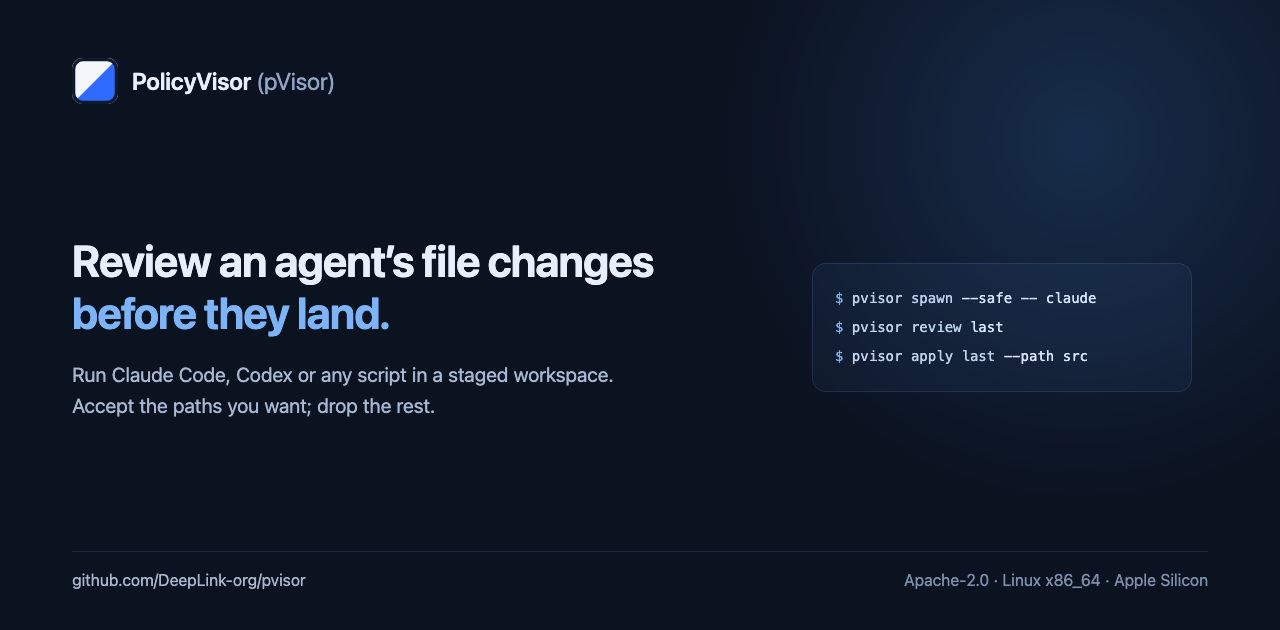
pVisor runs your existing Agent CLI, a script or an automation command. With staging enabled the agent edits a copy-on-write view, so your working tree stays unchanged until you apply a change. `apply` takes the paths you name and checks the recorded preimage first, so it refuses a file that changed underneath it. Every Job also writes a Run Bundle with the command, the effective policy, the file changes, and which controls actually installed.
The basic workflow needs no Agent SDK and no model account.
Run one Job
pip install pvisor-sandbox
cd your-project

pvisor spawn --safe -- claude      # your Agent CLI, or any script
pvisor review last                 # read the staged changes
pvisor apply last --path src       # keep src/
pvisor drop last                   # discard whatever you left staged
Replace `claude` with your Agent CLI or script. `--safe` requests the safety preset and refuses an executor that cannot provide isolation and staging. `last` resolves the latest Job registered for the current workspace; add `--diff` to print a unified diff beside the classified change list. With `-
Related Skills
Stvena
Your coding agent. Your changes. One terminal. A live review workspace for Codex and Claude Code, built in Go.


Play Store Kit
Claude Code skill: take an Android app to Google Play and keep it there. Pre-check, App Bundle upload, review,

Agent Ledger
A local workspace to understand coding-agent usage, recover past decisions, and keep useful project context. P

Tessera
Keep your coding agents in view and your terminals within reach. Tessera brings Claude Code and Codex sessions


Dream Apply
Validate a dream artifact, review each proposal, and apply only individually accepted changes.


All Recommendations
Launch a team of implementation agents to apply ALL recommended changes from the most recent review — every se

Related Agents

Cs Patch Generator
description: Implements the fix for one finding inside a scratch workspace clone, staged for review and delive

Zettelkasten Linker
Use this agent to comprehensively analyze the workspace markdown files for quality and connections. This agent


Router Tooling Engineer
Writes and tests tooling code plus its unittest suites and README/docs under ~/.claude/router/ (state.sh, swit
