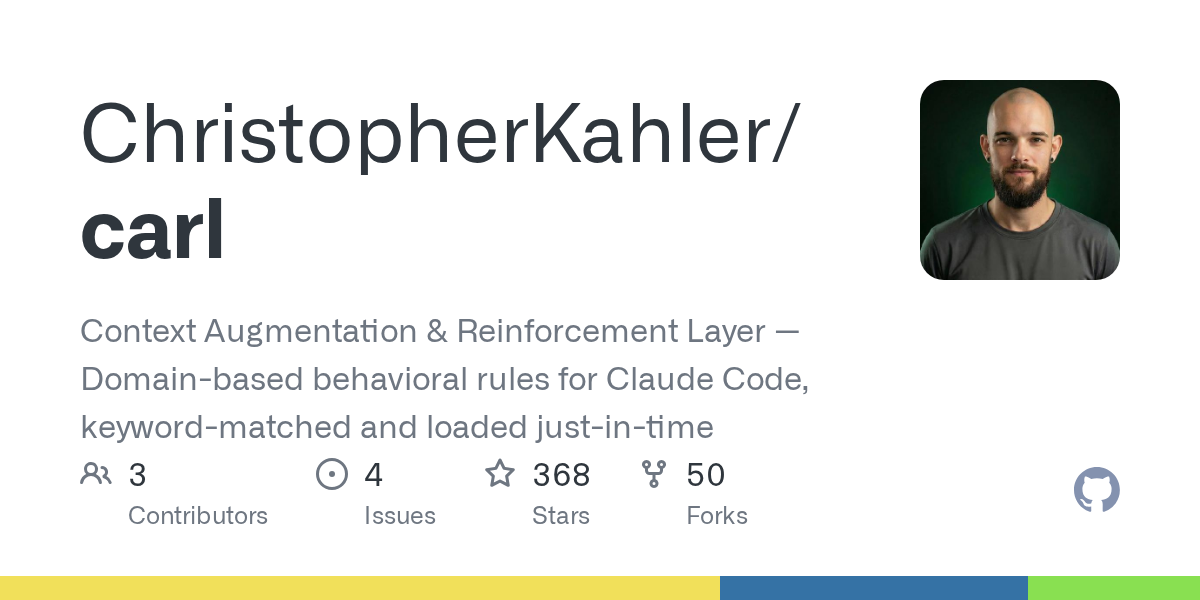

Carl — Productivity skill for Claude Code
Context Augmentation & Reinforcement Layer — Domain-based behavioral rules for Claude Code, keyword-matched and loaded just-in-time.
How to install Carl
This entry records only its repository, not the path inside it, so there is no
exact command to give. Open ChristopherKahler/carl and copy the folder into
~/.claude/skills/, or the file into ~/.claude/agents/.
What Carl does
Context Augmentation & Reinforcement Layer — Domain-based behavioral rules for Claude Code, keyword-matched and loaded just-in-time.
Alternatives in Productivity
- Claude Hud — A Claude Code plugin that shows what's happening - context usage, active tools, running agents, and todo progr 14k ★
- Skill Context Detection — Auto-detect work context (Dev vs Knowledge) — use to tailor workflows based on current task type 2.8k ★
- Rule2hook — Task: Convert Project Rules to Claude Code Hooks 404 ★
README
CARL
**Context Augmentation & Reinforcement Layer** — Dynamic rules for Claude Code.
[](https://www.npmjs.com/package/carl-core) [](LICENSE) [](https://github.com/ChristopherKahler/carl)
npx carl-core**Works on Mac, Windows, and Linux.**

*"Rules that load when relevant, disappear when not."*
[Why CARL](#why-carl) · [Getting Started](#getting-started) · [How It Works](#how-it-works) · [Core Concepts](#core-concepts) · [MCP Tools](#mcp-tools) · [Migration](#upgrading-from-v1)
Why CARL
Every Claude Code session starts fresh. Your preferences, workflows, and hard-won lessons? Gone. You end up repeating the same instructions:
"Use TypeScript strict mode." "Don't over-engineer." "Run tests after changes."
Static prompts in CLAUDE.md work, but they bloat every session — even when irrelevant. Writing code? You don't need your content creation rules. Debugging? You don't need your planning workflow.
CARL fixes this with **just-in-time rule injection**:
- Rules load when relevant — Mention "fix bug" and your development preferences appear
- Rules disappear when not — Your context stays lean
- Explicit triggers available — Star-commands (
*commandname) for on-demand modes
The result: Claude remembers how you work without wasting context on rules you don't need right now.
Who This Is For
**Claude Code users** who want persistent preferences without bloated prompts.
You've figured out what works for you — coding style, response format, workflow patterns. CARL makes those preferences stick:
- Define rules once, us
Related Skills
Fill
Interview me through every TODO(fill) in the org context templates, one question at a time with a recommended


Redev
dev workflow, context-light invocation — same task semantics as /dev, but assumes the /dev workflow instructio

Consolidate Memory
Sleep-time memory consolidation for Claude Code agents, with a cross-project shared-consciousness layer.


Claude Router Init
A one-time setup wizard that scaffolds a modular CLAUDE.md router and domain-specific skill files from scratch


Rlm Query
Run a query against loaded RLM content using the full RLM workflow

Dd Catalog
Search the canonical atomic task catalog by keyword, role prefix or deliverable and return matching task IDs w

Related Agents

Domain Logic Auditor
Independently validate specialized domain logic and critical calculations against intended rules, invariants,

Domain Agent
Creates domain layer artifacts for a NestJS bounded context — entities (AggregateRoot), value objects, domain

Arch Context Architect
Designs the context management layer for a new plugin — CLAUDE.md, memory tiers, scratchpad schemas, read-dept
