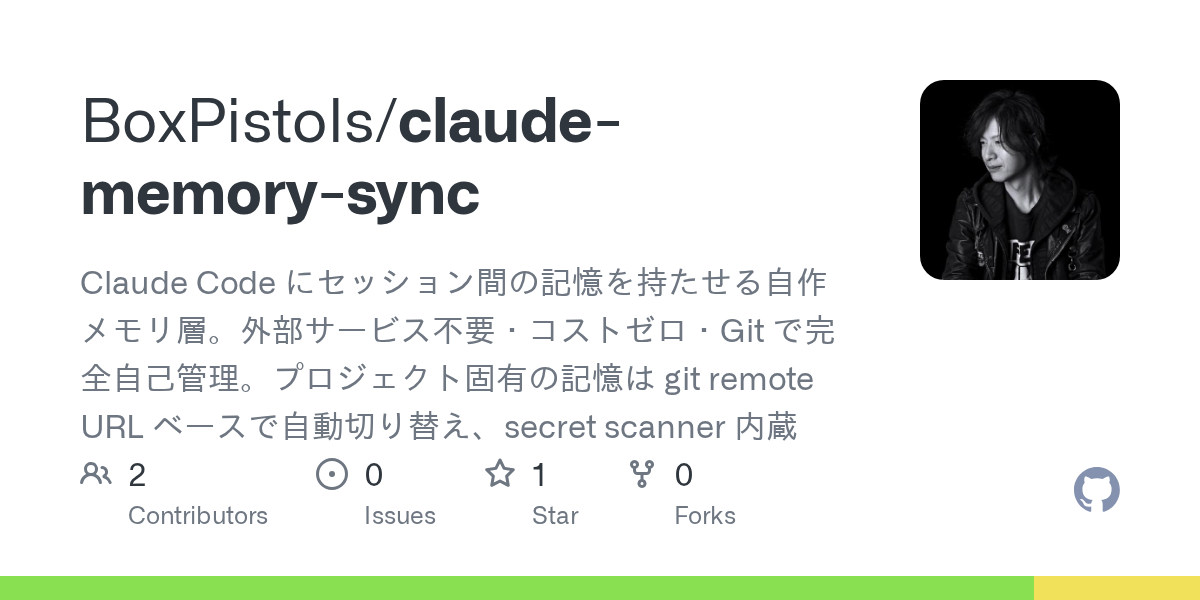

Claude Memory Sync — Git skill for Claude Code
Claude Code にセッション間の記憶を持たせる自作メモリ層.
How to install Claude Memory Sync
This entry records only its repository, not the path inside it, so there is no
exact command to give. Open BoxPistols/claude-memory-sync and copy the folder into
~/.claude/skills/, or the file into ~/.claude/agents/.
What Claude Memory Sync does
Claude Code にセッション間の記憶を持たせる自作メモリ層。外部サービス不要・コストゼロ・Git で完全自己管理。プロジェクト固有の記憶は git remote URL ベースで自動切り替え、secret scanner 内蔵
Alternatives in Git
- Git MCP — GitHub Repo stars Free open-source remote MCP server for any GitHub project Git integration MCP 7.8k ★
- Codexia — Agent Workstation for Codex CLI + Claude Code — with task scheduler, git worktree & remote control, skills man 638 ★
- Diri — Native macOS orchestrator for coding agents — run Claude Code, Codex, Cursor, Gemini and shells in parallel ac 272 ★
README
claude-memory-sync
Claude Code にセッション間の記憶を持たせる自作メモリ層。**外部サービス不要・コストゼロ・Git で完全自己管理。**
[](https://github.com/BoxPistols/claude-memory-sync/actions/workflows/ci.yml) [](./LICENSE)
TL;DR
毎回 Claude Code に「MUI の sx は px 禁止」「pnpm を使う」などを言い直していませんか? このツールを入れると、そういう方針を `~/.claude-memory/global.md` に書いておくだけで、**次回起動時から Claude Code が自動的に覚えています**。プロジェクトごとの文脈は `repos/{project-key}.md` に分かれて保存され、ディレクトリを移動するだけで切り替わります。
記憶はあなた自身のプライベート Git リポジトリ上にあるので、**外部サービスにソースコードが送信されることは一切ありません**。複数 PC でも `git push/pull` で同期できます。
もくじ
- TL;DR
- 何を解決するか (before / after)
- アーキテクチャ
- 特徴
- Getting Started (5 分)
- 日常の使い方
- 記憶ファイルの書き方
- 注入の仕組み
- 複数 PC 運用
- セキュリティ
- トラブルシューティング
- FAQ
- 環境変数
- アンインストール
- コントリビューション
- License
何を解決するか (before / after)
Before
あなた: 「このコンポーネントに sx で padding 追加して」
Claude: 「sx={{ padding: '16px' }} で追加しました」
あなた: 「いや、px じゃなく spacing 単位で。前も言ったよね」
Claude: 「申し訳ない。sx={{ padding: 2 }} に修正します」

— 翌日 —
あなた: 「この Button に margin 足して」
Claude: 「sx={{ margin: '8px' }} に...」
あなた: 😩
After (claude-memory-sync を入れた後)
# 最初に 1 度だけ書く:
# ~/.claude-memory/global.md
# ## MUI
# - sx の padding/margin は数値のみ (px 禁止、spacing 単位で)

あなた: 「このコンポーネントに sx で padding 追加して」
Claude: 「sx={{ padding: 2 }} で追加しました」

あなた: 😊
Claude Code は毎セッション開始時にこの記憶を自動で読み込みます。指示し直す必要はありません。
アーキテクチャ
┌──────────────────────────────────────────────────────────────┐
│  あなたの Mac                                                 │
│                                                                │
│  ┌──────────────────────┐                                    │
│  │  ~/.claude-memory/   │ ← あなた専用のプライベート
Related Skills

Claudebase
Back up, restore, and sync your Claude Code config (settings, skills, agents, hooks, rules, memory, MCP) to a


Kodus PR Suggestions Resolver
Use when the user wants to fetch, triage, or implement Kodus suggestions for an existing remote pull request v

Setup Remote Editor
Make a worktree's branch link open in VS Code over Remote-SSH (writes env.CC_STATUSLINE_DIR_URL into user or p


Mem Config
Configure git remote + branch + token for ~/.gowth-mem/ sync. Writes ~/.gowth-mem/config.json (gitignored). To

Kg Sync
Sync the project's decision log with the team remote (S3 supported, git experimental) and rebuild the graph.


Alamo Hub
turn a learning goal into a runnable course - interactive board, lessons, graded homework, mastery unlocks, sp

Related Agents

Hardcoded Secret Scanner
Scan a trading codebase for credentials that live in code, config committed to git, logs, tests, or documentat

Git Operations Agent
Repository git specialist for branches, remote sync, and conflict resolution via the Agent tool.


Git Sync Agent
Git Sync Auditor. Use this agent to check for uncommitted differences and remote drift before risky operations
