
Free Claude AI Image Generator — AI skill for Claude Code
Give Claude the ability to generate images for free via muapi's MCP server — Claude has no native image model, this wires one in.
How to install Free Claude AI Image Generator
This entry records only its repository, not the path inside it, so there is no
exact command to give. Open Anil-matcha/free-claude-ai-image-generator and copy the folder into
~/.claude/skills/, or the file into ~/.claude/agents/.
What Free Claude AI Image Generator does
Give Claude the ability to generate images for free via muapi's MCP server — Claude has no native image model, this wires one in.
Alternatives in AI
- Generative Media Skills — Multi-modal Generative Media Skills for AI Agents (Claude Code, Cursor, Gemini CLI) 3k ★
- Octocode — Structural code intelligence for AI agents — semantic search, knowledge graphs, and a built-in MCP server in o 464 ★
- Image Use — Use your ChatGPT subscription to generate images from the command line — no OPENAI_API_KEY, no gateway, no dae 373 ★
README
Free Claude AI Image Generator
Claude has no built-in image-generation model — ask it to draw something and it will tell you so. This repo shows how to give Claude that ability for free, using [muapi](https://muapi.ai)'s MCP server as the missing tool: a single API key, one `claude mcp add` command, and Claude can call 500+ image/video/audio models on your behalf, including GPT Image 2, Nano Banana Pro, and Z-Image Turbo.
Sandbox API keys are free and instant (mock output, no credit card) so you can wire everything up and test the flow before spending anything on a real generation.
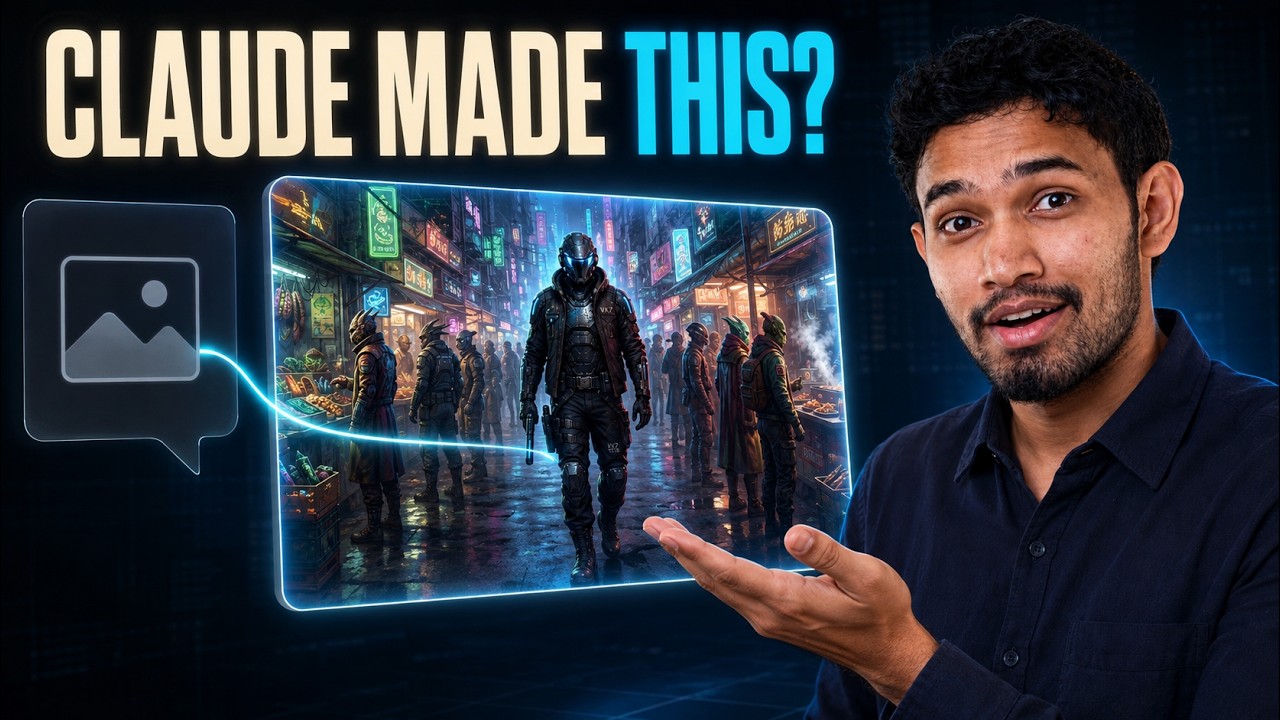
▶ Watch: Free Claude AI Image Generator (via MCP) — Full Tutorial
Related Projects
- Open-Generative-AI — self-hosted, unrestricted image/video generation studio (600+ models) if you want a full app instead of MCP tool calls from Claude
- Awesome-GPT-Image-2-API-Prompts — prompt library for GPT Image 2, the model used in this repo's reference-sheet example
- n8n-nodes-muapi — same underlying API as no-code n8n nodes, if you want automation without an agent in the loop
Quick start
# 1. Install the CLI (npm or pip, no separate download needed)
npm install -g muapi-cli
# or: pip install muapi-cli

# 2. Create an account and API key
muapi auth register --email you@example.com --password "..."
muapi auth verify --email you@example.com --otp 123456
muapi auth login --email you@example.com --password "..."

# 3. Register muapi as an MCP server for Claude Code
claude mcp add muapi -e MUAPI_API_KEY=YOUR_MUAPI_KEY -- muapi mcp serve

# 4. Start a new Claude Code session, then verify it's connected
cla
Related Skills

Free Claude AI Video Generator
Give Claude video generation through Muapi MCP — setup, model guidance, and API examples
Muapi Cursor Plugin
Cursor plugin: generate images, videos, and audio from 500+ AI models via muapi.ai's MCP server

Rustygrep
Fast grep with token-compressed, AI-native output for LLM coding agents. --llm cuts context-window tokens 60-9

Codex Image MCP
Generate images in Claude Code using the ChatGPT subscription you already pay for. An MCP server for OpenAI's

New Node
Scaffold a new BFL FLUX model node — picks the right base class, builds INPUT_TYPES + generate_image, wires NO

GitHub Social Preview AI
AI GitHub social preview / Open Graph (OG) image & repo cover generator — Agent Skill for Claude Code, Cursor,

Related Agents

Nana Image Generator
Use this agent to generate images using the NANA (Nana Banana Pro) image generation model. Handles prompt craf


Image Generator
Generates and edits images using the OpenAI Image API via the bundled CLI (scripts/image_gen.py). Use for conc

Diva MCP Integrator
Wires MCP servers into a Diva agent — external tool servers via MCP.stdio/MCP.http (Python or TypeScript) and
