

Jarvis Dashboard — Data skill for Claude Code
A modular, fully configurable DataviewJS dashboard for Obsidian — monitor Claude Code sessions in real-time, manage AI agent fleets, track 30-day analytics, and boost productivity with focus timer.
How to install Jarvis Dashboard
This entry records only its repository, not the path inside it, so there is no
exact command to give. Open AndrewKochulab/jarvis-dashboard and copy the folder into
~/.claude/skills/, or the file into ~/.claude/agents/.
What Jarvis Dashboard does
A modular, fully configurable DataviewJS dashboard for Obsidian — monitor Claude Code sessions in real-time, manage AI agent fleets, track 30-day analytics, and boost productivity with focus timer, quick capture, and more.
Alternatives in Data
- Claude Code Usage Monitor — by Maciek-roboblog - A real-time terminal-based tool for monitoring Claude Code token usage 7k ★
- Claude Code Memory Setup — Up to 71.5x fewer tokens per session on Claude Code with Obsidian + Graphify 947 ★
- Trading Signal — Monitor on-chain Smart Money buy/sell signals with price, max gain, and exit rate data on Solana and BSC 483 ★
README
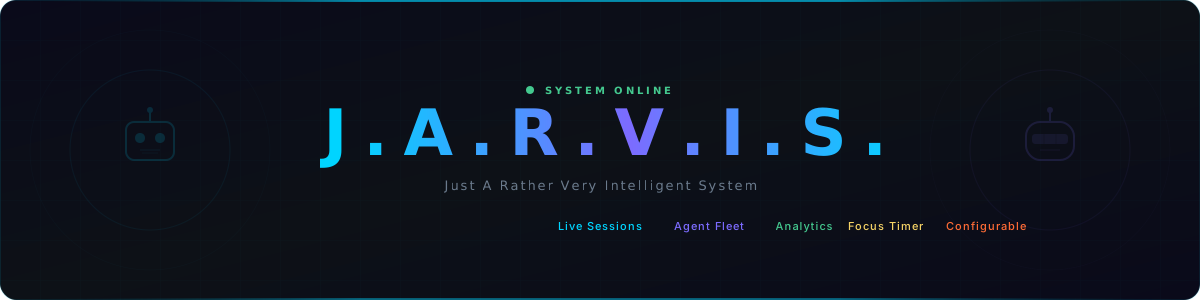
J.A.R.V.I.S. Dashboard
A modular AI command center for monitoring Claude Code sessions, voice interaction, analytics, and productivity — across 4 platforms from a single codebase.
Voice Commands • Live Sessions • Agent Fleet • 30-Day Analytics • Focus Timer • Multi-Platform • Configurable Everything
See it in Action • Quick Start • Platforms • Features • Documentation
Why?
| Problem | Jarvis Solution |
|---|---|
| Claude Code runs headless in a terminal | Real-time session monitoring with Live Sessions widget |
| No usage analytics or cost tracking | 30-day stats: sessions, tokens, cost, model breakdown |
| Voice interaction requires complex setup | One-click voice commands with neural TTS + whisper-cpp STT |
| AI agents are invisible config files | Visual agent fleet with animated robot avatars |
| Scattered productivity tools | Focus timer, quick capture, bookmarks — all in one dashboard |
| Mobile AI access is clunky | Native iOS app with full voice interaction |
| One-size-fits-all dashboard | Fully configurable layout, theme, and widgets via JSON |
See it in Action

| Widget | Preview |
|---|---|
| Voice Command |  |
| Live Sessions |  |
| Agent Cards | <img |
Related Skills

Activitywatch Analysis Skill
Claude Code skill for weekly productivity analysis using ActivityWatch data. Calculates focus scores, detects

VibeLens
Your agent is powerful but it doesn't know you. VibeLens visualizes agent sessions, personalizes your agents,

Tokdash
Agent Dashboard: Visualization and analytics for Sessions and Quota Usage. Track, analyze, and optimize token


Dashboard For Claude Code
A local Claude Code dashboard for personal analytics: track token usage, API-equivalent cost, sessions, tools,

Token Lens
Local-only dashboard for AI coding sessions. Track turns, tokens, and cost across Cursor, Claude Code, and Ope


Vibestats
⚡ Auto-track Claude Code, Codex sessions across all your machines - GitHub heatmap + full analytics dashboard,

Related Agents

Assistant
Personal assistant for task management, productivity tracking, and day-to-day support.


Performance Monitor
Monitor agent execution, track token usage, measure response quality, and optimize workflows


Progress Tracker
PROACTIVELY USE this agent when you need to monitor project progress, analyze sprint performance, track task c
