
DevOrch — Development skill for Claude Code
A terminal-native, multi-provider intelligent assistant that plans, executes, and tracks developer tasks, not just answers prompts, similar to Claude Code and Gemini CLI.
How to install DevOrch
This entry records only its repository, not the path inside it, so there is no
exact command to give. Open Amanbig/DevOrch and copy the folder into
~/.claude/skills/, or the file into ~/.claude/agents/.
What DevOrch does
A terminal-native, multi-provider intelligent assistant that plans, executes, and tracks developer tasks, not just answers prompts, similar to Claude Code and Gemini CLI.
Alternatives in Development
- Claude Autopilot — VS Code/Cursor extension for automating Claude Code tasks with intelligent queuing, batch processing, and auto 218 ★
- Deep Research Agent — An Agentic Deep Research Assistant similar to Gemini and OpenAI Deep Research 141 ★
- Peerbridge MCP — Provider-native adapter and governance layer for auditable multi-agent coding, review, evidence, and release w 136 ★
README
DevOrch
A multi-provider AI coding assistant CLI — like Claude Code and Gemini CLI, but open source.




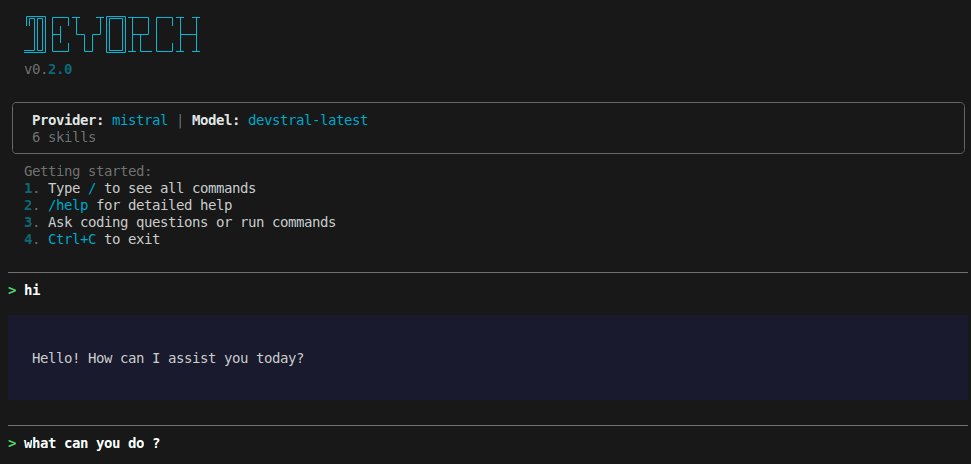
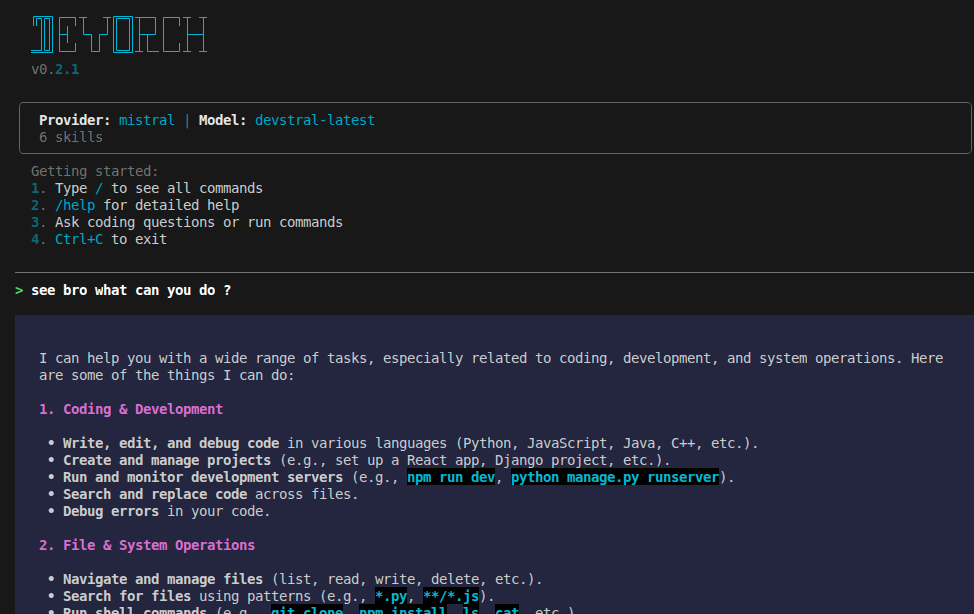
DevOrch gives you a coding assistant in your terminal that can execute shell commands, edit files, search your codebase, manage terminal sessions, and remember context across conversations — powered by any of 13+ AI providers or your own local models.
Screenshots
| Startup | Chat |
|---|---|
 |
 |
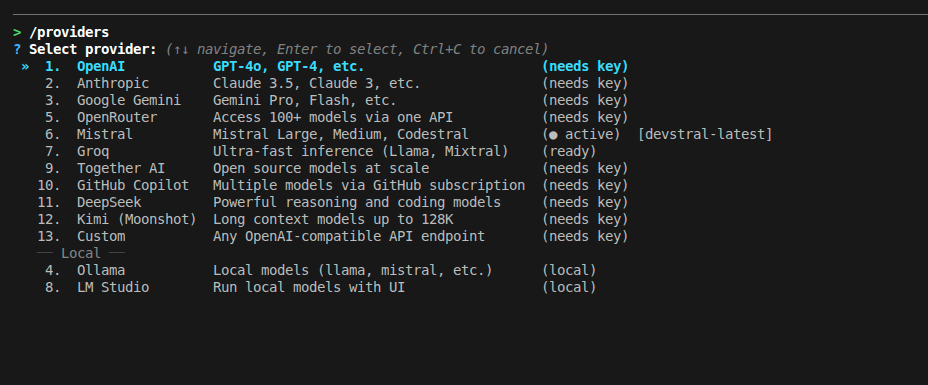
| Provider Selection | Model Selection |
|---|---|
 |
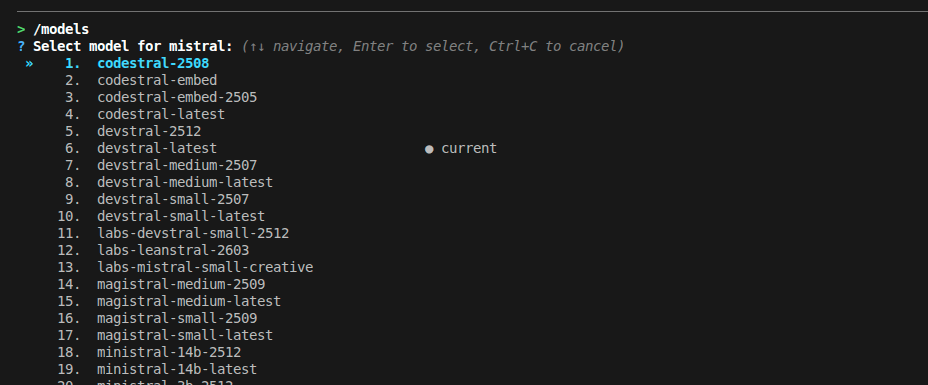 |
| Tool Execution | Terminal Session |
|---|---|
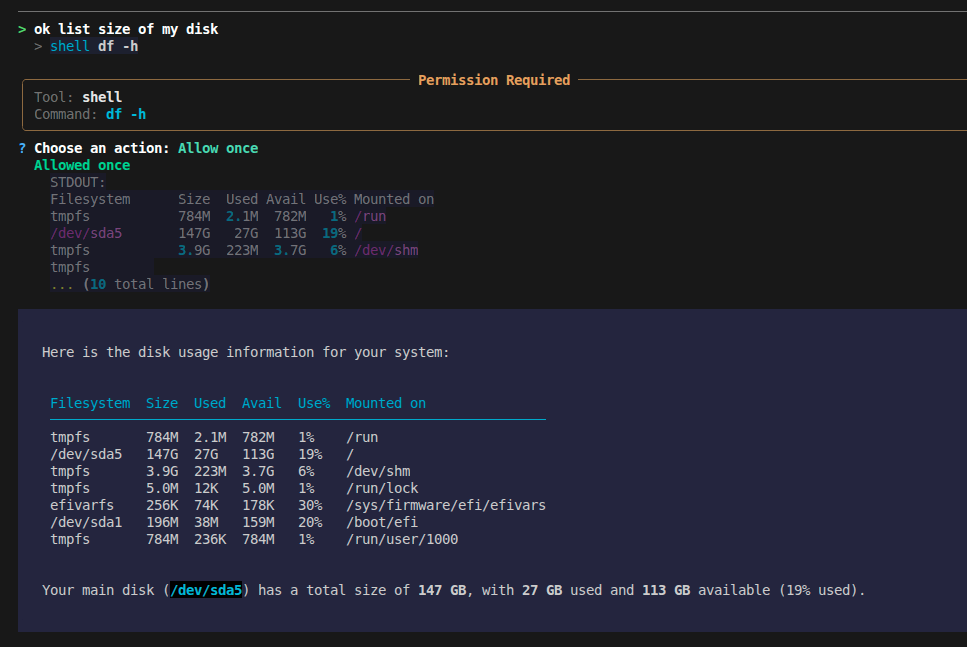 |
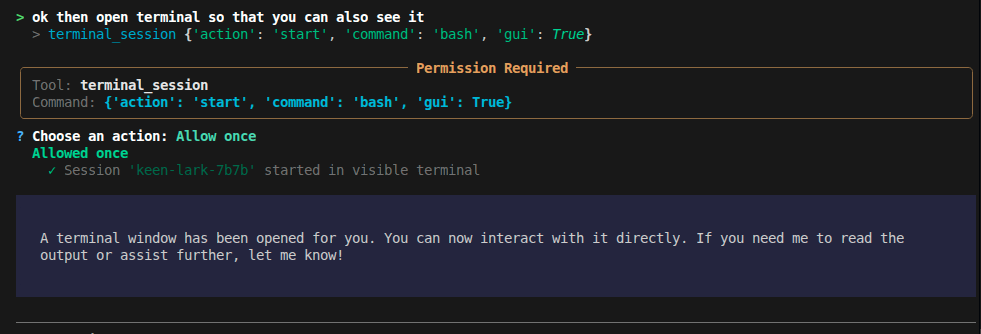 |
Why DevOrch?
- Provider freedom — Switch between OpenAI, Anthropic, Gemini, Mistral, Groq, and 8 more providers (including local models) with a single command. No vendor lock-in.
- Actually does things — Runs shell commands,
Related Skills
Executing Plans
Use when partner provides a complete implementation plan to execute in controlled batches with review checkpoi

School Coursework Assistant
Run the coursework subagent: scan a course for pending work, then build study guides, draft HW/quiz answers, a

Learning With Claude
Turns Claude Code into a learning loop: quizzes you on your own diffs, tracks weak spots per developer.


Mythos Harness
A finish-first agent loop for Claude Opus 4.7 — plans, executes, verifies, and ships.

Claude Codex Orchestrator
Claude plans & verifies, Codex executes — an orchestrator/executor split for Claude Code.

Claude Pc Commands
Claude Code marketplace: /pc + /pcq (Claude plans + orchestrates, Codex executes)

Related Agents

Agent Of Empires
Claude Code, OpenCode, Mistral Vibe, Codex CLI, Gemini CLI Coding Agent Terminal Session manager via tmux and


Agy Reviewer
Cross-family review by Gemini via the agy CLI, for a genuinely different-provider perspective on a diff, desig

School Coursework Assistant
Manually invoked assistant that scans a course's materials (syllabus, lecture transcripts, slides, prompts) fo