
AI Native Design Framework — Testing skill for Claude Code
Make generic UI look consistent.
How to install AI Native Design Framework
This entry records only its repository, not the path inside it, so there is no
exact command to give. Open 0design/ai-native-design-framework and copy the folder into
~/.claude/skills/, or the file into ~/.claude/agents/.
What AI Native Design Framework does
Make generic UI look consistent. No hardcoding, no ignoring your design system. Spec for AI-native design systems: tokens, slots and rules agents can discover and validate via MCP (coming in v2).
Alternatives in Testing
- Agent Skills Spec — A skill is a folder of instructions, scripts, and resources that agents can discover and load dynamically to p 1.9k ★
- Claude Codepro — by Max Ritter - Professional development environment for Claude Code with spec-driven workflow, TDD enforcemen 1.6k ★
- Web Design — A Claude Code SKILL for designing beautiful, consistent web pages — spec first, code second 686 ★
README
"You’re absolutely right, I ignored your design system and hardcoded UI. Again."
— Your AI-Agent
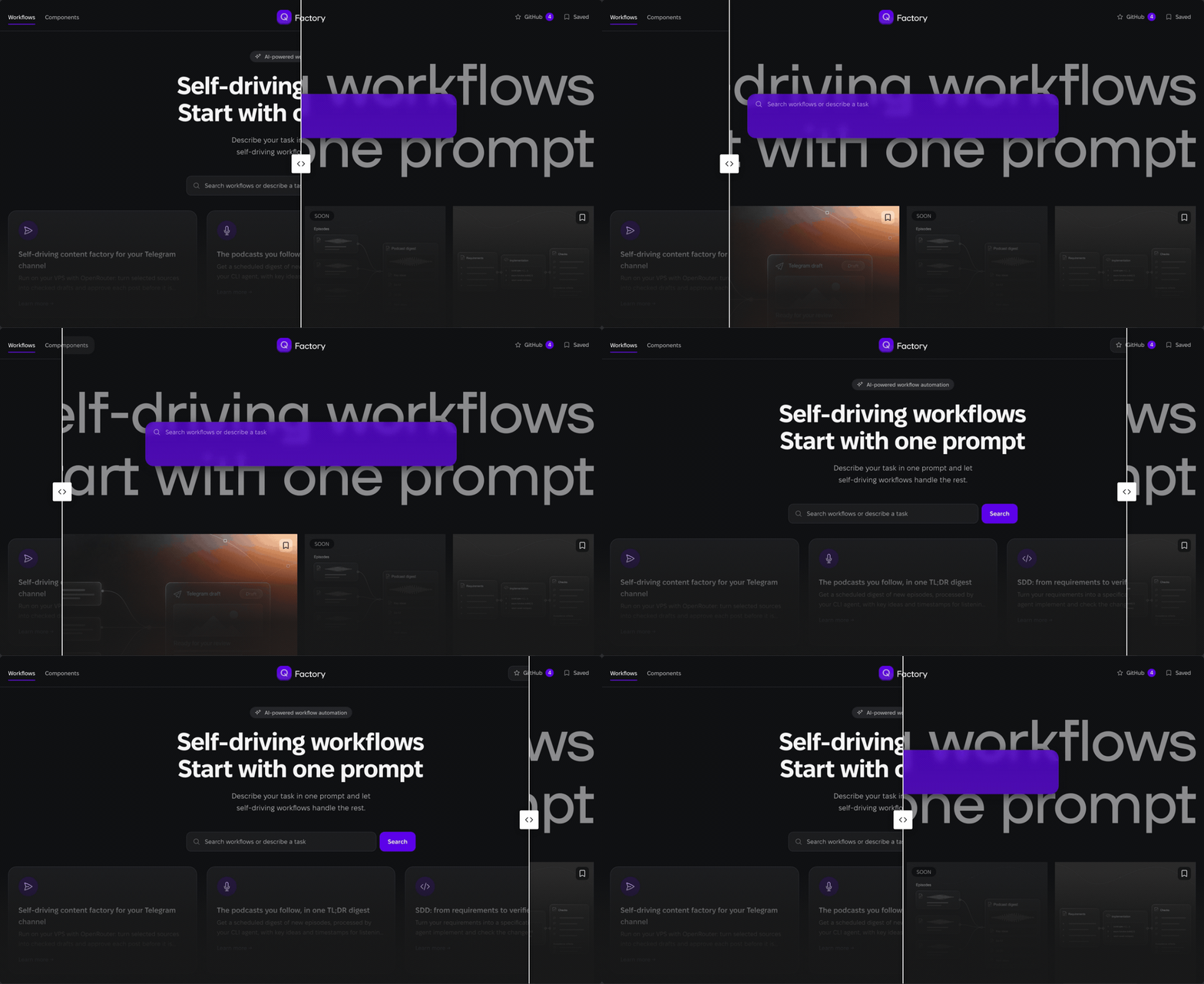
Get started
Add AINDF to my design system and this project. AINDF is at https://github.com/0design/ai-native-design-framework; version 0.2 runs from a clone. Clone it to `` (an absolute path). In my design system's folder, write my design system down like `examples/demo-ds`: the seven 0.2 sources (`tokens`, `taxonomy`, `slots`, `applicability`, `presets`, `components`, `bindings`) plus `aindf.config.json`, which lists them (schemas: 0.1 in `schemas/`, 0.2 in `packages/aindf-kit/schema/0.2`). From that folder run `node /packages/aindf-kit/src/cli.mjs check aindf.config.json` until it passes, then `node /packages/aindf-kit/src/cli.mjs bundle aindf.config.json --out aindf.bundle.json`. Connect the bundle to your agent's MCP settings; in Claude Code run `claude mcp add aindf -- node /packages/aindf-kit/src/cli.mjs mcp /aindf.bundle.json` (or start Claude Code with `--plugin-dir /plugin` and set its bundle path); any other agent runs the same `node … mcp …` command as a stdio server in its MCP settings. From then on, write screens only as screen configs pinned to that bundle: look up components, slots, modifiers and presets, and call `validate-screen` until it passes. Never hardcode a value my design system does not have; when someth
Related Skills
React Feature Kit
Spec-driven development for React: turn requirements into specifications, architecture plans, implementation,

Propagate
Use after editing an upstream doc (PRD/SRS/tech-design/feature-spec) to propagate changes downstream and keep


Gsd AI Integration Phase
Generate an AI-SPEC.md design contract for phases that involve building AI systems.

Create Design Md
Use when the user asks to create a DESIGN.md, scaffold a design system spec for AI coding agents, add YAML des


Diff Spec
Diff a product's built UI against its DESIGN_SPEC.md — catches drift (tokens missing from CSS, surfaces named

Kb Validate
Validate a ckb.json against the CKB spec (JSON Schema + semantic rules R1–R7) and report freshness and report

Related Agents
Design System Curator
Curates design tokens (color/type/space/radius/motion), component specs (props/states/a11y/content slots), and

Prose Writer
Writes the prose slots of a proudhuman story from beats.json under the prose rules. Sees only the beats, the s


Design Md Consumer
Load when the user's project ships a design contract — a .design file (schema design.v1) or a DESIGN.md (the G
